<?xml version="1.0" encoding="utf-8"?>
<feed xmlns="http://www.w3.org/2005/Atom">
  <title>Digital Garage — Tool Versions</title>
  <subtitle>Digital Garage tool versions</subtitle>
  <link href="https://www.timhilton.xyz/feeds/tool-versions.xml" rel="self"/>
  <link href="https://www.timhilton.xyz/tools/"/>
  
  <updated>2026-05-21T00:00:00Z</updated>
  
  <id>https://www.timhilton.xyz/feeds/tool-versions.xml</id>
  <author>
    <name>Tim Hilton</name>
  </author>
  
  <entry>
    <title>Annotation Creator 1.0.0</title>
    <link href="https://www.timhilton.xyz/tools/annotation-creator/1.0.0/"/>
    <id>https://www.timhilton.xyz/tools/annotation-creator/1.0.0/</id>
    <updated>2026-05-21T00:00:00Z</updated>
    
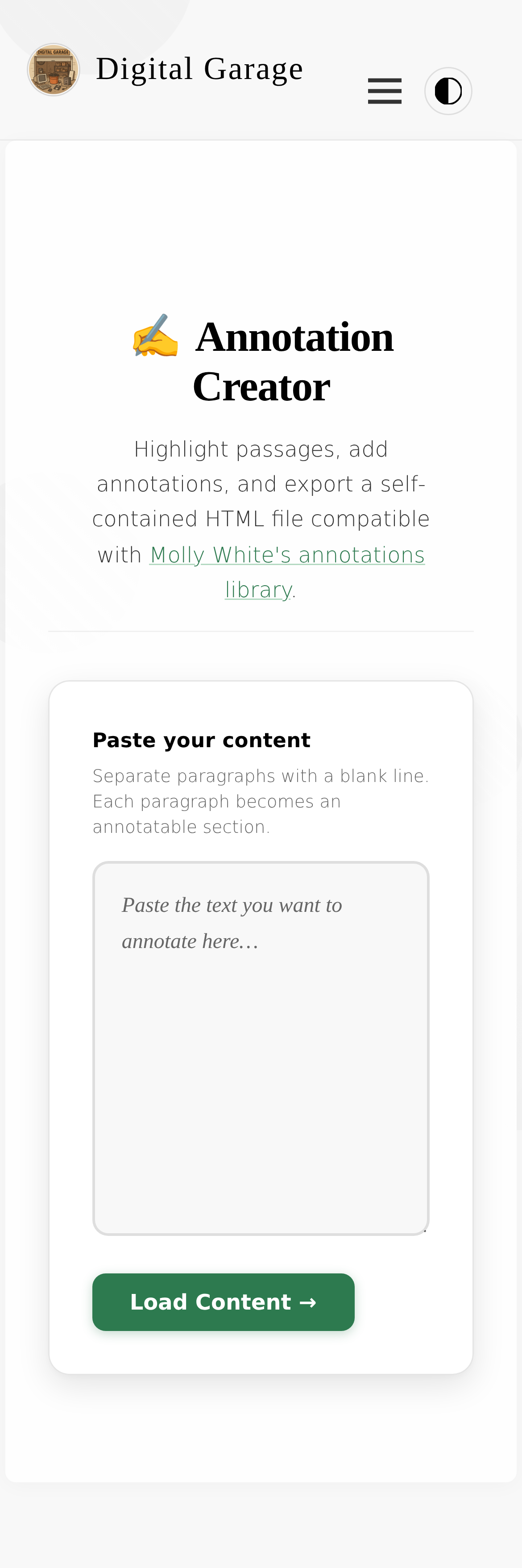
    <summary>- Paste any text and highlight passages to add annotations. - Live preview panel shows the finished document with authentic Molly White annotation styling. - One-click copy or download of the complete, self-contained HTML output. - Works on both desktop and mobile.</summary>
    
    
    <content type="html">
      <![CDATA[
      
      <p><strong>About Annotation Creator</strong></p>
      <p>Paste any text, highlight passages to annotate, and export a self-contained HTML file compatible with <a href="https://github.com/molly/annotate">Molly White's annotations library</a>. Annotations appear as side-by-side marginalia with interactive highlighting.</p>


      <p><strong>Version description</strong></p>
      <ul>
<li>Paste any text and highlight passages to add annotations.</li>
<li>Live preview panel shows the finished document with authentic Molly White annotation styling.</li>
<li>One-click copy or download of the complete, self-contained HTML output.</li>
<li>Works on both desktop and mobile.</li>
</ul>

      <p><a href="https://www.timhilton.xyz/tools/annotation-creator/CHANGELOG/#100---2026-05-21">View changelog entry</a></p>
      
      
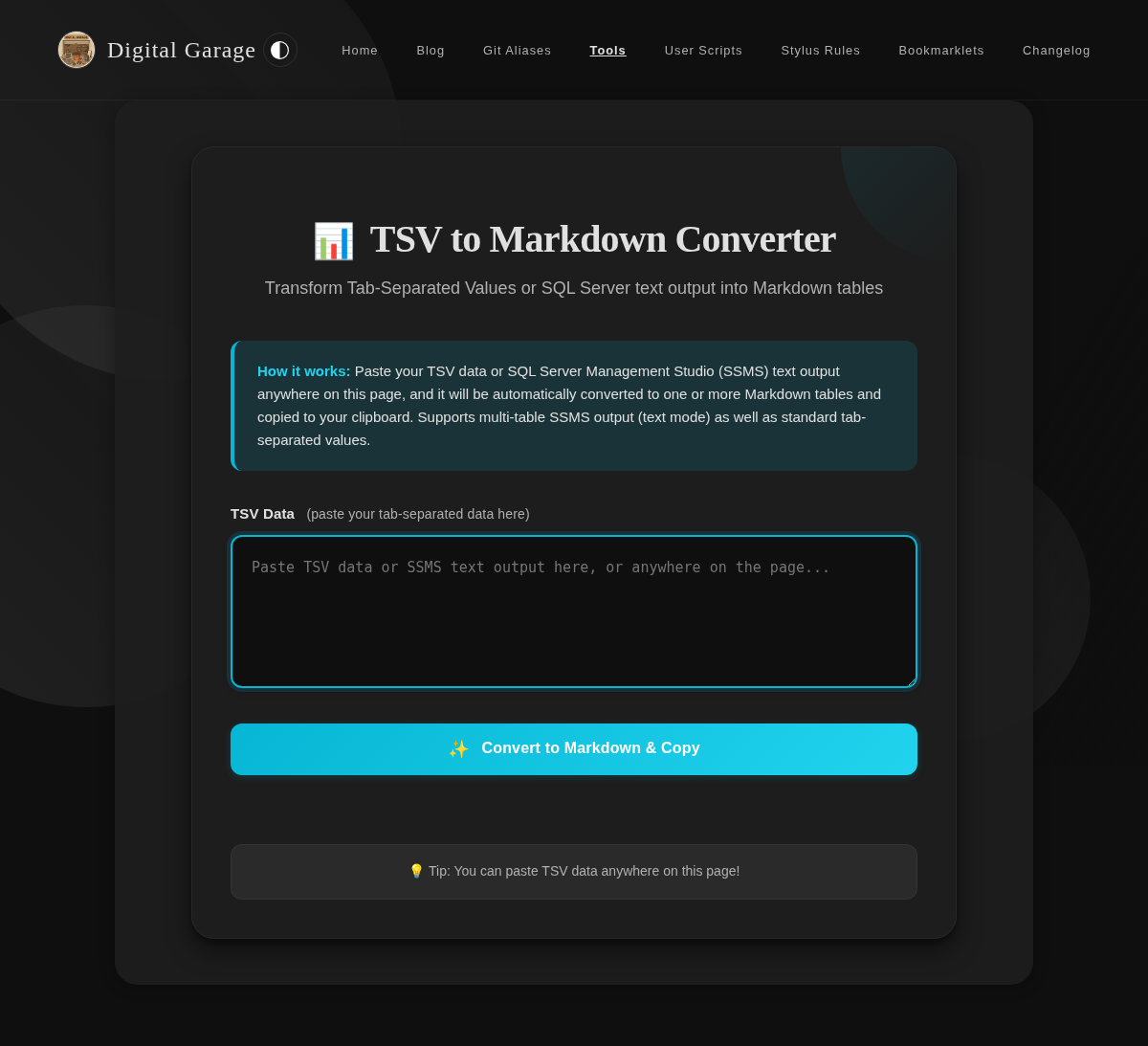
      <p><strong>Screenshot</strong></p>
      <p><img src="https://www.timhilton.xyz/tools/annotation-creator/1.0.0/screenshot-mobile.png" alt="Screenshot of Annotation Creator 1.0.0 on mobile"></p>
      ]]>
    </content>
    
  </entry>
  
  <entry>
    <title>Nikado List Opener 1.0.0</title>
    <link href="https://www.timhilton.xyz/tools/nikado-list-opener/1.0.0/"/>
    <id>https://www.timhilton.xyz/tools/nikado-list-opener/1.0.0/</id>
    <updated>2026-05-20T00:00:00Z</updated>
    
    <summary>- Parses markdown bullet lists, numbered lists, task lists (with completion state), and plain text then opens [nikado.app](https://nikado.app/) in a new tab with the encoded graph loaded.</summary>
    
    
    <content type="html">
      <![CDATA[
      
      <p><strong>About Nikado List Opener</strong></p>
      <p>Open a markdown list (bullet, numbered, task, or plain text) directly in nikado.app as a Mikado graph. Paste your list, press the button, and the tool encodes and opens it for you.</p>


      <p><strong>Version description</strong></p>
      <ul>
<li>Parses markdown bullet lists, numbered lists, task lists (with completion state), and plain text then opens <a href="https://nikado.app/">nikado.app</a> in a new tab with the encoded graph loaded.</li>
</ul>

      <p><a href="https://www.timhilton.xyz/tools/nikado-list-opener/CHANGELOG/#100---2026-05-20">View changelog entry</a></p>
      
      ]]>
    </content>
    
  </entry>
  
  <entry>
    <title>5BX Tracker 1.0.1</title>
    <link href="https://www.timhilton.xyz/tools/5bx-tracker/1.0.1/"/>
    <id>https://www.timhilton.xyz/tools/5bx-tracker/1.0.1/</id>
    <updated>2026-05-19T00:00:00Z</updated>
    
    <summary>- Fixed date handling in non-UTC timezones: workout dates are now recorded using the local calendar date rather than UTC, ensuring sessions logged near midnight are always attributed to the correct day.</summary>
    
    
    <content type="html">
      <![CDATA[
      
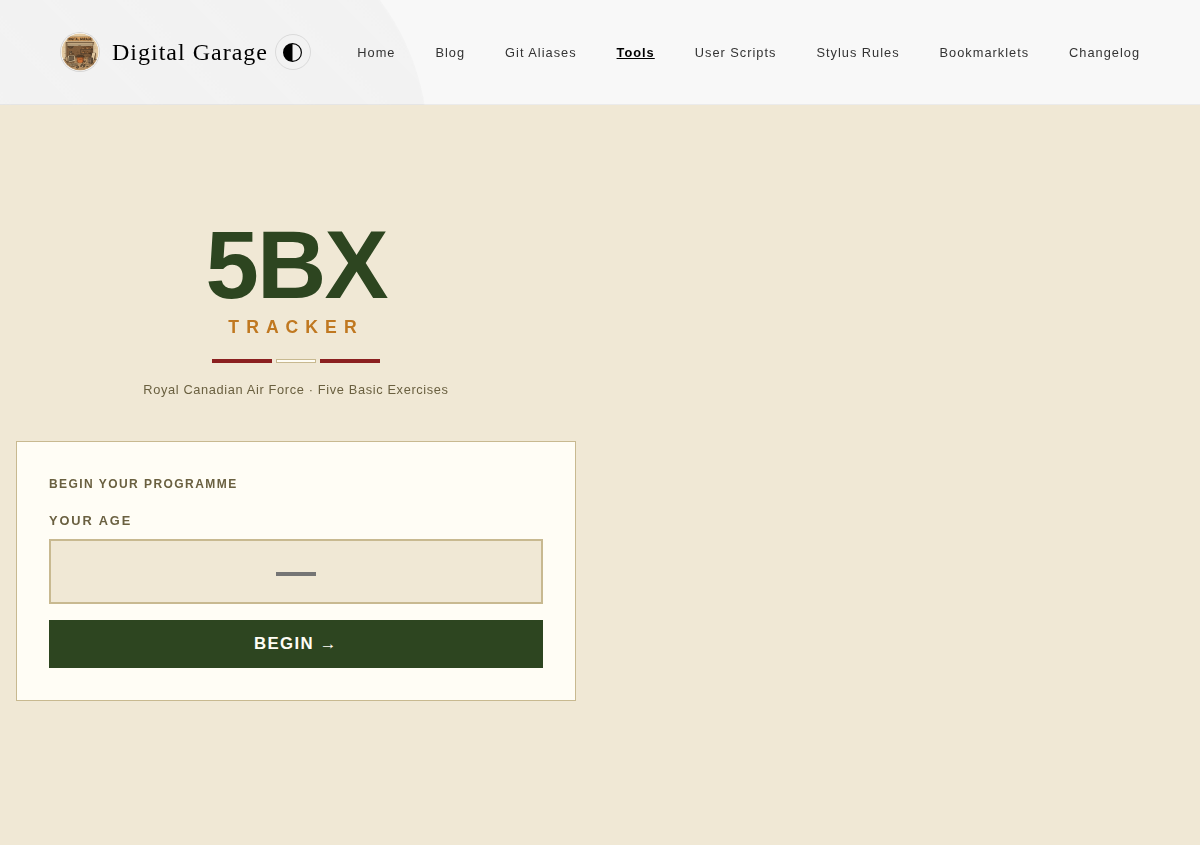
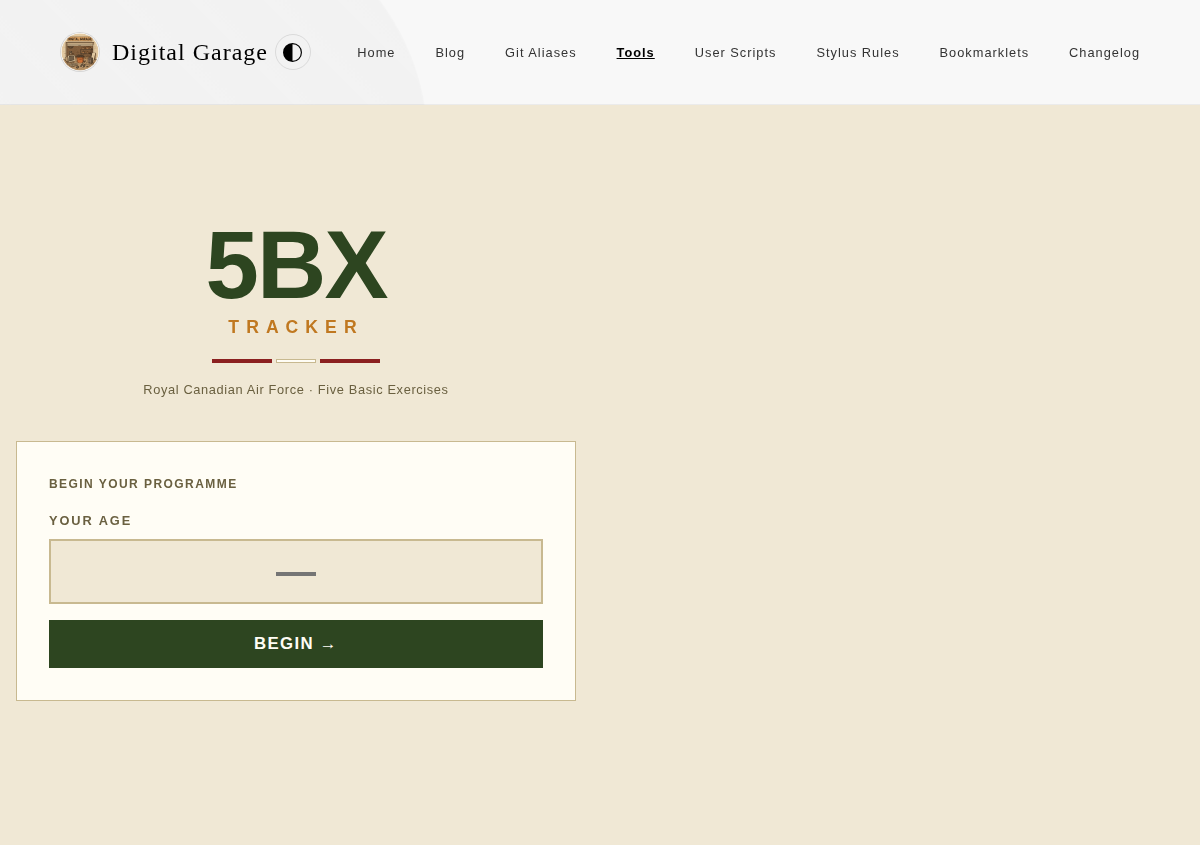
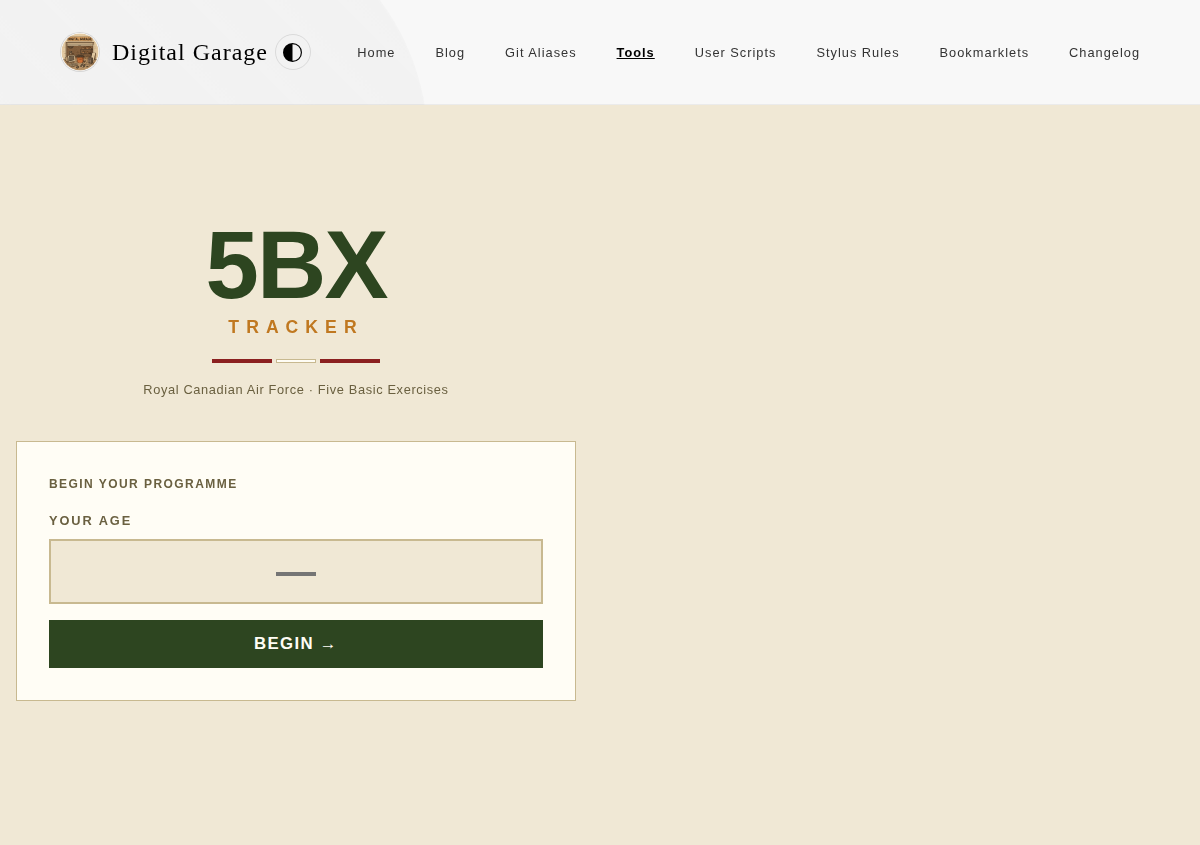
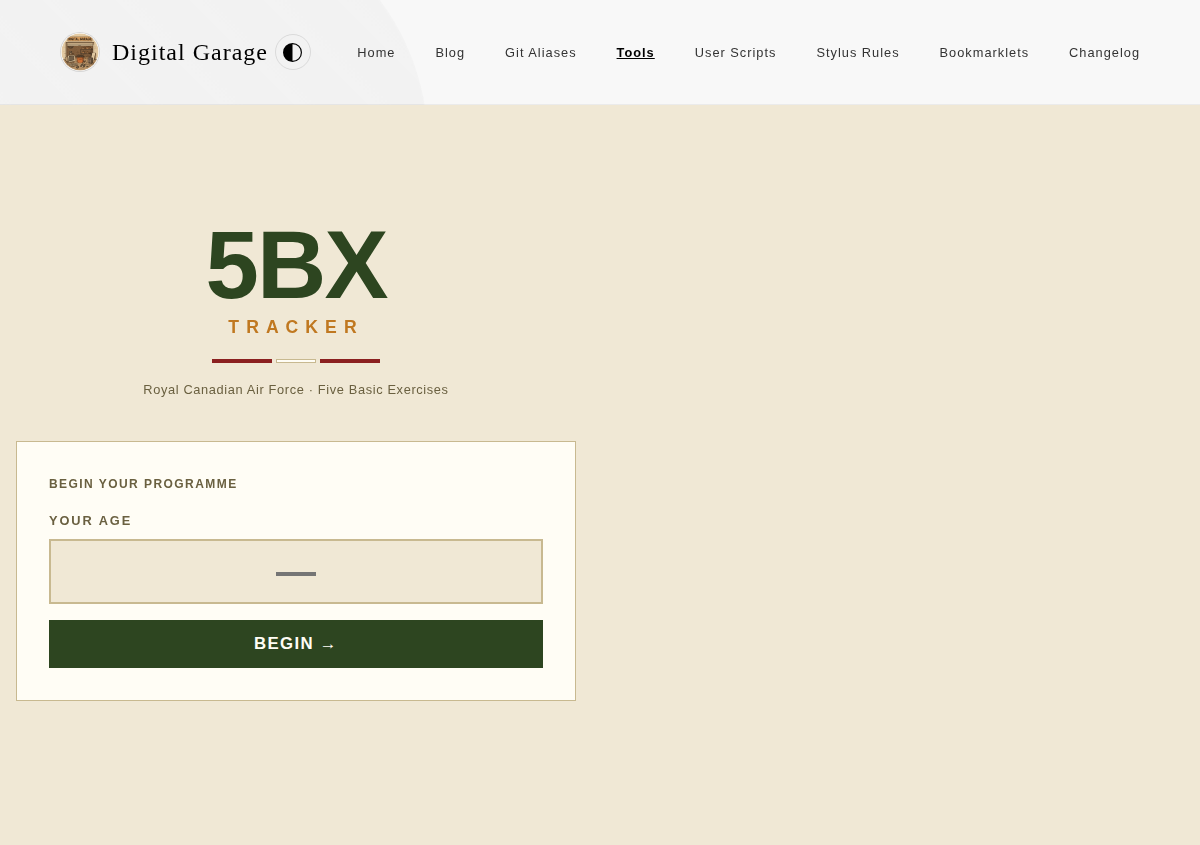
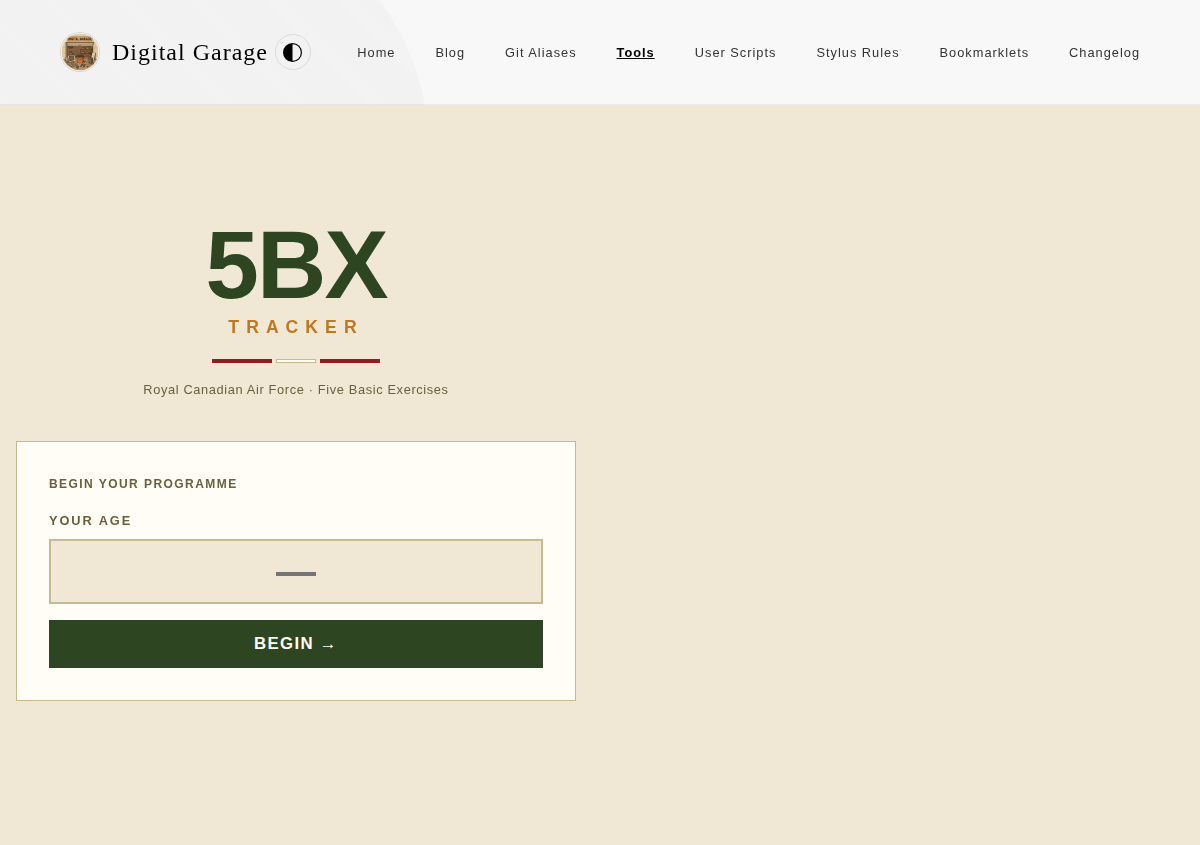
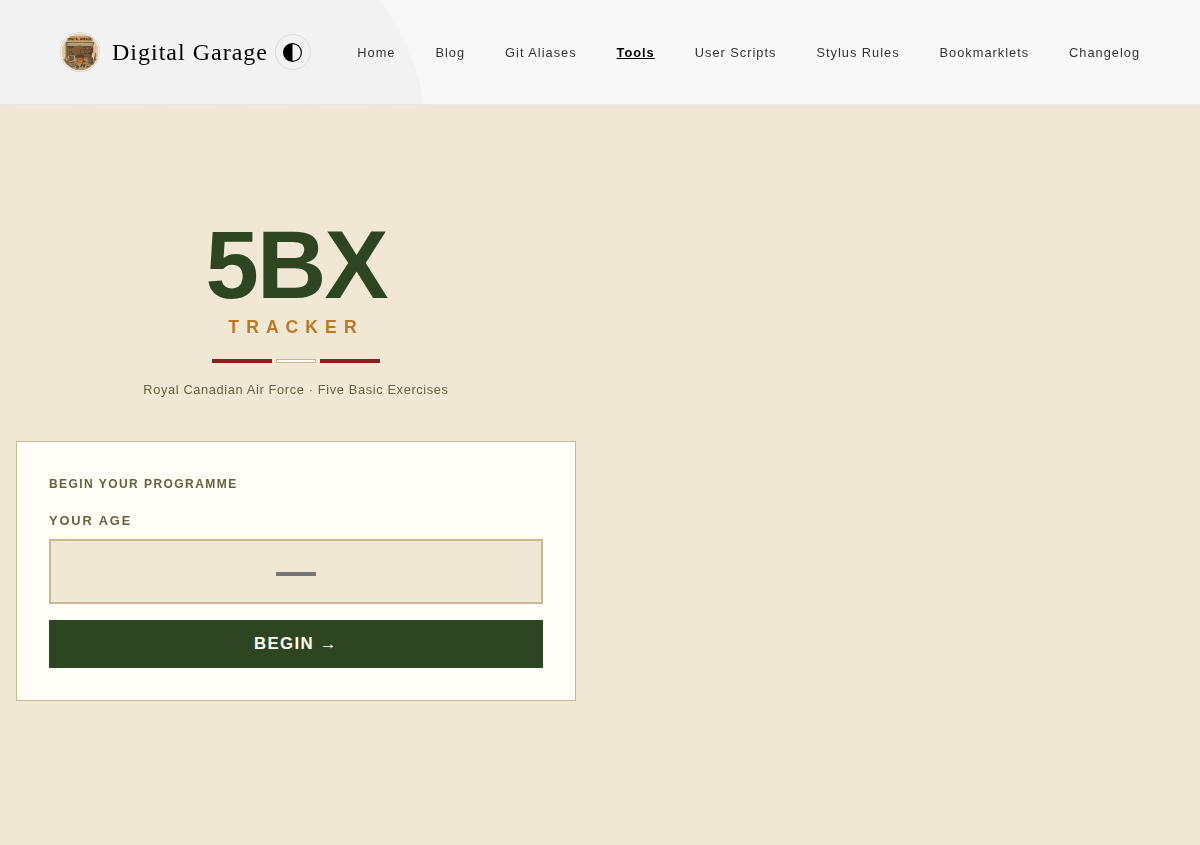
      <p><strong>About 5BX Tracker</strong></p>
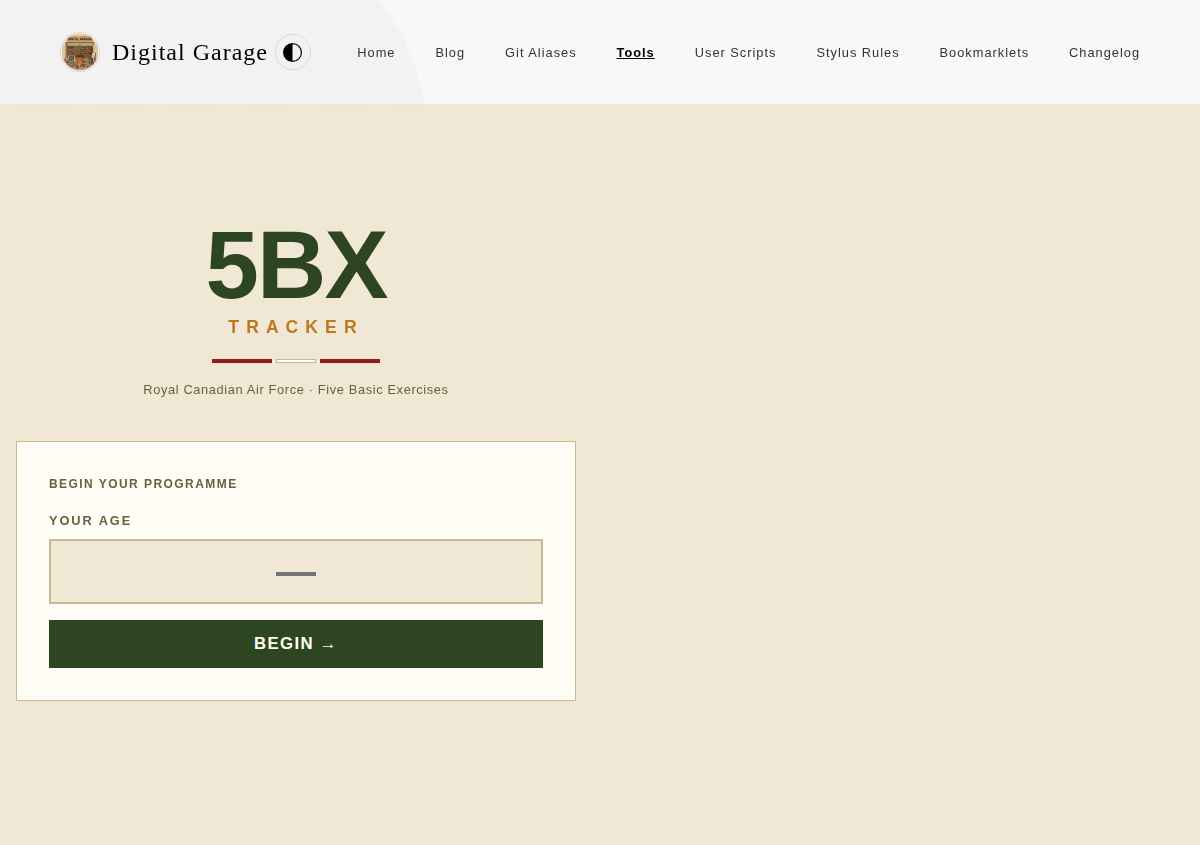
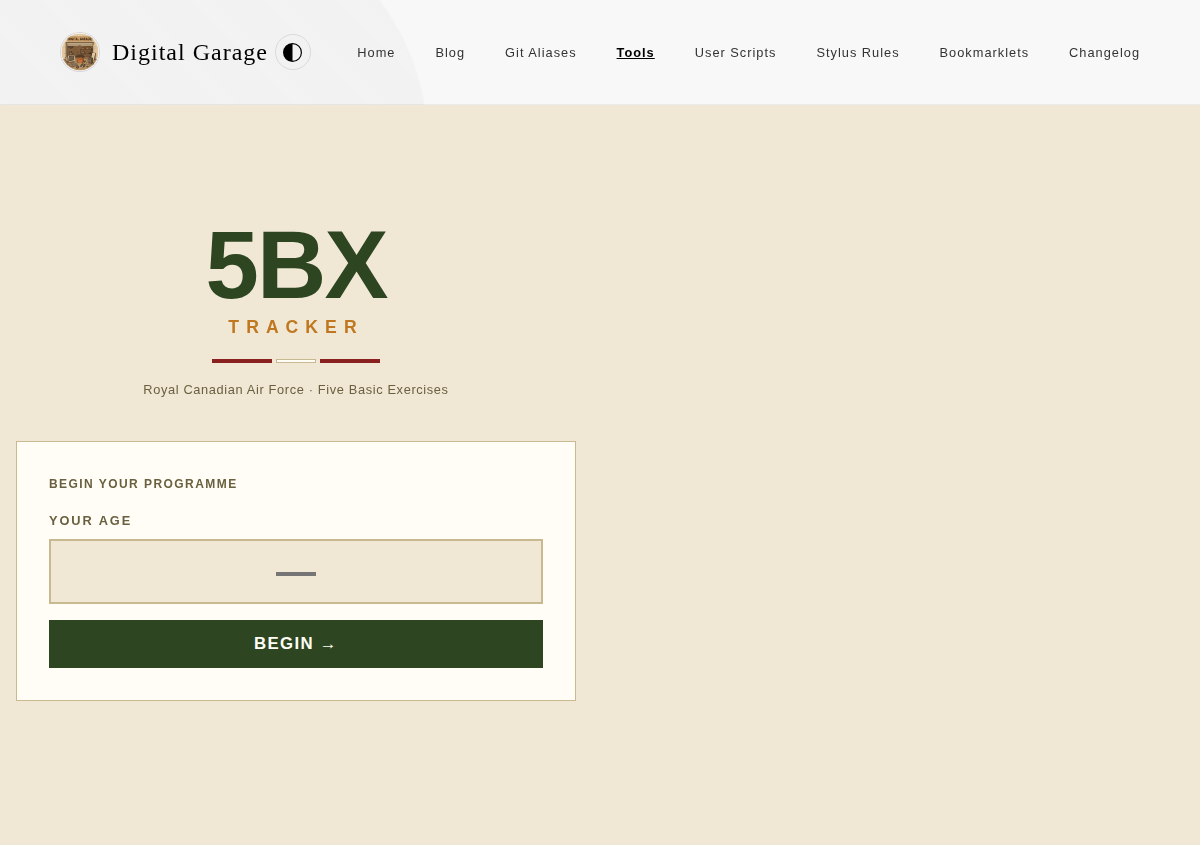
      <p>An interactive tracker for the Royal Canadian Air Force 5BX (Five Basic Exercises) fitness programme. Each day you open the tool it tells you exactly which exercises to do and at what intensity for your current level. The tool tracks your progress through the programme and shows you how far you are from your age-appropriate target.</p>


      <p><strong>Version description</strong></p>
      <ul>
<li>Fixed date handling in non-UTC timezones: workout dates are now recorded using the local calendar date rather than UTC, ensuring sessions logged near midnight are always attributed to the correct day.</li>
</ul>

      <p><a href="https://www.timhilton.xyz/tools/5bx-tracker/CHANGELOG/#101---2026-05-19">View changelog entry</a></p>
      
      ]]>
    </content>
    
  </entry>
  
  <entry>
    <title>URL Table of Contents Extractor 1.0.0</title>
    <link href="https://www.timhilton.xyz/tools/url-toc-extractor/1.0.0/"/>
    <id>https://www.timhilton.xyz/tools/url-toc-extractor/1.0.0/</id>
    <updated>2026-05-12T00:00:00Z</updated>
    
    <summary>- Enter any URL to extract all headings (H1–H6) and display them as a hierarchical table of contents. - Supports Markdown and plain text output formats.</summary>
    
    
    <content type="html">
      <![CDATA[
      
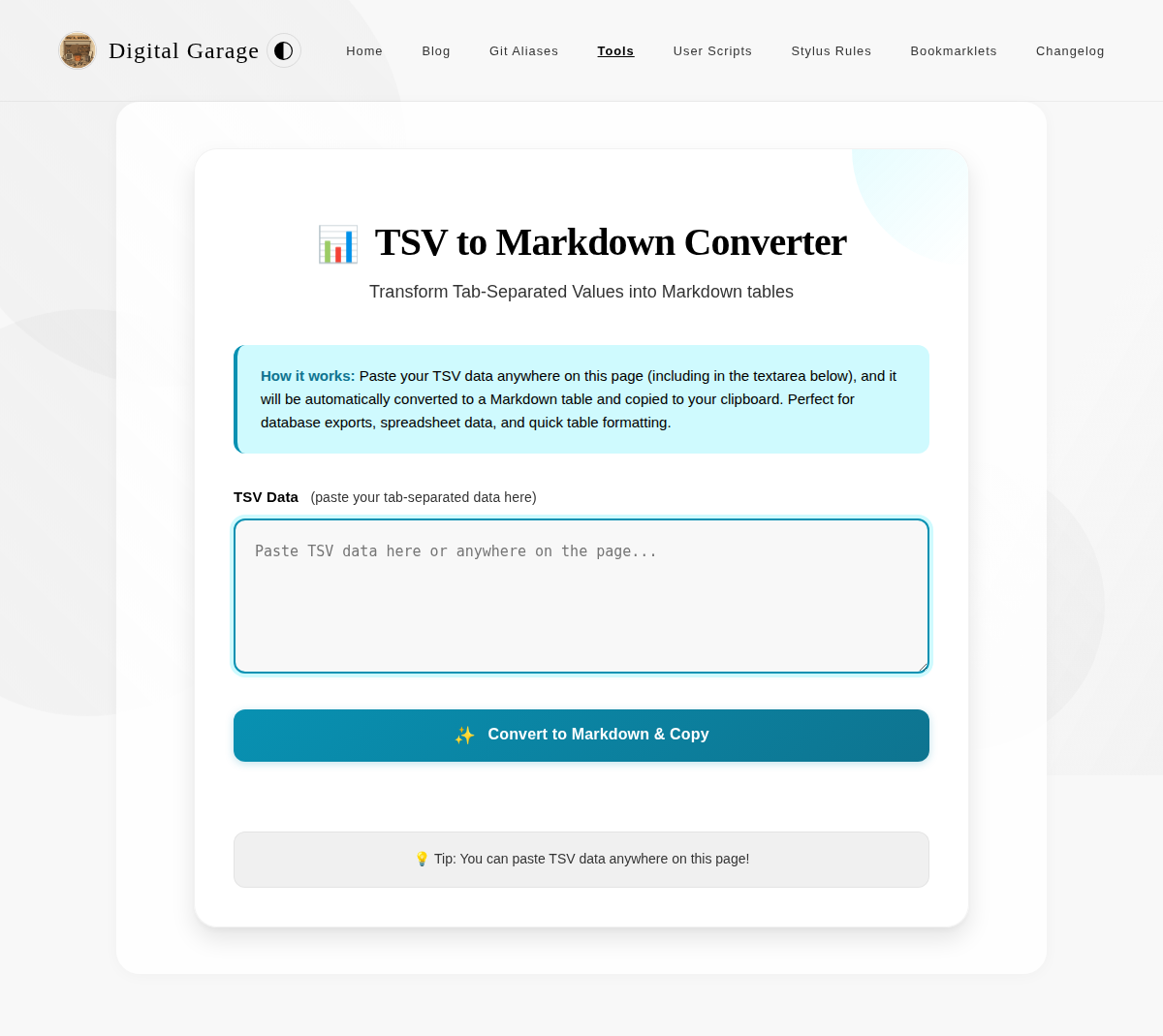
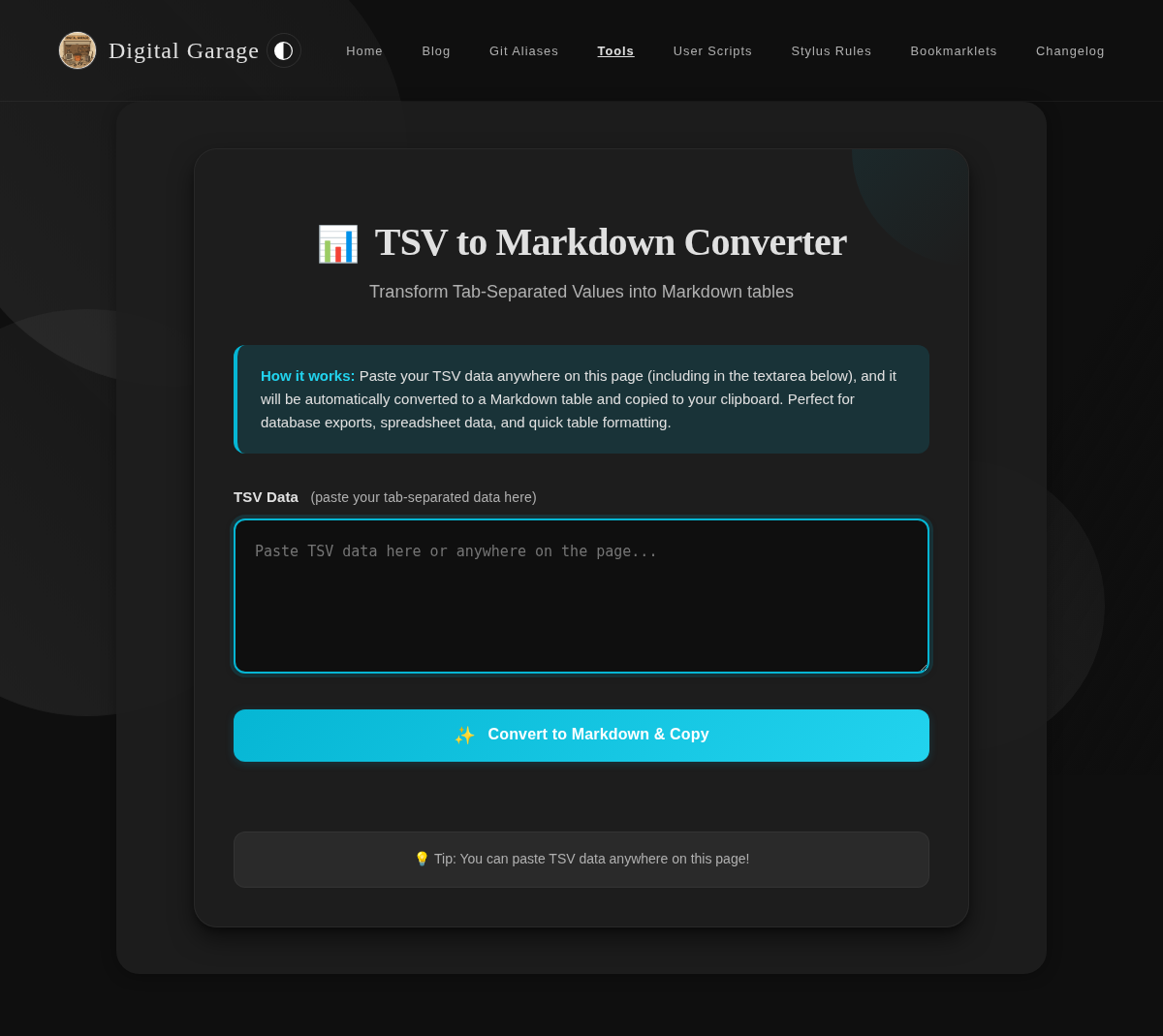
      <p><strong>About URL Table of Contents Extractor</strong></p>
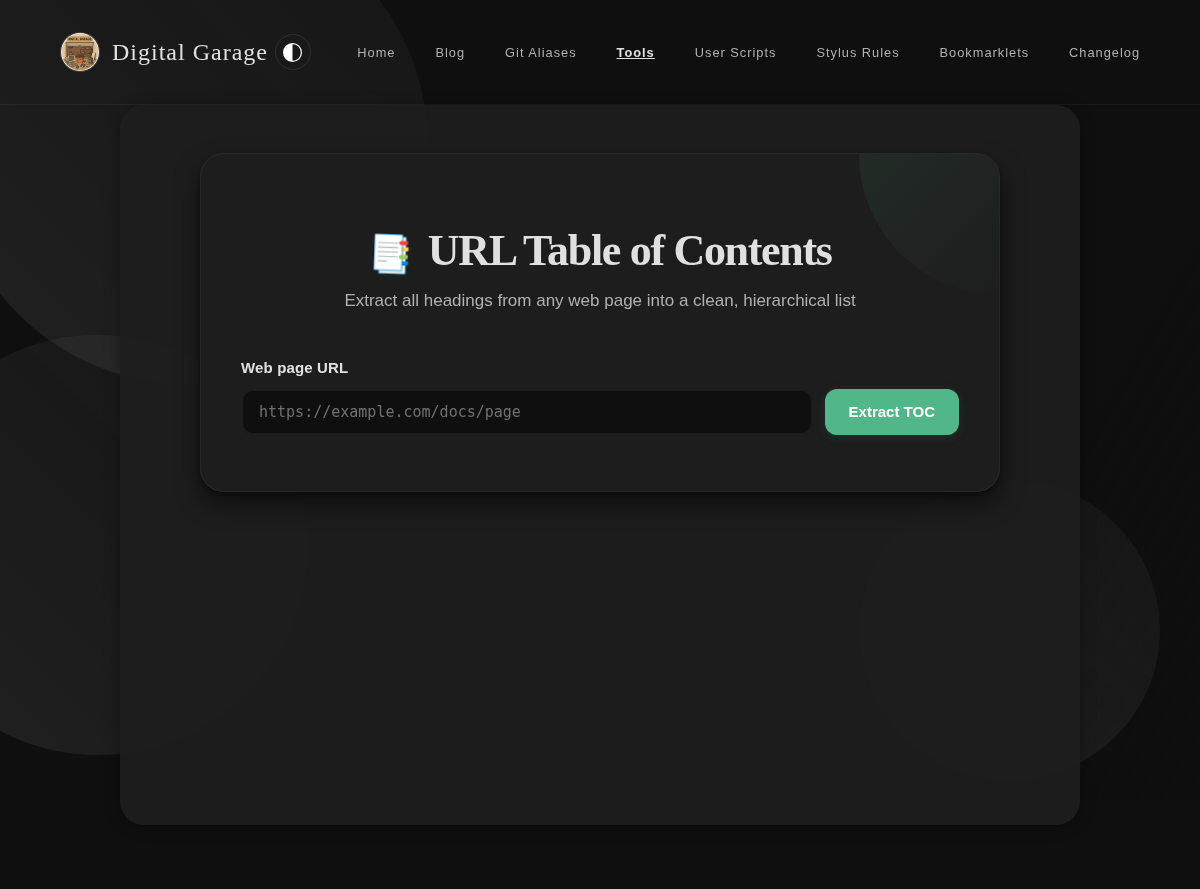
      <p>Enter a URL to extract all headings from the page and generate a clean, hierarchical table of contents. Outputs in Markdown or plain text format.</p>


      <p><strong>Version description</strong></p>
      <ul>
<li>Enter any URL to extract all headings (H1–H6) and display them as a hierarchical table of contents.</li>
<li>Supports Markdown and plain text output formats.</li>
</ul>

      <p><a href="https://www.timhilton.xyz/tools/url-toc-extractor/CHANGELOG/#100---2026-05-12">View changelog entry</a></p>
      
      
      <p><strong>Screenshots</strong></p>
      <p><img src="https://www.timhilton.xyz/tools/url-toc-extractor/1.0.0/screenshot.png" alt="Screenshot of URL Table of Contents Extractor 1.0.0 in light mode"></p>
      <p><img src="https://www.timhilton.xyz/tools/url-toc-extractor/1.0.0/screenshot-dark.png" alt="Screenshot of URL Table of Contents Extractor 1.0.0 in dark mode"></p>
      ]]>
    </content>
    
  </entry>
  
  <entry>
    <title>Chess Analysis Quiz 1.1.0</title>
    <link href="https://www.timhilton.xyz/tools/chess-analysis-quiz/1.1.0/"/>
    <id>https://www.timhilton.xyz/tools/chess-analysis-quiz/1.1.0/</id>
    <updated>2026-05-05T00:00:00Z</updated>
    
    <summary>- Improved contrast between chess pieces and the board to meet WCAG AA in all combinations of white/black pieces, light/dark squares, and light/dark website theme. White pieces now use a white glyph with a dark outline; black pieces use a dark glyph with a light outline, replacing the previous approach of inheriting the site&#39;s text colour.</summary>
    
    
    <content type="html">
      <![CDATA[
      
      <p><strong>About Chess Analysis Quiz</strong></p>
      <p>Import a PGN chess game file, annotate it with your own &quot;better moves&quot;, then generate a quiz to test whether you can recall those improvements. Supports saving multiple games locally and retaking quizzes at any time.</p>


      <p><strong>Version description</strong></p>
      <ul>
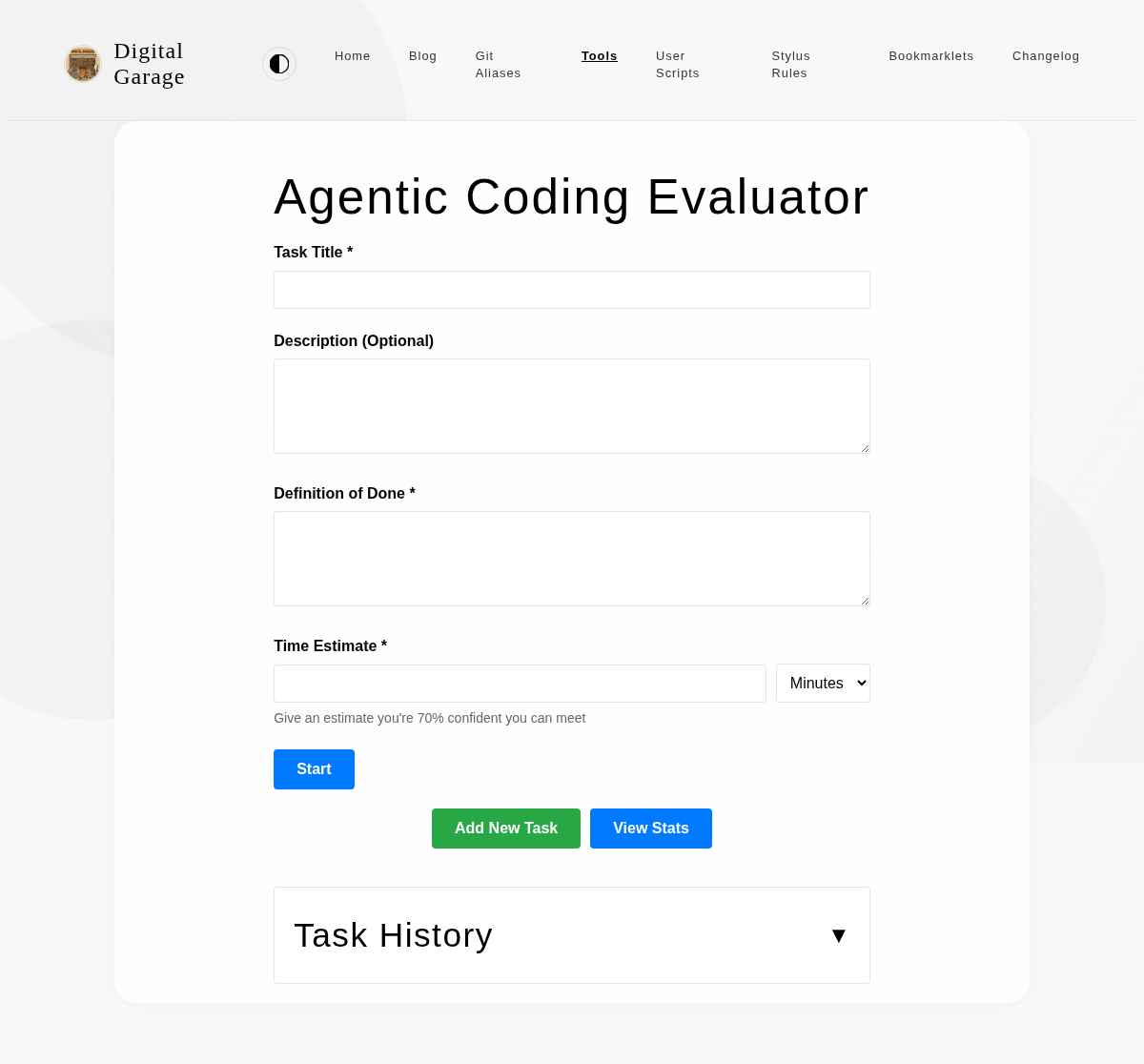
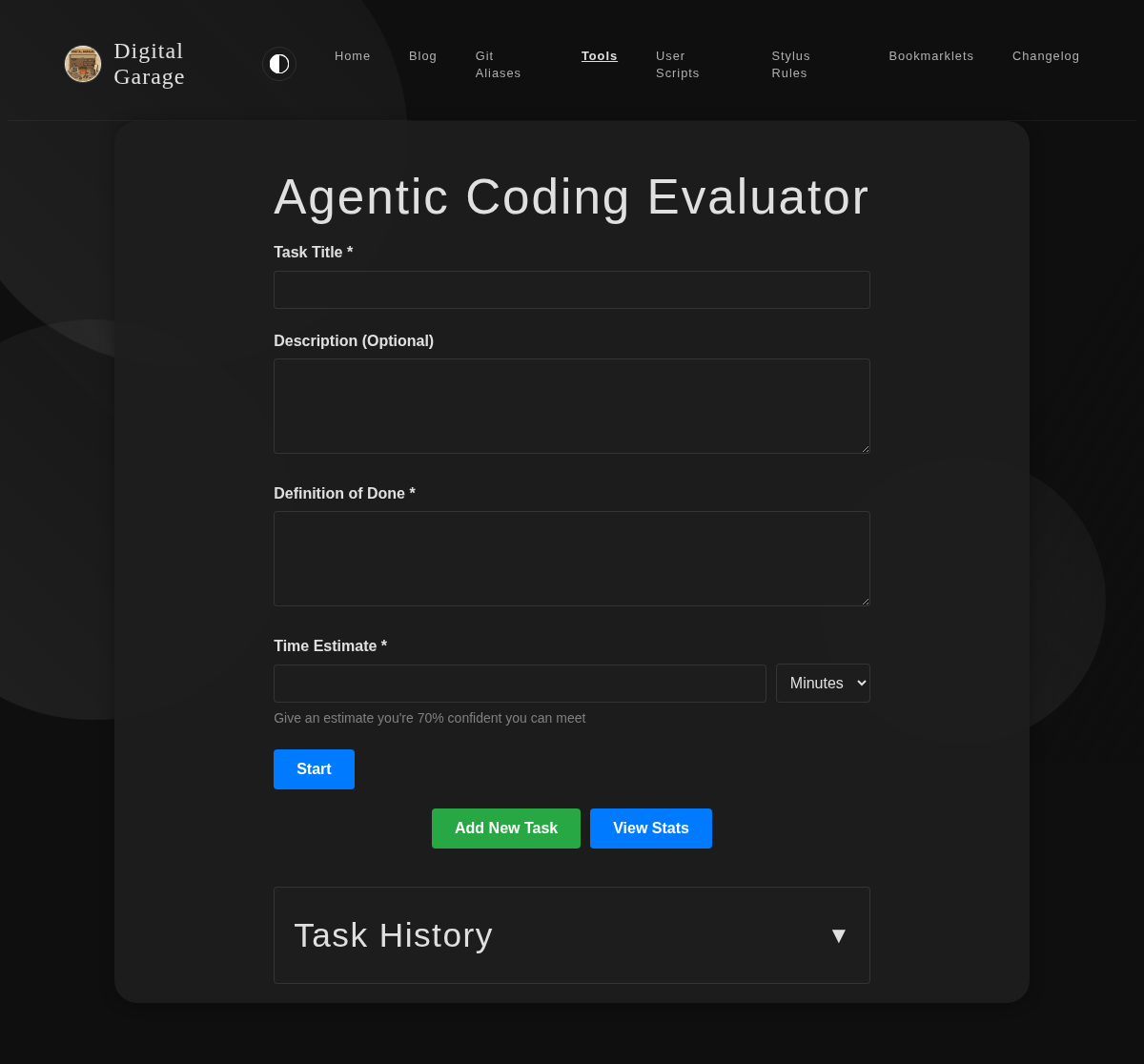
<li>Improved contrast between chess pieces and the board to meet WCAG AA in all combinations of white/black pieces, light/dark squares, and light/dark website theme. White pieces now use a white glyph with a dark outline; black pieces use a dark glyph with a light outline, replacing the previous approach of inheriting the site's text colour.</li>
</ul>

      <p><a href="https://www.timhilton.xyz/tools/chess-analysis-quiz/CHANGELOG/#110---2026-05-05">View changelog entry</a></p>
      
      
      <p><strong>Screenshots</strong></p>
      <p><img src="https://www.timhilton.xyz/tools/chess-analysis-quiz/1.1.0/screenshot.png" alt="Screenshot of Chess Analysis Quiz 1.1.0 in light mode"></p>
      <p><img src="https://www.timhilton.xyz/tools/chess-analysis-quiz/1.1.0/screenshot-dark.png" alt="Screenshot of Chess Analysis Quiz 1.1.0 in dark mode"></p>
      ]]>
    </content>
    
  </entry>
  
  <entry>
    <title>Chess Analysis Quiz 1.0.0</title>
    <link href="https://www.timhilton.xyz/tools/chess-analysis-quiz/1.0.0/"/>
    <id>https://www.timhilton.xyz/tools/chess-analysis-quiz/1.0.0/</id>
    <updated>2026-05-04T00:00:00Z</updated>
    
    <summary>- Import a PGN file by uploading or pasting the text - Display all moves in standard algebraic notation - Visual 8×8 chessboard with Unicode pieces - Click any move to view the board at that point with an arrow showing the played move - Click a piece then a destination square to record an alternative (better) move, shown with a different-coloured arrow - Alternative moves saved to local storage per game - Create a quiz from recorded alternative moves and save it to local storage - Take a quiz: the board shows the position and you click the piece you would move to its destination - Each quiz answer is marked correct or incorrect, with correct answer revealed - Final score shown at the end of each quiz - Home screen lists all saved games with options to resume analysis or retake the quiz</summary>
    
    
    <content type="html">
      <![CDATA[
      
      <p><strong>About Chess Analysis Quiz</strong></p>
      <p>Import a PGN chess game file, annotate it with your own &quot;better moves&quot;, then generate a quiz to test whether you can recall those improvements. Supports saving multiple games locally and retaking quizzes at any time.</p>


      <p><strong>Version description</strong></p>
      <ul>
<li>Import a PGN file by uploading or pasting the text</li>
<li>Display all moves in standard algebraic notation</li>
<li>Visual 8×8 chessboard with Unicode pieces</li>
<li>Click any move to view the board at that point with an arrow showing the played move</li>
<li>Click a piece then a destination square to record an alternative (better) move, shown with a different-coloured arrow</li>
<li>Alternative moves saved to local storage per game</li>
<li>Create a quiz from recorded alternative moves and save it to local storage</li>
<li>Take a quiz: the board shows the position and you click the piece you would move to its destination</li>
<li>Each quiz answer is marked correct or incorrect, with correct answer revealed</li>
<li>Final score shown at the end of each quiz</li>
<li>Home screen lists all saved games with options to resume analysis or retake the quiz</li>
</ul>

      <p><a href="https://www.timhilton.xyz/tools/chess-analysis-quiz/CHANGELOG/#100---2026-05-04">View changelog entry</a></p>
      
      
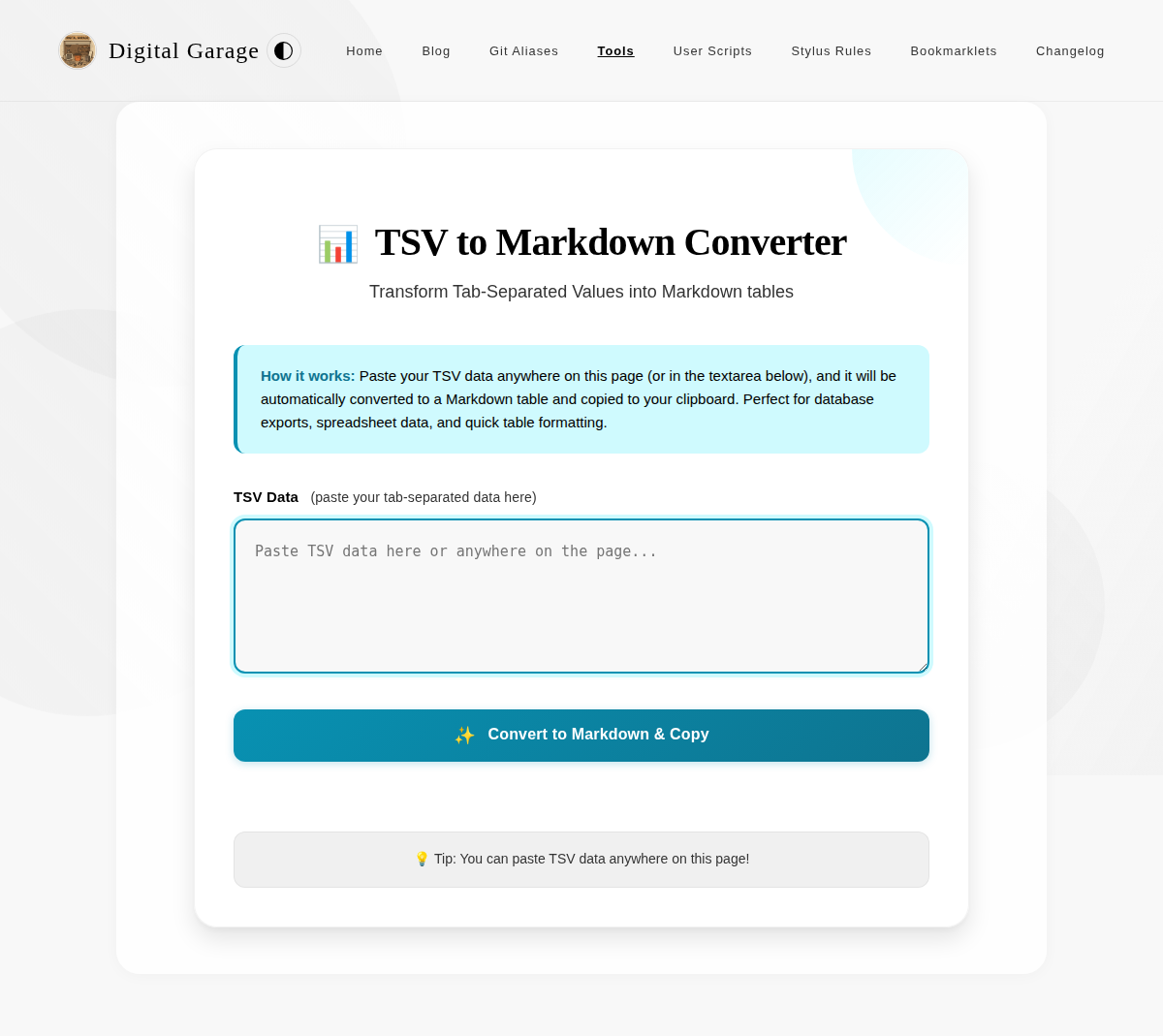
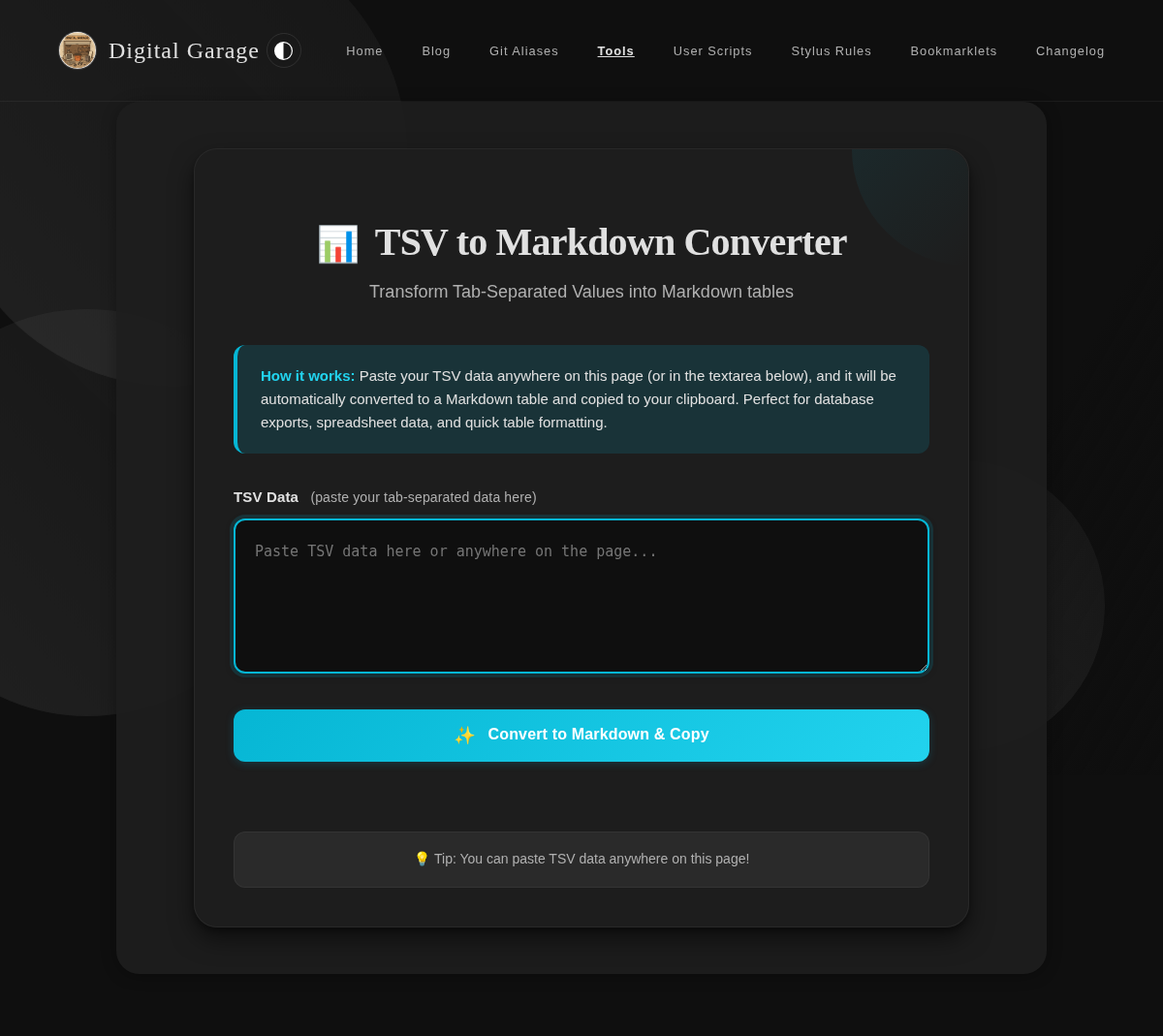
      <p><strong>Screenshots</strong></p>
      <p><img src="https://www.timhilton.xyz/tools/chess-analysis-quiz/1.0.0/screenshot.png" alt="Screenshot of Chess Analysis Quiz 1.0.0 in light mode"></p>
      <p><img src="https://www.timhilton.xyz/tools/chess-analysis-quiz/1.0.0/screenshot-dark.png" alt="Screenshot of Chess Analysis Quiz 1.0.0 in dark mode"></p>
      ]]>
    </content>
    
  </entry>
  
  <entry>
    <title>5BX Tracker 1.0.0</title>
    <link href="https://www.timhilton.xyz/tools/5bx-tracker/1.0.0/"/>
    <id>https://www.timhilton.xyz/tools/5bx-tracker/1.0.0/</id>
    <updated>2026-04-30T00:00:00Z</updated>
    
    <summary>- Added a Progress-screen data export button that downloads all 5BX tracker data and workout history as a JSON file for backup and portability. - Added reset access on the Progress screen so users can clear all saved data from the same place they review history.</summary>
    
    
    <content type="html">
      <![CDATA[
      
      <p><strong>About 5BX Tracker</strong></p>
      <p>An interactive tracker for the Royal Canadian Air Force 5BX (Five Basic Exercises) fitness programme. Each day you open the tool it tells you exactly which exercises to do and at what intensity for your current level. The tool tracks your progress through the programme and shows you how far you are from your age-appropriate target.</p>


      <p><strong>Version description</strong></p>
      <ul>
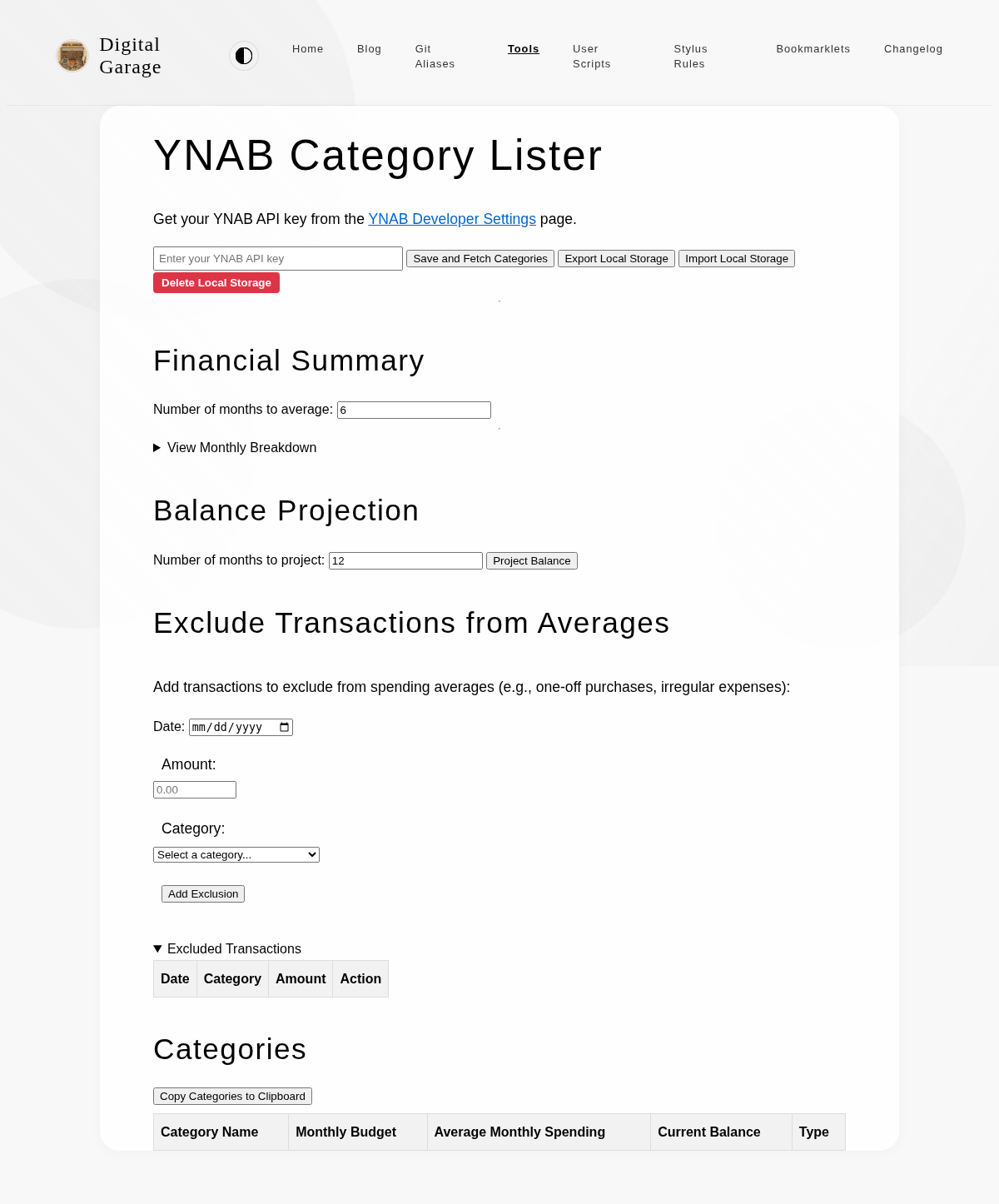
<li>Added a Progress-screen data export button that downloads all 5BX tracker data and workout history as a JSON file for backup and portability.</li>
<li>Added reset access on the Progress screen so users can clear all saved data from the same place they review history.</li>
</ul>

      <p><a href="https://www.timhilton.xyz/tools/5bx-tracker/CHANGELOG/#100---2026-04-30">View changelog entry</a></p>
      
      
      <p><strong>Screenshot</strong></p>
      <p><img src="https://www.timhilton.xyz/tools/5bx-tracker/1.0.0/screenshot.png" alt="Screenshot of 5BX Tracker 1.0.0 in light mode"></p>
      ]]>
    </content>
    
  </entry>
  
  <entry>
    <title>Agentic Coding Evaluator 2.0.0</title>
    <link href="https://www.timhilton.xyz/tools/agentic-coding-evaluator/2.0.0/"/>
    <id>https://www.timhilton.xyz/tools/agentic-coding-evaluator/2.0.0/</id>
    <updated>2026-04-30T00:00:00Z</updated>
    
    <summary>Added tagging system to categorise and analyse tasks: - Added optional tags field to task form (space-separated single words, can include hyphens) - Tags are displayed in task summary during active tasks and in task history - Added ability to add and edit tags on existing tasks in history - Statistics modal now shows all tags used across tasks - Added tag filtering in stats - click any tag to view AI productivity impact for that specific category - Supports flexible categorisation for tracking different work types (e.g., planning vs coding)</summary>
    
    
    <content type="html">
      <![CDATA[
      
      <p><strong>About Agentic Coding Evaluator</strong></p>
      <p>A tool to measure and compare your coding performance with and without AI assistance. Track task estimates versus actual completion times to understand how AI tools impact your productivity.</p>


      <p><strong>Version description</strong></p>
      <p>Added tagging system to categorise and analyse tasks:</p>
<ul>
<li>Added optional tags field to task form (space-separated single words, can include hyphens)</li>
<li>Tags are displayed in task summary during active tasks and in task history</li>
<li>Added ability to add and edit tags on existing tasks in history</li>
<li>Statistics modal now shows all tags used across tasks</li>
<li>Added tag filtering in stats - click any tag to view AI productivity impact for that specific category</li>
<li>Supports flexible categorisation for tracking different work types (e.g., planning vs coding)</li>
</ul>

      <p><a href="https://www.timhilton.xyz/tools/agentic-coding-evaluator/CHANGELOG/#200---2026-04-30">View changelog entry</a></p>
      
      
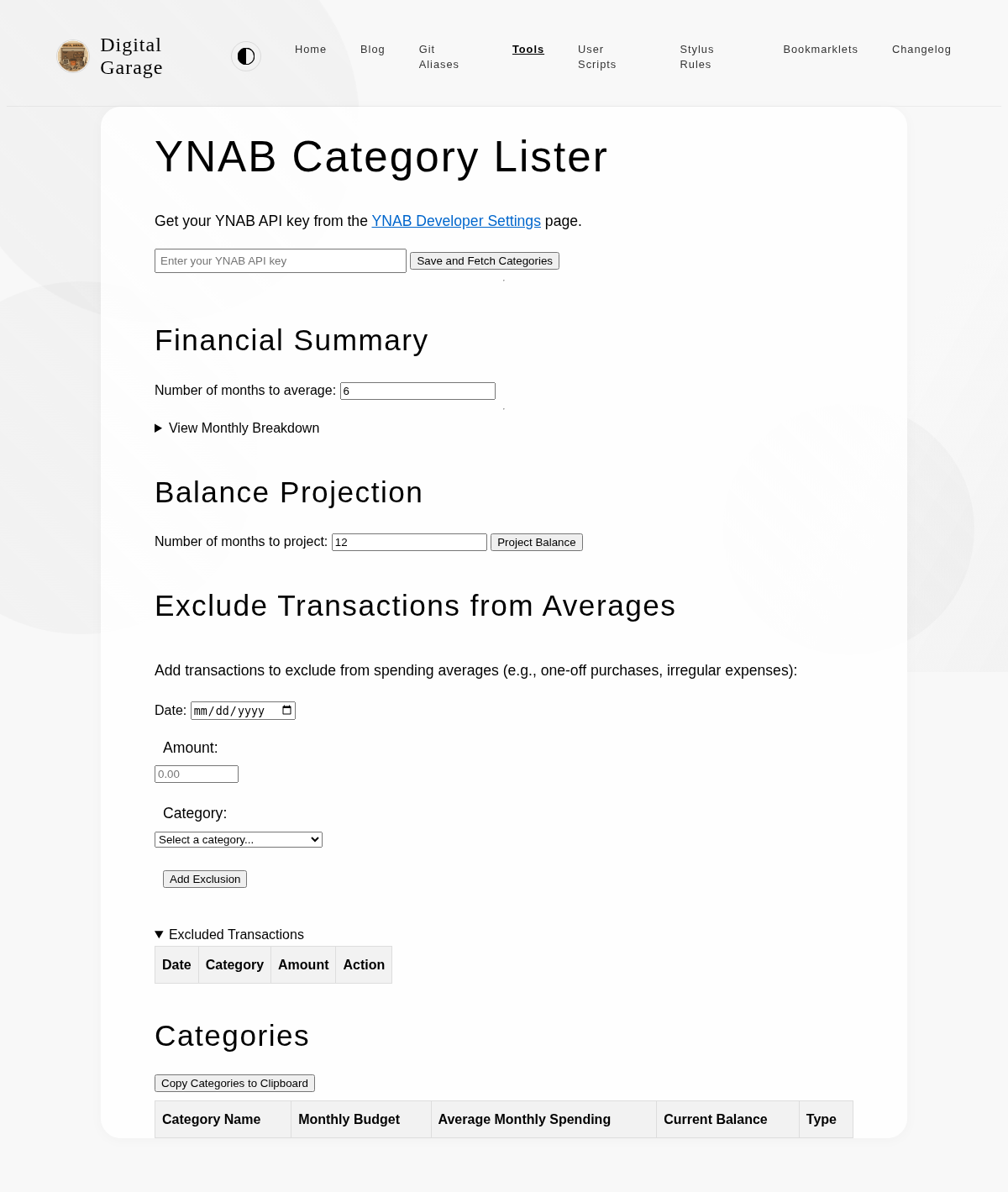
      <p><strong>Screenshots</strong></p>
      <p><img src="https://www.timhilton.xyz/tools/agentic-coding-evaluator/2.0.0/screenshot.png" alt="Screenshot of Agentic Coding Evaluator 2.0.0 in light mode"></p>
      <p><img src="https://www.timhilton.xyz/tools/agentic-coding-evaluator/2.0.0/screenshot-dark.png" alt="Screenshot of Agentic Coding Evaluator 2.0.0 in dark mode"></p>
      ]]>
    </content>
    
  </entry>
  
  <entry>
    <title>5BX Tracker 0.4.2</title>
    <link href="https://www.timhilton.xyz/tools/5bx-tracker/0.4.2/"/>
    <id>https://www.timhilton.xyz/tools/5bx-tracker/0.4.2/</id>
    <updated>2026-04-25T00:00:00Z</updated>
    
    <summary>- Fixed the elapsed timer so it correctly accumulates time across page reloads. Time spent with the page closed is not counted; on resuming a mid-session workout the timer picks up from where it left off.</summary>
    
    
    <content type="html">
      <![CDATA[
      
      <p><strong>About 5BX Tracker</strong></p>
      <p>An interactive tracker for the Royal Canadian Air Force 5BX (Five Basic Exercises) fitness programme. Each day you open the tool it tells you exactly which exercises to do and at what intensity for your current level. The tool tracks your progress through the programme and shows you how far you are from your age-appropriate target.</p>


      <p><strong>Version description</strong></p>
      <ul>
<li>Fixed the elapsed timer so it correctly accumulates time across page reloads. Time spent with the page closed is not counted; on resuming a mid-session workout the timer picks up from where it left off.</li>
</ul>

      <p><a href="https://www.timhilton.xyz/tools/5bx-tracker/CHANGELOG/#042---2026-04-25">View changelog entry</a></p>
      
      
      <p><strong>Screenshot</strong></p>
      <p><img src="https://www.timhilton.xyz/tools/5bx-tracker/0.4.2/screenshot.png" alt="Screenshot of 5BX Tracker 0.4.2 in light mode"></p>
      ]]>
    </content>
    
  </entry>
  
  <entry>
    <title>5BX Tracker 0.4.1</title>
    <link href="https://www.timhilton.xyz/tools/5bx-tracker/0.4.1/"/>
    <id>https://www.timhilton.xyz/tools/5bx-tracker/0.4.1/</id>
    <updated>2026-04-21T00:00:00Z</updated>
    
    <summary>- Fixed the elapsed timer so it starts as soon as the first exercise is shown, rather than waiting for the first Done click.</summary>
    
    
    <content type="html">
      <![CDATA[
      
      <p><strong>About 5BX Tracker</strong></p>
      <p>An interactive tracker for the Royal Canadian Air Force 5BX (Five Basic Exercises) fitness programme. Each day you open the tool it tells you exactly which exercises to do and at what intensity for your current level. The tool tracks your progress through the programme and shows you how far you are from your age-appropriate target.</p>


      <p><strong>Version description</strong></p>
      <ul>
<li>Fixed the elapsed timer so it starts as soon as the first exercise is shown, rather than waiting for the first Done click.</li>
</ul>

      <p><a href="https://www.timhilton.xyz/tools/5bx-tracker/CHANGELOG/#041---2026-04-21">View changelog entry</a></p>
      
      
      <p><strong>Screenshot</strong></p>
      <p><img src="https://www.timhilton.xyz/tools/5bx-tracker/0.4.1/screenshot.png" alt="Screenshot of 5BX Tracker 0.4.1 in light mode"></p>
      ]]>
    </content>
    
  </entry>
  
  <entry>
    <title>5BX Tracker 0.4.0</title>
    <link href="https://www.timhilton.xyz/tools/5bx-tracker/0.4.0/"/>
    <id>https://www.timhilton.xyz/tools/5bx-tracker/0.4.0/</id>
    <updated>2026-04-20T00:00:00Z</updated>
    
    <summary>- Added a Progress screen showing current chart and level, age-appropriate target, an overall progress bar (level out of 72), days at the current level, estimated target date, and a full workout history list. - Added a Progress button to the workout, active exercise, completion, and congratulations screens. From the Progress screen, a Today button returns to the current workout state.</summary>
    
    
    <content type="html">
      <![CDATA[
      
      <p><strong>About 5BX Tracker</strong></p>
      <p>An interactive tracker for the Royal Canadian Air Force 5BX (Five Basic Exercises) fitness programme. Each day you open the tool it tells you exactly which exercises to do and at what intensity for your current level. The tool tracks your progress through the programme and shows you how far you are from your age-appropriate target.</p>


      <p><strong>Version description</strong></p>
      <ul>
<li>Added a Progress screen showing current chart and level, age-appropriate target, an overall progress bar (level out of 72), days at the current level, estimated target date, and a full workout history list.</li>
<li>Added a Progress button to the workout, active exercise, completion, and congratulations screens. From the Progress screen, a Today button returns to the current workout state.</li>
</ul>

      <p><a href="https://www.timhilton.xyz/tools/5bx-tracker/CHANGELOG/#040---2026-04-20">View changelog entry</a></p>
      
      
      <p><strong>Screenshot</strong></p>
      <p><img src="https://www.timhilton.xyz/tools/5bx-tracker/0.4.0/screenshot.png" alt="Screenshot of 5BX Tracker 0.4.0 in light mode"></p>
      ]]>
    </content>
    
  </entry>
  
  <entry>
    <title>5BX Tracker 0.3.0</title>
    <link href="https://www.timhilton.xyz/tools/5bx-tracker/0.3.0/"/>
    <id>https://www.timhilton.xyz/tools/5bx-tracker/0.3.0/</id>
    <updated>2026-04-19T00:00:00Z</updated>
    
    <summary>- Added an &quot;Advance to next level&quot; button on the completion screen, shown once the minimum required days at the current level have been completed. - Advancing resets the days counter, moves to the next chart level, and marks the session as advanced in the workout history. - Reaching the age-appropriate target now shows a dedicated congratulations screen and switches the tool to maintenance mode (three workouts per week). - Completion screen now shows a maintenance mode banner when the user is already at their target level.</summary>
    
    
    <content type="html">
      <![CDATA[
      
      <p><strong>About 5BX Tracker</strong></p>
      <p>An interactive tracker for the Royal Canadian Air Force 5BX (Five Basic Exercises) fitness programme. Each day you open the tool it tells you exactly which exercises to do and at what intensity for your current level. The tool tracks your progress through the programme and shows you how far you are from your age-appropriate target.</p>


      <p><strong>Version description</strong></p>
      <ul>
<li>Added an &quot;Advance to next level&quot; button on the completion screen, shown once the minimum required days at the current level have been completed.</li>
<li>Advancing resets the days counter, moves to the next chart level, and marks the session as advanced in the workout history.</li>
<li>Reaching the age-appropriate target now shows a dedicated congratulations screen and switches the tool to maintenance mode (three workouts per week).</li>
<li>Completion screen now shows a maintenance mode banner when the user is already at their target level.</li>
</ul>

      <p><a href="https://www.timhilton.xyz/tools/5bx-tracker/CHANGELOG/#030---2026-04-19">View changelog entry</a></p>
      
      
      <p><strong>Screenshot</strong></p>
      <p><img src="https://www.timhilton.xyz/tools/5bx-tracker/0.3.0/screenshot.png" alt="Screenshot of 5BX Tracker 0.3.0 in light mode"></p>
      ]]>
    </content>
    
  </entry>
  
  <entry>
    <title>5BX Tracker 0.2.1</title>
    <link href="https://www.timhilton.xyz/tools/5bx-tracker/0.2.1/"/>
    <id>https://www.timhilton.xyz/tools/5bx-tracker/0.2.1/</id>
    <updated>2026-04-19T00:00:00Z</updated>
    
    <summary>- Added reference diagrams to each exercise card during the workout, sourced from the RCAF 5BX programme. Each chart&#39;s five exercises now display the correct illustration.</summary>
    
    
    <content type="html">
      <![CDATA[
      
      <p><strong>About 5BX Tracker</strong></p>
      <p>An interactive tracker for the Royal Canadian Air Force 5BX (Five Basic Exercises) fitness programme. Each day you open the tool it tells you exactly which exercises to do and at what intensity for your current level. The tool tracks your progress through the programme and shows you how far you are from your age-appropriate target.</p>


      <p><strong>Version description</strong></p>
      <ul>
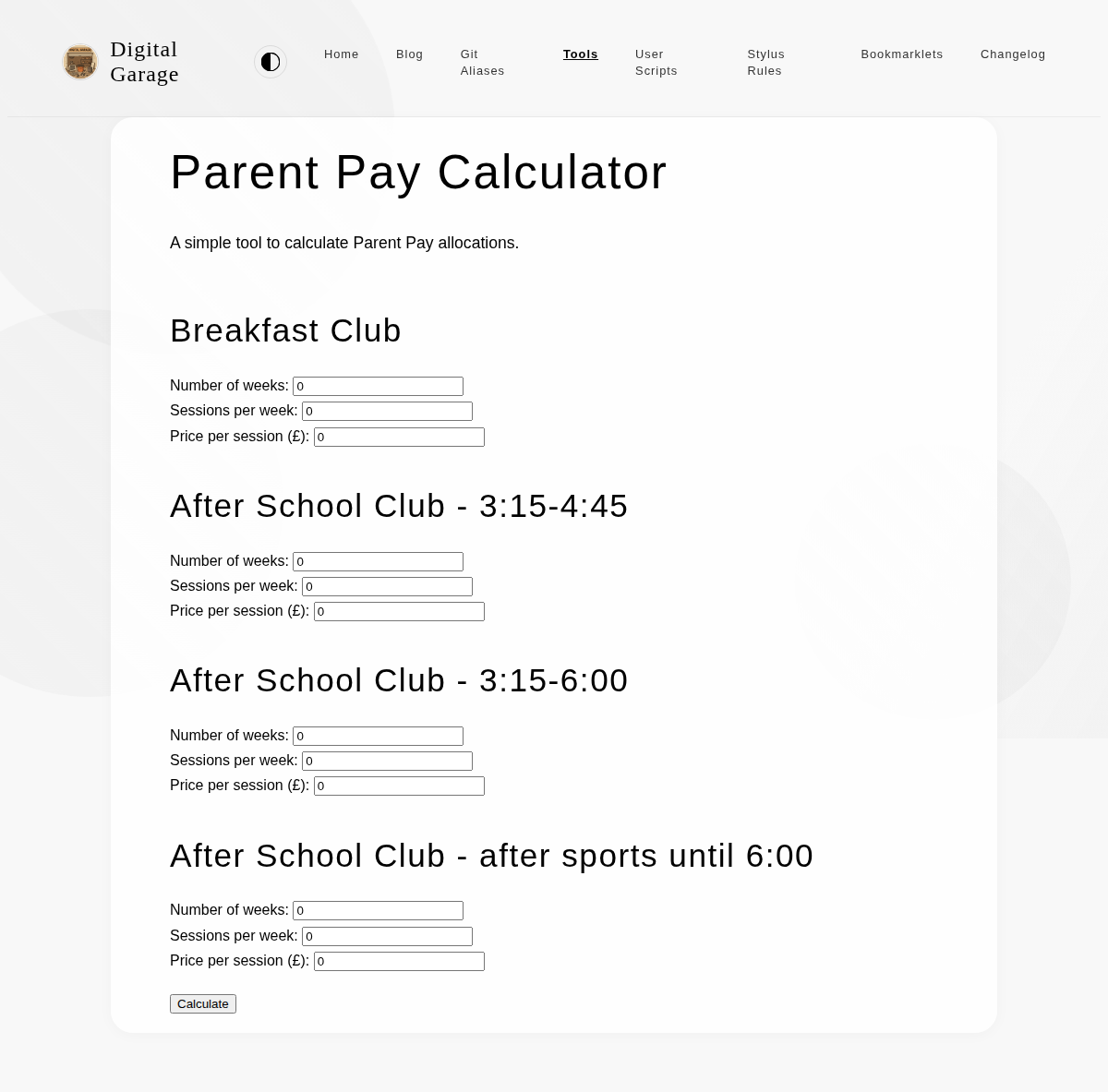
<li>Added reference diagrams to each exercise card during the workout, sourced from the RCAF 5BX programme. Each chart's five exercises now display the correct illustration.</li>
</ul>

      <p><a href="https://www.timhilton.xyz/tools/5bx-tracker/CHANGELOG/#021---2026-04-19">View changelog entry</a></p>
      
      
      <p><strong>Screenshot</strong></p>
      <p><img src="https://www.timhilton.xyz/tools/5bx-tracker/0.2.1/screenshot.png" alt="Screenshot of 5BX Tracker 0.2.1 in light mode"></p>
      ]]>
    </content>
    
  </entry>
  
  <entry>
    <title>5BX Tracker 0.2.0</title>
    <link href="https://www.timhilton.xyz/tools/5bx-tracker/0.2.0/"/>
    <id>https://www.timhilton.xyz/tools/5bx-tracker/0.2.0/</id>
    <updated>2026-04-19T00:00:00Z</updated>
    
    <summary>- Added interactive workout screen that guides users through the five exercises one at a time, with a Done button and progress dots showing position in the session. - Workout data is persisted to localStorage after each exercise. Returning mid-session resumes from where you left off; returning after completing all five exercises shows the completed state. - Added elapsed timer that starts on the first Done click and shows total session time on the completion screen.</summary>
    
    
    <content type="html">
      <![CDATA[
      
      <p><strong>About 5BX Tracker</strong></p>
      <p>An interactive tracker for the Royal Canadian Air Force 5BX (Five Basic Exercises) fitness programme. Each day you open the tool it tells you exactly which exercises to do and at what intensity for your current level. The tool tracks your progress through the programme and shows you how far you are from your age-appropriate target.</p>


      <p><strong>Version description</strong></p>
      <ul>
<li>Added interactive workout screen that guides users through the five exercises one at a time, with a Done button and progress dots showing position in the session.</li>
<li>Workout data is persisted to localStorage after each exercise. Returning mid-session resumes from where you left off; returning after completing all five exercises shows the completed state.</li>
<li>Added elapsed timer that starts on the first Done click and shows total session time on the completion screen.</li>
</ul>

      <p><a href="https://www.timhilton.xyz/tools/5bx-tracker/CHANGELOG/#020---2026-04-19">View changelog entry</a></p>
      
      
      <p><strong>Screenshot</strong></p>
      <p><img src="https://www.timhilton.xyz/tools/5bx-tracker/0.2.0/screenshot.png" alt="Screenshot of 5BX Tracker 0.2.0 in light mode"></p>
      ]]>
    </content>
    
  </entry>
  
  <entry>
    <title>5BX Tracker 0.1.0</title>
    <link href="https://www.timhilton.xyz/tools/5bx-tracker/0.1.0/"/>
    <id>https://www.timhilton.xyz/tools/5bx-tracker/0.1.0/</id>
    <updated>2026-04-19T00:00:00Z</updated>
    
    <summary>- Initial release: onboarding flow with age entry, three-step programme explanation, fitness assessment questionnaire, and manual level selection. Displays the full exercise list for the chosen starting level with rep targets and descriptions. Full programme data hardcoded for all six charts and twelve levels.</summary>
    
    
    <content type="html">
      <![CDATA[
      
      <p><strong>About 5BX Tracker</strong></p>
      <p>An interactive tracker for the Royal Canadian Air Force 5BX (Five Basic Exercises) fitness programme. Each day you open the tool it tells you exactly which exercises to do and at what intensity for your current level. The tool tracks your progress through the programme and shows you how far you are from your age-appropriate target.</p>


      <p><strong>Version description</strong></p>
      <ul>
<li>Initial release: onboarding flow with age entry, three-step programme explanation, fitness assessment questionnaire, and manual level selection. Displays the full exercise list for the chosen starting level with rep targets and descriptions. Full programme data hardcoded for all six charts and twelve levels.</li>
</ul>

      <p><a href="https://www.timhilton.xyz/tools/5bx-tracker/CHANGELOG/#010---2026-04-19">View changelog entry</a></p>
      
      
      <p><strong>Screenshot</strong></p>
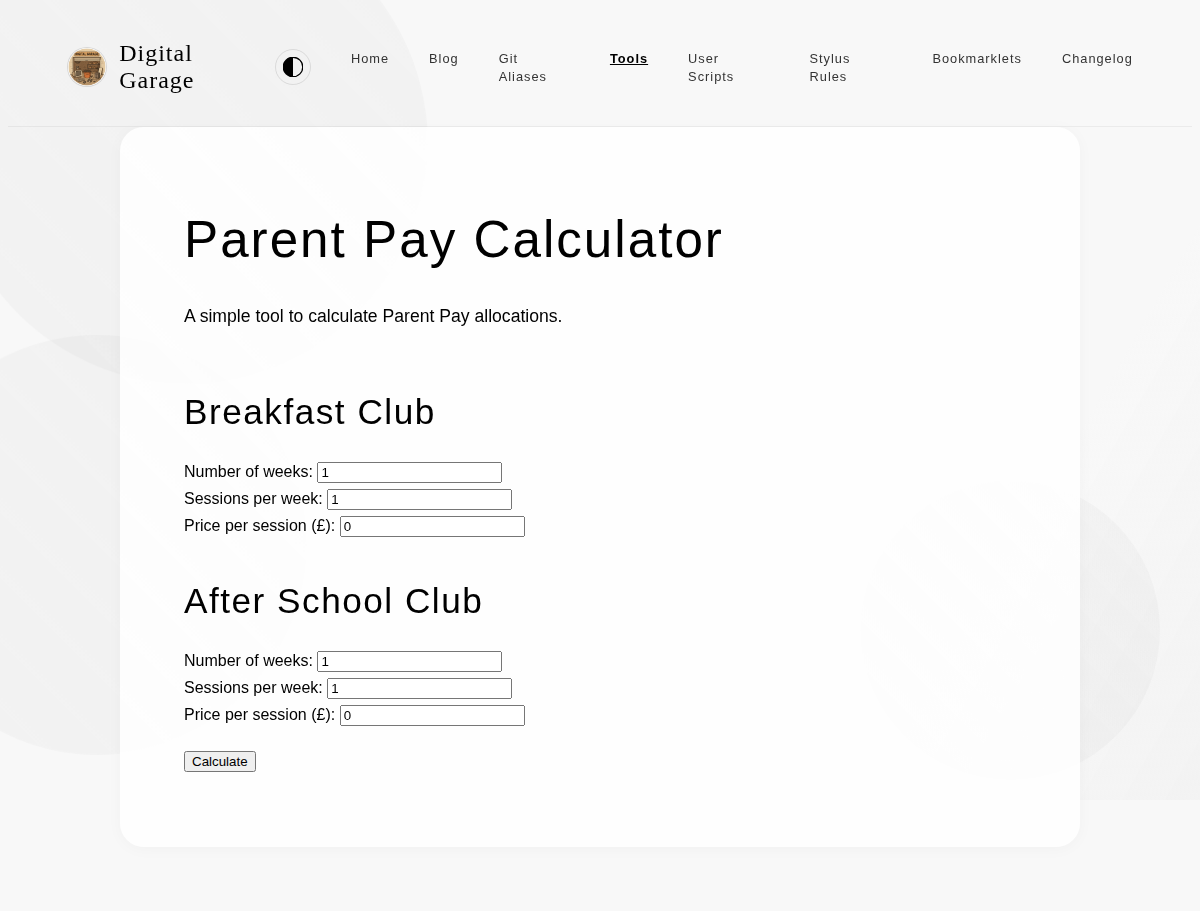
      <p><img src="https://www.timhilton.xyz/tools/5bx-tracker/0.1.0/screenshot.png" alt="Screenshot of 5BX Tracker 0.1.0 in light mode"></p>
      ]]>
    </content>
    
  </entry>
  
  <entry>
    <title>Modified Examen   1.8.0</title>
    <link href="https://www.timhilton.xyz/tools/modified-examen/1.8.0/"/>
    <id>https://www.timhilton.xyz/tools/modified-examen/1.8.0/</id>
    <updated>2026-04-08T00:00:00Z</updated>
    
    <summary>- Added a back navigation panel on the left side of the screen to navigate to the previous prompt</summary>
    
    
    <content type="html">
      <![CDATA[
      
      <p><strong>About Modified Examen  </strong></p>
      <p>Inspired by something in the book Introverts in the Church by Adam McHugh, this is a version of the Ignatian Examen which I have modified for personal usage.</p>


      <p><strong>Version description</strong></p>
      <ul>
<li>Added a back navigation panel on the left side of the screen to navigate to the previous prompt</li>
</ul>

      <p><a href="https://www.timhilton.xyz/tools/modified-examen/CHANGELOG/#180---2026-04-08">View changelog entry</a></p>
      
      
      <p><strong>Screenshots</strong></p>
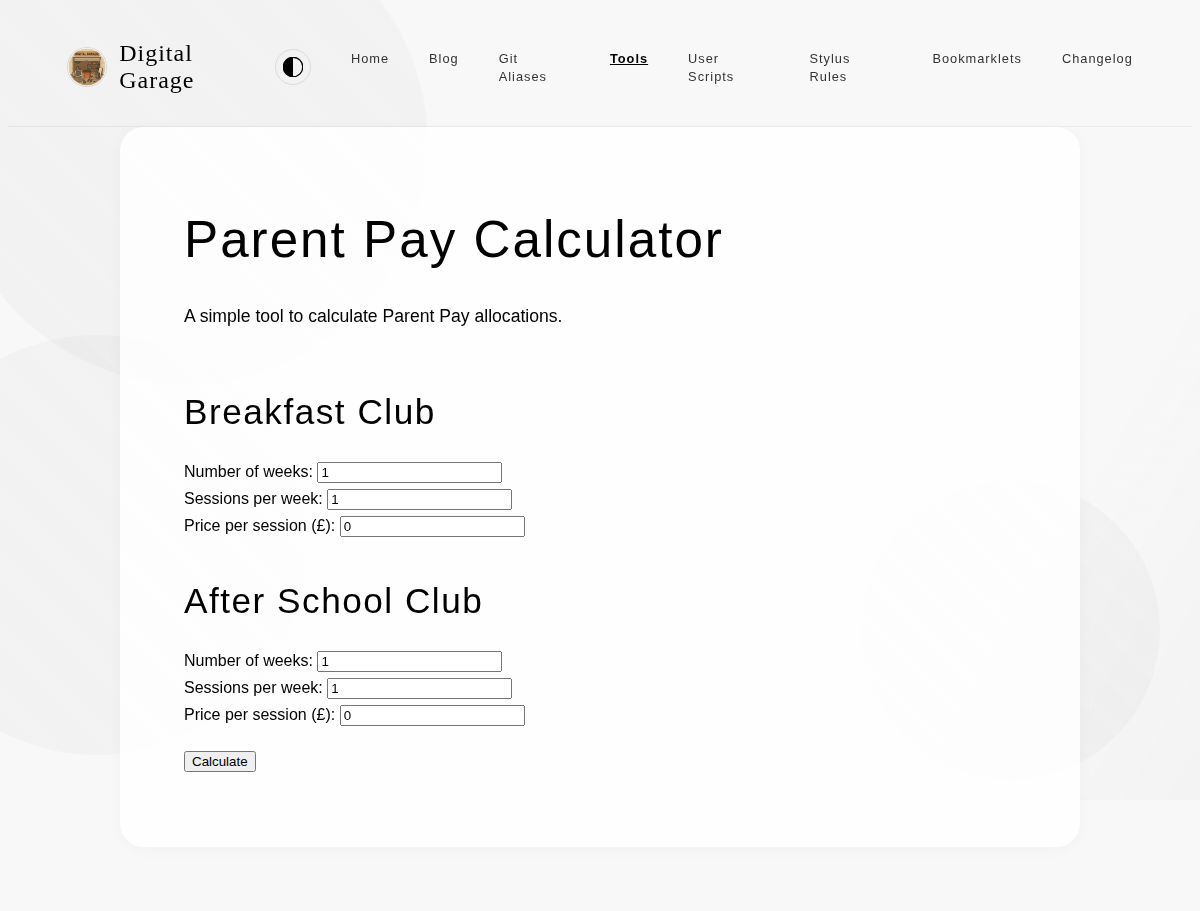
      <p><img src="https://www.timhilton.xyz/tools/modified-examen/1.8.0/screenshot.png" alt="Screenshot of Modified Examen   1.8.0 in light mode"></p>
      <p><img src="https://www.timhilton.xyz/tools/modified-examen/1.8.0/screenshot-dark.png" alt="Screenshot of Modified Examen   1.8.0 in dark mode"></p>
      ]]>
    </content>
    
  </entry>
  
  <entry>
    <title>Modified Examen   1.7.0</title>
    <link href="https://www.timhilton.xyz/tools/modified-examen/1.7.0/"/>
    <id>https://www.timhilton.xyz/tools/modified-examen/1.7.0/</id>
    <updated>2026-03-26T00:00:00Z</updated>
    
    <summary>- Swiping on the main area no longer advances to the next step — only tapping does</summary>
    
    
    <content type="html">
      <![CDATA[
      
      <p><strong>About Modified Examen  </strong></p>
      <p>Inspired by something in the book Introverts in the Church by Adam McHugh, this is a version of the Ignatian Examen which I have modified for personal usage.</p>


      <p><strong>Version description</strong></p>
      <ul>
<li>Swiping on the main area no longer advances to the next step — only tapping does</li>
</ul>

      <p><a href="https://www.timhilton.xyz/tools/modified-examen/CHANGELOG/#170---2026-03-26">View changelog entry</a></p>
      
      
      <p><strong>Screenshots</strong></p>
      <p><img src="https://www.timhilton.xyz/tools/modified-examen/1.7.0/screenshot.png" alt="Screenshot of Modified Examen   1.7.0 in light mode"></p>
      <p><img src="https://www.timhilton.xyz/tools/modified-examen/1.7.0/screenshot-dark.png" alt="Screenshot of Modified Examen   1.7.0 in dark mode"></p>
      ]]>
    </content>
    
  </entry>
  
  <entry>
    <title>Bible Statistics Visualiser 1.0.0</title>
    <link href="https://www.timhilton.xyz/tools/bible-stats-visualiser/1.0.0/"/>
    <id>https://www.timhilton.xyz/tools/bible-stats-visualiser/1.0.0/</id>
    <updated>2026-03-22T00:00:00Z</updated>
    
    <summary>- Infographic-style visualisation of statistics from the King James Version of the Bible, including word counts, verse counts, chapter distributions, and record holders across all 66 books.</summary>
    
    
    <content type="html">
      <![CDATA[
      
      <p><strong>About Bible Statistics Visualiser</strong></p>
      <p>An infographic-style visualisation of statistics from the King James Version of the Bible, including word counts, verse counts, chapter distributions, and record holders across all 66 books.</p>


      <p><strong>Version description</strong></p>
      <ul>
<li>Infographic-style visualisation of statistics from the King James Version of the Bible, including word counts, verse counts, chapter distributions, and record holders across all 66 books.</li>
</ul>

      <p><a href="https://www.timhilton.xyz/tools/bible-stats-visualiser/CHANGELOG/#100---2026-03-22">View changelog entry</a></p>
      
      
      <p><strong>Screenshot</strong></p>
      <p><img src="https://www.timhilton.xyz/tools/bible-stats-visualiser/1.0.0/screenshot.png" alt="Screenshot of Bible Statistics Visualiser 1.0.0 in light mode"></p>
      ]]>
    </content>
    
  </entry>
  
  <entry>
    <title>Obsidian Text Escaper 2.2.0</title>
    <link href="https://www.timhilton.xyz/tools/obsidian-text-escaper/2.2.0/"/>
    <id>https://www.timhilton.xyz/tools/obsidian-text-escaper/2.2.0/</id>
    <updated>2026-03-09T00:00:00Z</updated>
    
    <summary>- Added escaping for underscores (`_`) and backslashes (`&#92;`).</summary>
    
    
    <content type="html">
      <![CDATA[
      
      <p><strong>About Obsidian Text Escaper</strong></p>
      <p>This tool escapes special Markdown characters in your text, making it safe to use in Obsidian callouts and other contexts where you want to display the characters literally. It also includes an option to format the text for Obsidian callouts by adding <code>&gt;</code> to each line.</p>


      <p><strong>Version description</strong></p>
      <ul>
<li>Added escaping for underscores (<code>_</code>) and backslashes (<code>\</code>).</li>
</ul>

      <p><a href="https://www.timhilton.xyz/tools/obsidian-text-escaper/CHANGELOG/#220---2026-03-09">View changelog entry</a></p>
      
      
      <p><strong>Screenshots</strong></p>
      <p><img src="https://www.timhilton.xyz/tools/obsidian-text-escaper/2.2.0/screenshot.png" alt="Screenshot of Obsidian Text Escaper 2.2.0 in light mode"></p>
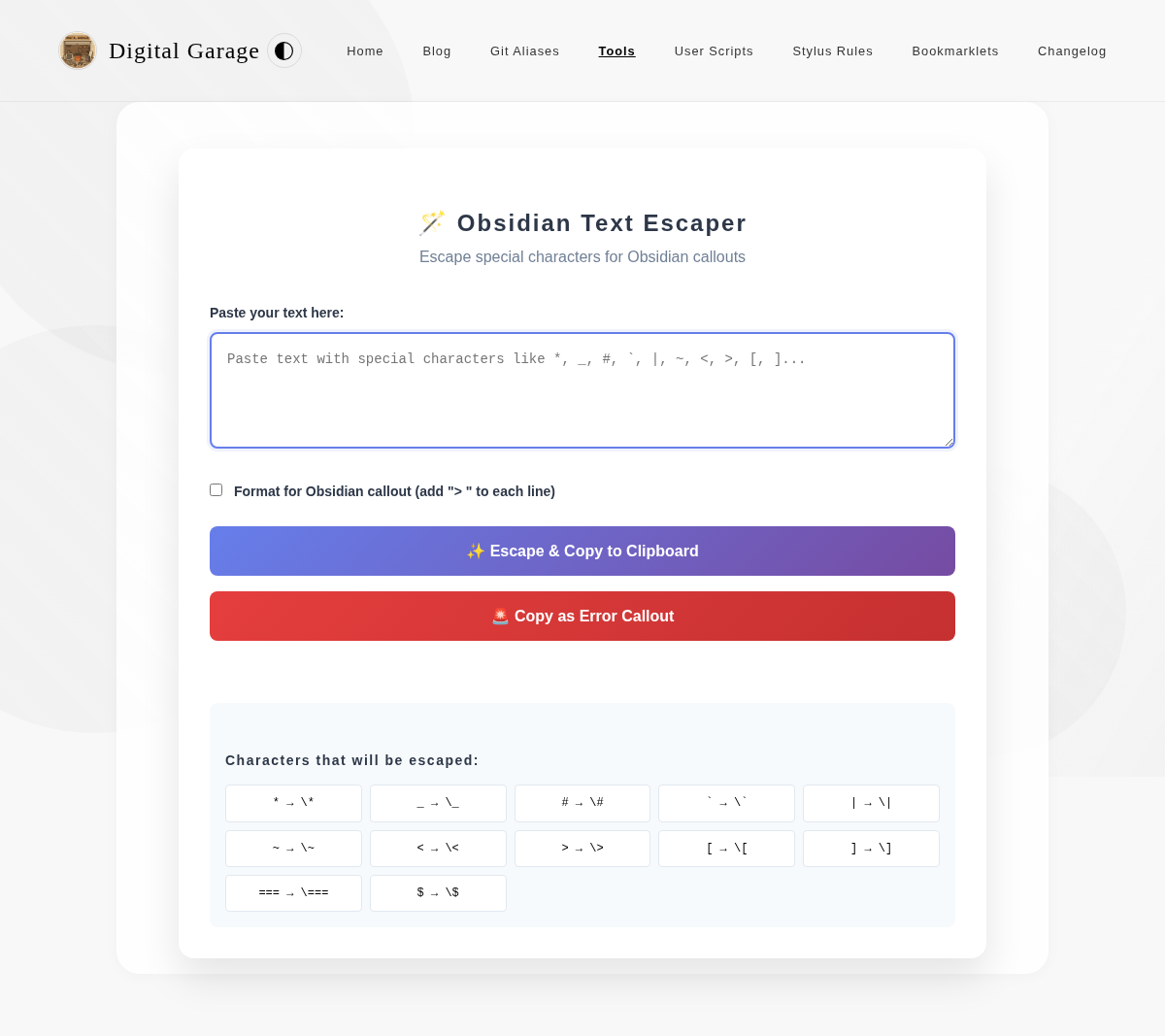
      <p><img src="https://www.timhilton.xyz/tools/obsidian-text-escaper/2.2.0/screenshot-dark.png" alt="Screenshot of Obsidian Text Escaper 2.2.0 in dark mode"></p>
      ]]>
    </content>
    
  </entry>
  
  <entry>
    <title>Obsidian Text Escaper 2.1.0</title>
    <link href="https://www.timhilton.xyz/tools/obsidian-text-escaper/2.1.0/"/>
    <id>https://www.timhilton.xyz/tools/obsidian-text-escaper/2.1.0/</id>
    <updated>2026-03-05T00:00:00Z</updated>
    
    <summary>- Added paste-anywhere support: pasting outside the input textarea now overwrites it with the pasted content.</summary>
    
    
    <content type="html">
      <![CDATA[
      
      <p><strong>About Obsidian Text Escaper</strong></p>
      <p>This tool escapes special Markdown characters in your text, making it safe to use in Obsidian callouts and other contexts where you want to display the characters literally. It also includes an option to format the text for Obsidian callouts by adding <code>&gt;</code> to each line.</p>


      <p><strong>Version description</strong></p>
      <ul>
<li>Added paste-anywhere support: pasting outside the input textarea now overwrites it with the pasted content.</li>
</ul>

      <p><a href="https://www.timhilton.xyz/tools/obsidian-text-escaper/CHANGELOG/#210---2026-03-05">View changelog entry</a></p>
      
      
      <p><strong>Screenshots</strong></p>
      <p><img src="https://www.timhilton.xyz/tools/obsidian-text-escaper/2.1.0/screenshot.png" alt="Screenshot of Obsidian Text Escaper 2.1.0 in light mode"></p>
      <p><img src="https://www.timhilton.xyz/tools/obsidian-text-escaper/2.1.0/screenshot-dark.png" alt="Screenshot of Obsidian Text Escaper 2.1.0 in dark mode"></p>
      ]]>
    </content>
    
  </entry>
  
  <entry>
    <title>TSV to Markdown Converter 2.0.1</title>
    <link href="https://www.timhilton.xyz/tools/tsv-to-markdown-converter/2.0.1/"/>
    <id>https://www.timhilton.xyz/tools/tsv-to-markdown-converter/2.0.1/</id>
    <updated>2026-02-27T00:00:00Z</updated>
    
    <summary>- Added spacing and a visible border around each table in the preview when displaying multiple tables.</summary>
    
    
    <content type="html">
      <![CDATA[
      
      <p><strong>About TSV to Markdown Converter</strong></p>
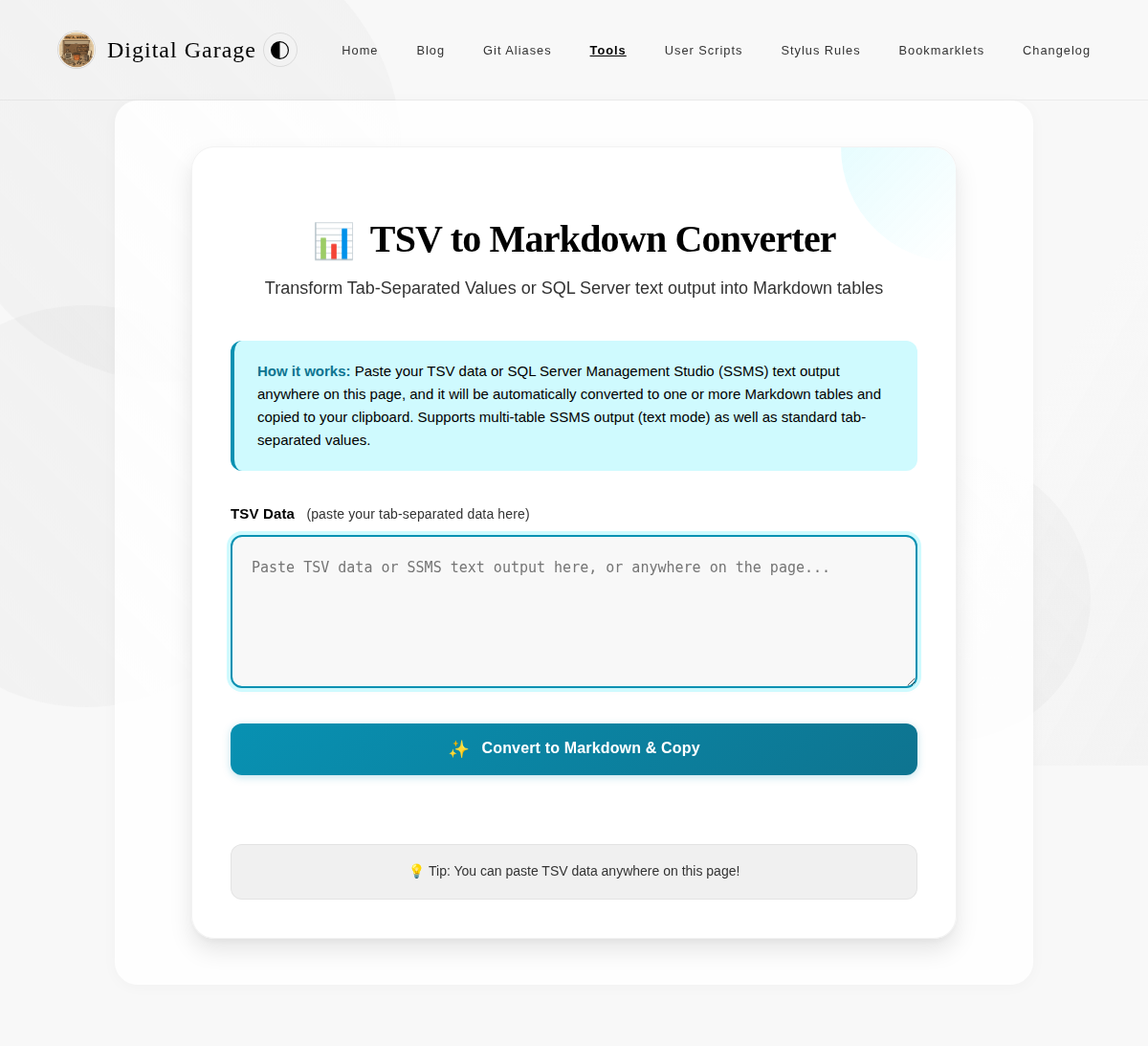
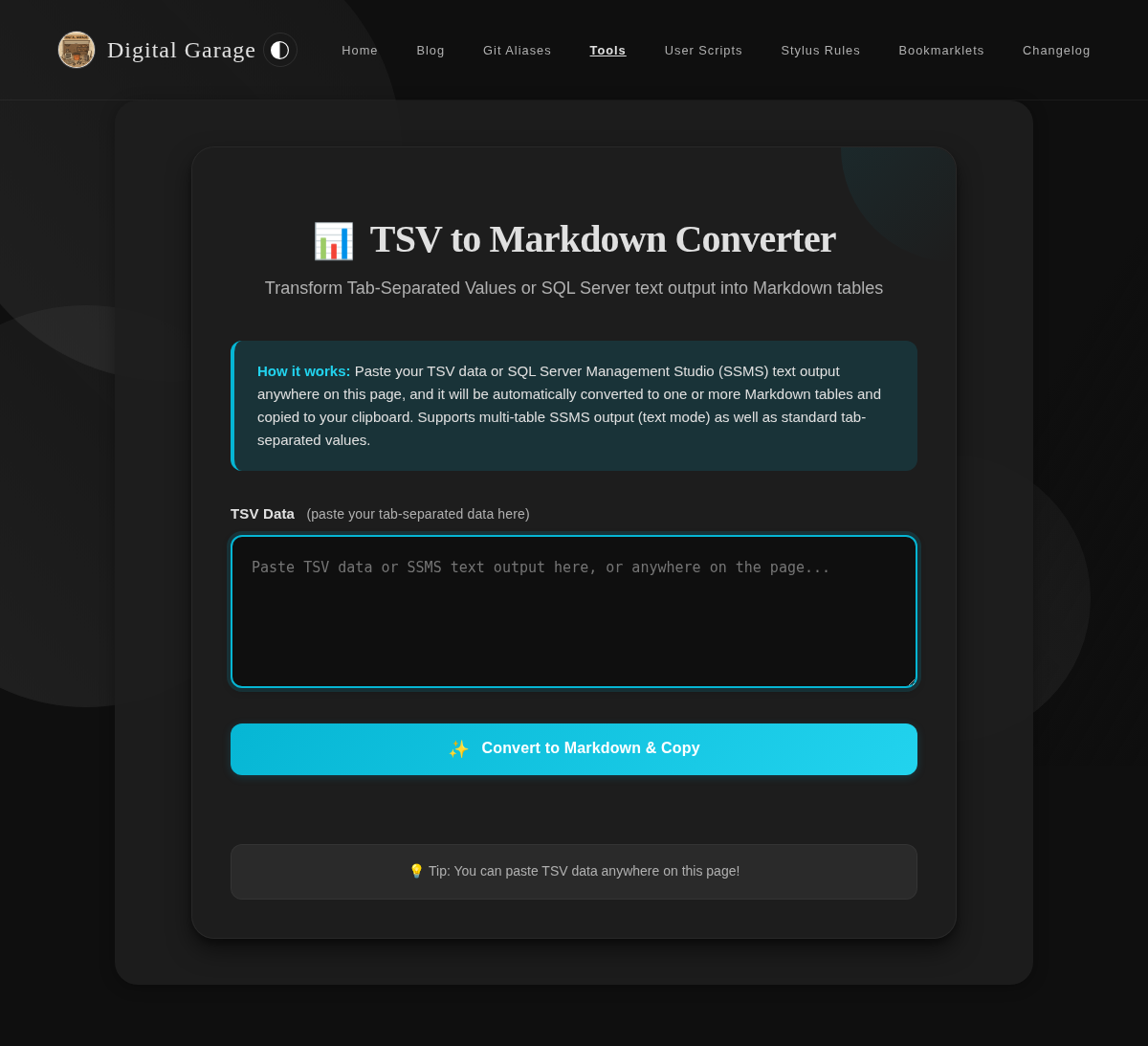
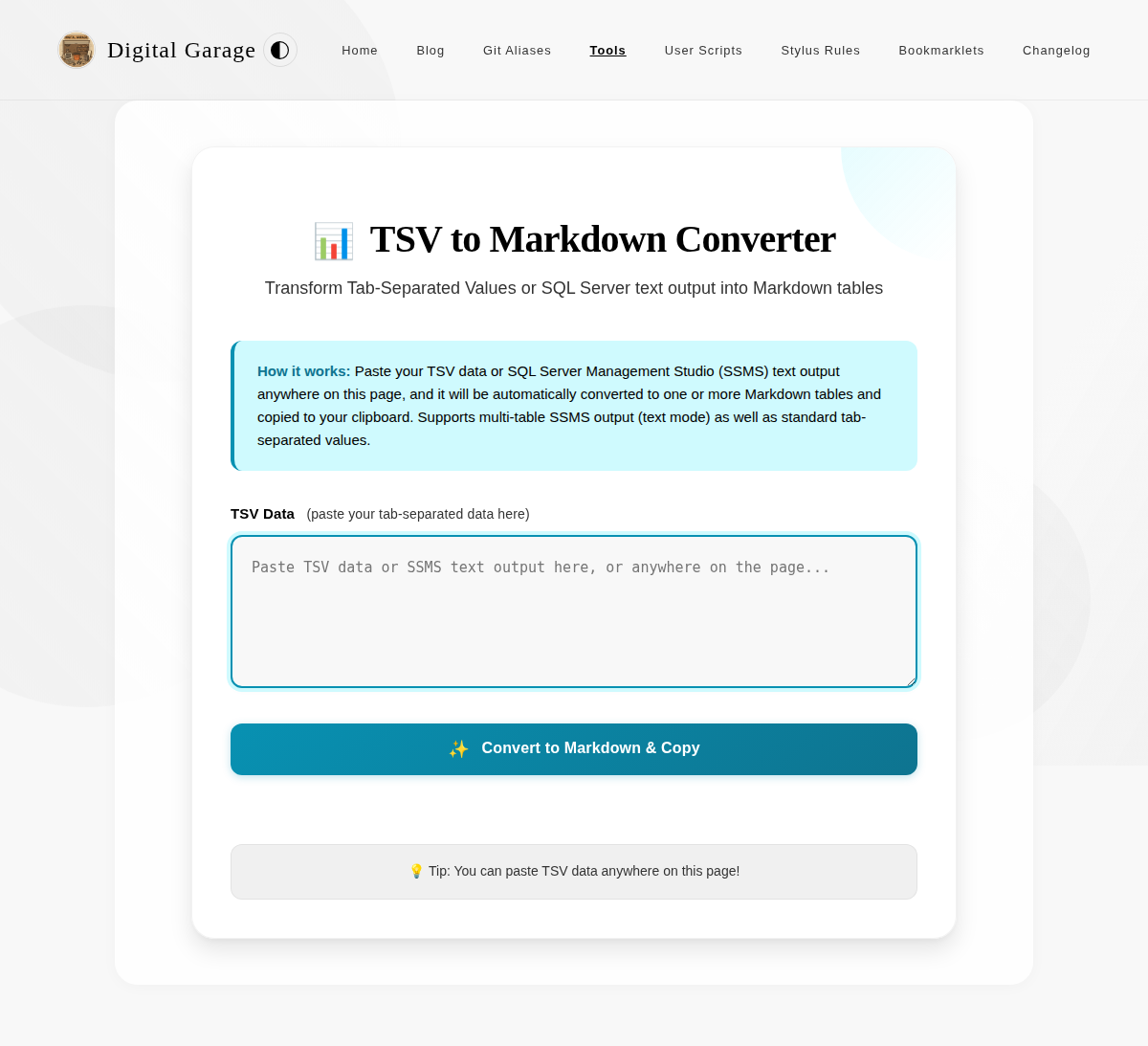
      <p>This tool converts Tab-Separated Values (TSV) data into properly formatted Markdown tables. Simply paste your TSV data anywhere on the page, and the tool will automatically convert it to a Markdown table and copy it to your clipboard.</p>


      <p><strong>Version description</strong></p>
      <ul>
<li>Added spacing and a visible border around each table in the preview when displaying multiple tables.</li>
</ul>

      <p><a href="https://www.timhilton.xyz/tools/tsv-to-markdown-converter/CHANGELOG/#201---2026-02-27">View changelog entry</a></p>
      
      
      <p><strong>Screenshots</strong></p>
      <p><img src="https://www.timhilton.xyz/tools/tsv-to-markdown-converter/2.0.1/screenshot.png" alt="Screenshot of TSV to Markdown Converter 2.0.1 in light mode"></p>
      <p><img src="https://www.timhilton.xyz/tools/tsv-to-markdown-converter/2.0.1/screenshot-dark.png" alt="Screenshot of TSV to Markdown Converter 2.0.1 in dark mode"></p>
      ]]>
    </content>
    
  </entry>
  
  <entry>
    <title>TSV to Markdown Converter 2.0.0</title>
    <link href="https://www.timhilton.xyz/tools/tsv-to-markdown-converter/2.0.0/"/>
    <id>https://www.timhilton.xyz/tools/tsv-to-markdown-converter/2.0.0/</id>
    <updated>2026-02-25T00:00:00Z</updated>
    
    <summary>- Added support for SQL Server Management Studio (SSMS) fixed-width text output, including multi-table results. - Automatically detects whether input is TSV or SSMS format and converts accordingly.</summary>
    
    
    <content type="html">
      <![CDATA[
      
      <p><strong>About TSV to Markdown Converter</strong></p>
      <p>This tool converts Tab-Separated Values (TSV) data into properly formatted Markdown tables. Simply paste your TSV data anywhere on the page, and the tool will automatically convert it to a Markdown table and copy it to your clipboard.</p>


      <p><strong>Version description</strong></p>
      <ul>
<li>Added support for SQL Server Management Studio (SSMS) fixed-width text output, including multi-table results.</li>
<li>Automatically detects whether input is TSV or SSMS format and converts accordingly.</li>
</ul>

      <p><a href="https://www.timhilton.xyz/tools/tsv-to-markdown-converter/CHANGELOG/#200---2026-02-25">View changelog entry</a></p>
      
      
      <p><strong>Screenshots</strong></p>
      <p><img src="https://www.timhilton.xyz/tools/tsv-to-markdown-converter/2.0.0/screenshot.png" alt="Screenshot of TSV to Markdown Converter 2.0.0 in light mode"></p>
      <p><img src="https://www.timhilton.xyz/tools/tsv-to-markdown-converter/2.0.0/screenshot-dark.png" alt="Screenshot of TSV to Markdown Converter 2.0.0 in dark mode"></p>
      ]]>
    </content>
    
  </entry>
  
  <entry>
    <title>TSV to Markdown Converter 1.1.0</title>
    <link href="https://www.timhilton.xyz/tools/tsv-to-markdown-converter/1.1.0/"/>
    <id>https://www.timhilton.xyz/tools/tsv-to-markdown-converter/1.1.0/</id>
    <updated>2026-02-13T00:00:00Z</updated>
    
    <summary>- Paste into textarea now automatically converts and copies to clipboard.</summary>
    
    
    <content type="html">
      <![CDATA[
      
      <p><strong>About TSV to Markdown Converter</strong></p>
      <p>This tool converts Tab-Separated Values (TSV) data into properly formatted Markdown tables. Simply paste your TSV data anywhere on the page, and the tool will automatically convert it to a Markdown table and copy it to your clipboard.</p>


      <p><strong>Version description</strong></p>
      <ul>
<li>Paste into textarea now automatically converts and copies to clipboard.</li>
</ul>

      <p><a href="https://www.timhilton.xyz/tools/tsv-to-markdown-converter/CHANGELOG/#110---2026-02-13">View changelog entry</a></p>
      
      
      <p><strong>Screenshots</strong></p>
      <p><img src="https://www.timhilton.xyz/tools/tsv-to-markdown-converter/1.1.0/screenshot.png" alt="Screenshot of TSV to Markdown Converter 1.1.0 in light mode"></p>
      <p><img src="https://www.timhilton.xyz/tools/tsv-to-markdown-converter/1.1.0/screenshot-dark.png" alt="Screenshot of TSV to Markdown Converter 1.1.0 in dark mode"></p>
      ]]>
    </content>
    
  </entry>
  
  <entry>
    <title>Agentic Coding Evaluator 1.3.0</title>
    <link href="https://www.timhilton.xyz/tools/agentic-coding-evaluator/1.3.0/"/>
    <id>https://www.timhilton.xyz/tools/agentic-coding-evaluator/1.3.0/</id>
    <updated>2026-02-10T00:00:00Z</updated>
    
    <summary>Added task history management with the ability to view, modify, and delete completed tasks: - Each task displays its status (AI/No AI, Completed/Abandoned) and timing information - Delete button allows removal of individual tasks, updating all statistics accordingly - Toggle AI button allows switching tasks between AI and non-AI modes, updating statistics</summary>
    
    
    <content type="html">
      <![CDATA[
      
      <p><strong>About Agentic Coding Evaluator</strong></p>
      <p>A tool to measure and compare your coding performance with and without AI assistance. Track task estimates versus actual completion times to understand how AI tools impact your productivity.</p>


      <p><strong>Version description</strong></p>
      <p>Added task history management with the ability to view, modify, and delete completed tasks:</p>
<ul>
<li>Each task displays its status (AI/No AI, Completed/Abandoned) and timing information</li>
<li>Delete button allows removal of individual tasks, updating all statistics accordingly</li>
<li>Toggle AI button allows switching tasks between AI and non-AI modes, updating statistics</li>
</ul>

      <p><a href="https://www.timhilton.xyz/tools/agentic-coding-evaluator/CHANGELOG/#130---2026-02-10">View changelog entry</a></p>
      
      
      <p><strong>Screenshots</strong></p>
      <p><img src="https://www.timhilton.xyz/tools/agentic-coding-evaluator/1.3.0/screenshot.png" alt="Screenshot of Agentic Coding Evaluator 1.3.0 in light mode"></p>
      <p><img src="https://www.timhilton.xyz/tools/agentic-coding-evaluator/1.3.0/screenshot-dark.png" alt="Screenshot of Agentic Coding Evaluator 1.3.0 in dark mode"></p>
      ]]>
    </content>
    
  </entry>
  
  <entry>
    <title>TSV to Markdown Converter 1.0.0</title>
    <link href="https://www.timhilton.xyz/tools/tsv-to-markdown-converter/1.0.0/"/>
    <id>https://www.timhilton.xyz/tools/tsv-to-markdown-converter/1.0.0/</id>
    <updated>2026-01-30T00:00:00Z</updated>
    
    <summary>- Convert TSV data to Markdown tables with automatic detection and conversion. - Paste data anywhere on the page for instant processing. - Automatic clipboard copying and visual table preview.</summary>
    
    
    <content type="html">
      <![CDATA[
      
      <p><strong>About TSV to Markdown Converter</strong></p>
      <p>This tool converts Tab-Separated Values (TSV) data into properly formatted Markdown tables. Simply paste your TSV data anywhere on the page, and the tool will automatically convert it to a Markdown table and copy it to your clipboard.</p>


      <p><strong>Version description</strong></p>
      <ul>
<li>Convert TSV data to Markdown tables with automatic detection and conversion.</li>
<li>Paste data anywhere on the page for instant processing.</li>
<li>Automatic clipboard copying and visual table preview.</li>
</ul>

      <p><a href="https://www.timhilton.xyz/tools/tsv-to-markdown-converter/CHANGELOG/#100---2026-01-30">View changelog entry</a></p>
      
      
      <p><strong>Screenshots</strong></p>
      <p><img src="https://www.timhilton.xyz/tools/tsv-to-markdown-converter/1.0.0/screenshot.png" alt="Screenshot of TSV to Markdown Converter 1.0.0 in light mode"></p>
      <p><img src="https://www.timhilton.xyz/tools/tsv-to-markdown-converter/1.0.0/screenshot-dark.png" alt="Screenshot of TSV to Markdown Converter 1.0.0 in dark mode"></p>
      ]]>
    </content>
    
  </entry>
  
  <entry>
    <title>YNAB Category Lister 1.8.0</title>
    <link href="https://www.timhilton.xyz/tools/ynab-category-lister/1.8.0/"/>
    <id>https://www.timhilton.xyz/tools/ynab-category-lister/1.8.0/</id>
    <updated>2026-01-28T00:00:00Z</updated>
    
    <summary>- Added export and import buttons for backing up and restoring all local storage data (API key, excluded transactions, and category types). - Added delete button to clear all local storage data with confirmation dialog.</summary>
    
    
    <content type="html">
      <![CDATA[
      
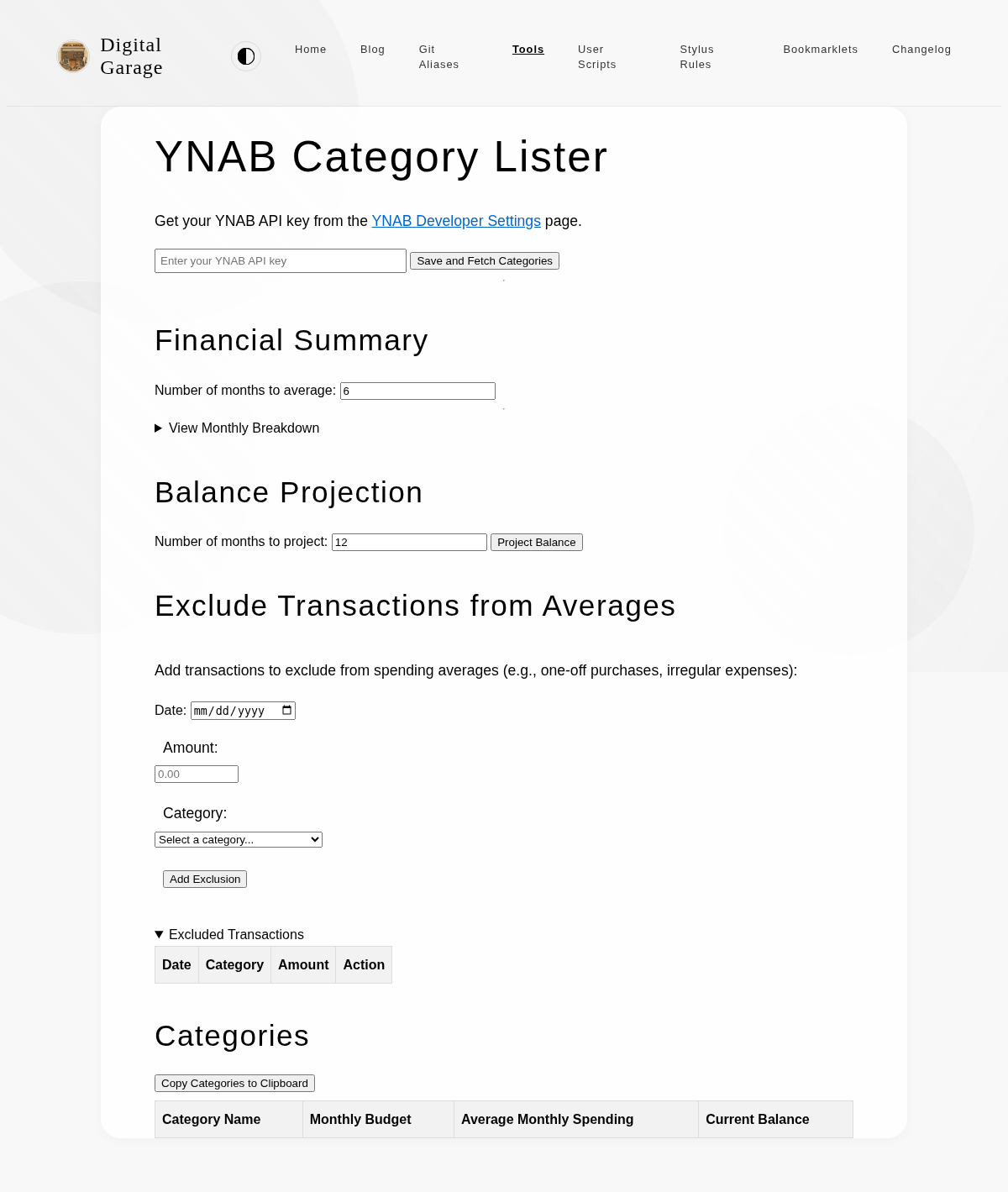
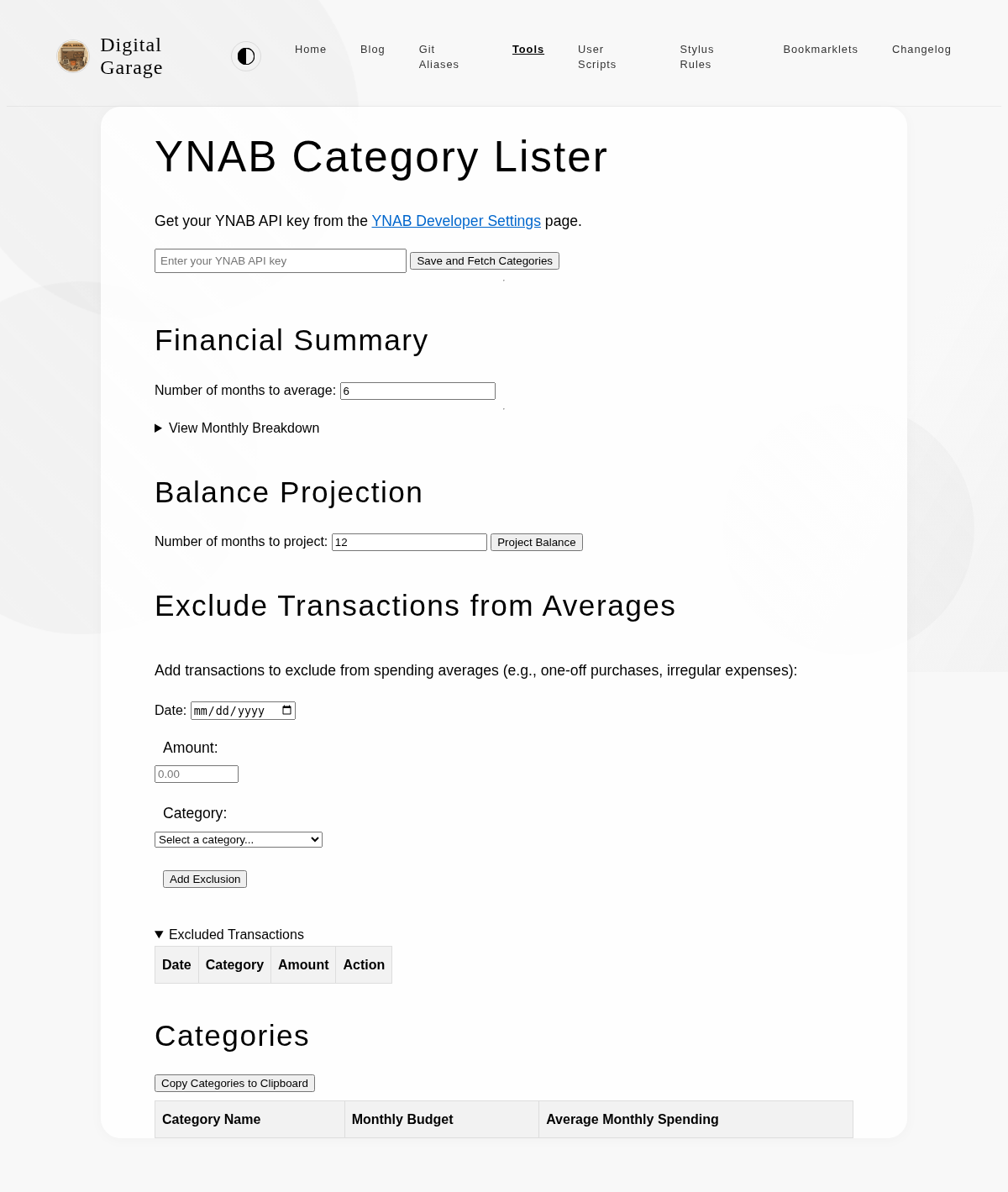
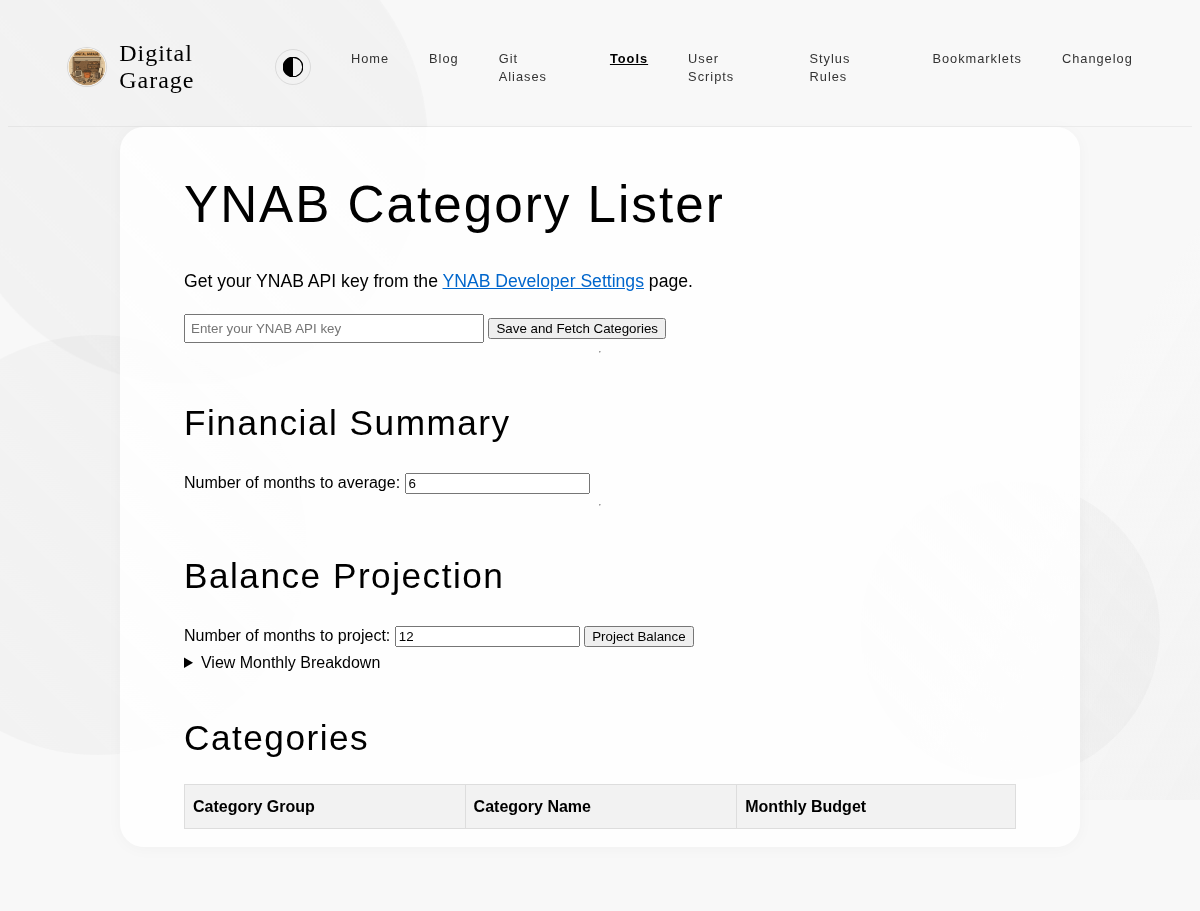
      <p><strong>About YNAB Category Lister</strong></p>
      <p>This tool allows you to enter a YNAB API key and view all the categories in your budget. This is useful for getting a quick overview of your budget structure.</p>


      <p><strong>Version description</strong></p>
      <ul>
<li>Added export and import buttons for backing up and restoring all local storage data (API key, excluded transactions, and category types).</li>
<li>Added delete button to clear all local storage data with confirmation dialog.</li>
</ul>

      <p><a href="https://www.timhilton.xyz/tools/ynab-category-lister/CHANGELOG/#180---2026-01-28">View changelog entry</a></p>
      
      
      <p><strong>Screenshot</strong></p>
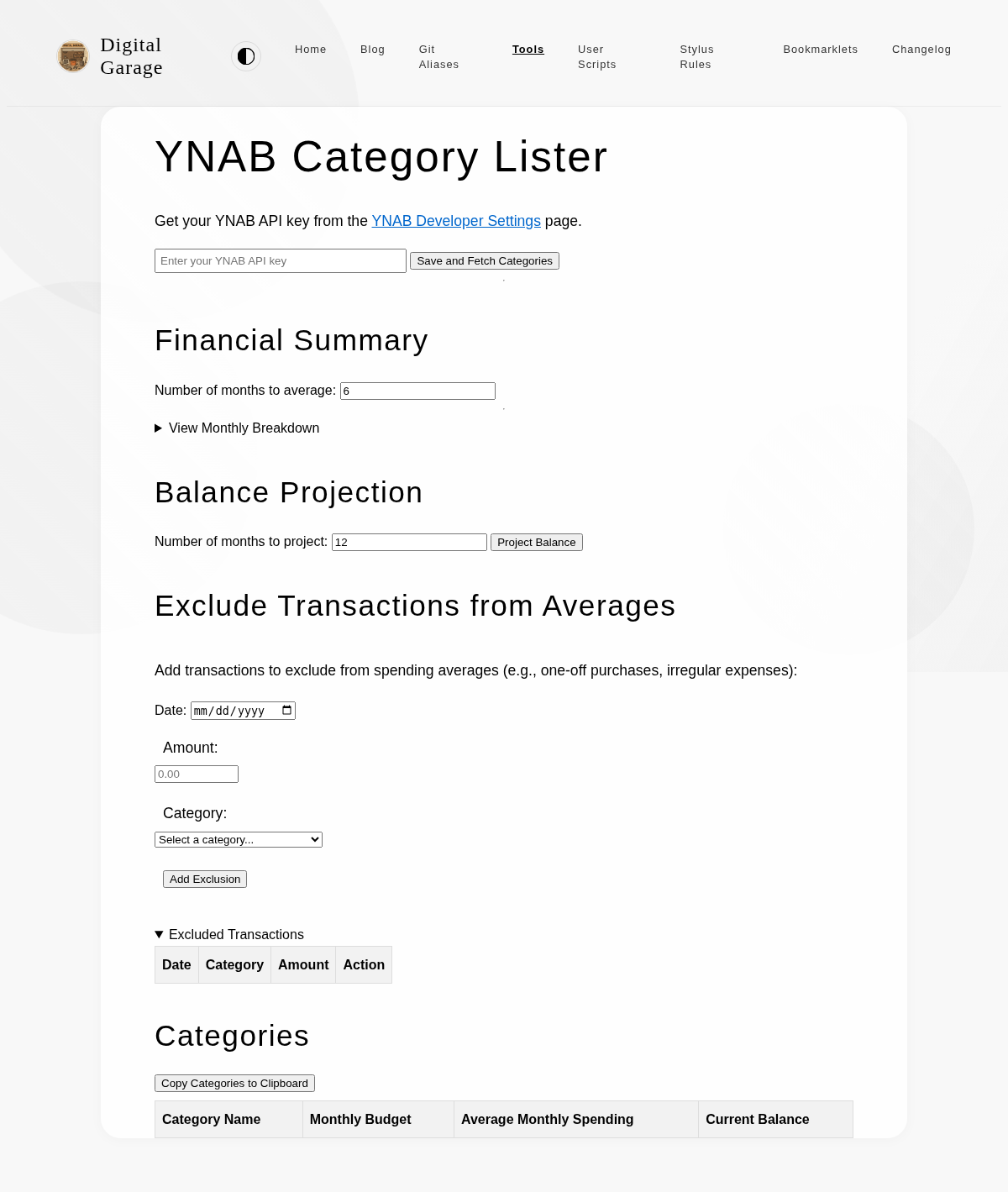
      <p><img src="https://www.timhilton.xyz/tools/ynab-category-lister/1.8.0/screenshot.png" alt="Screenshot of YNAB Category Lister 1.8.0 in light mode"></p>
      ]]>
    </content>
    
  </entry>
  
  <entry>
    <title>YNAB Category Lister 1.7.0</title>
    <link href="https://www.timhilton.xyz/tools/ynab-category-lister/1.7.0/"/>
    <id>https://www.timhilton.xyz/tools/ynab-category-lister/1.7.0/</id>
    <updated>2026-01-28T00:00:00Z</updated>
    
    <summary>- Can identify which categories are needs, wants, and savings.</summary>
    
    
    <content type="html">
      <![CDATA[
      
      <p><strong>About YNAB Category Lister</strong></p>
      <p>This tool allows you to enter a YNAB API key and view all the categories in your budget. This is useful for getting a quick overview of your budget structure.</p>


      <p><strong>Version description</strong></p>
      <ul>
<li>Can identify which categories are needs, wants, and savings.</li>
</ul>

      <p><a href="https://www.timhilton.xyz/tools/ynab-category-lister/CHANGELOG/#170---2026-01-28">View changelog entry</a></p>
      
      
      <p><strong>Screenshot</strong></p>
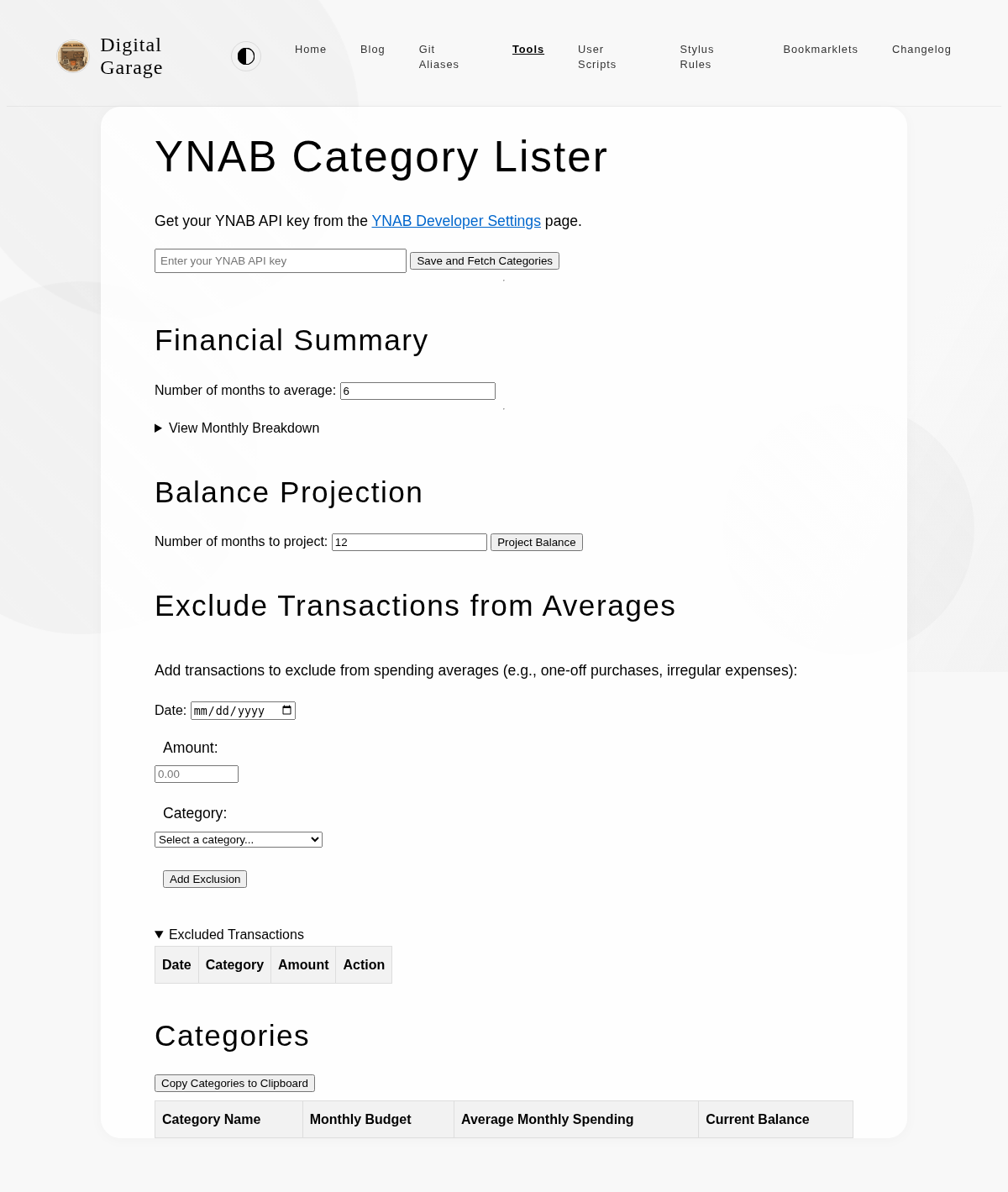
      <p><img src="https://www.timhilton.xyz/tools/ynab-category-lister/1.7.0/screenshot.png" alt="Screenshot of YNAB Category Lister 1.7.0 in light mode"></p>
      ]]>
    </content>
    
  </entry>
  
  <entry>
    <title>Parables Tracker 1.0.1</title>
    <link href="https://www.timhilton.xyz/tools/parables-tracker/1.0.1/"/>
    <id>https://www.timhilton.xyz/tools/parables-tracker/1.0.1/</id>
    <updated>2026-01-26T00:00:00Z</updated>
    
    <summary>- Fixed flicker when tapping a parable reference by updating only the affected elements instead of re-rendering the entire page.</summary>
    
    
    <content type="html">
      <![CDATA[
      
      <p><strong>About Parables Tracker</strong></p>
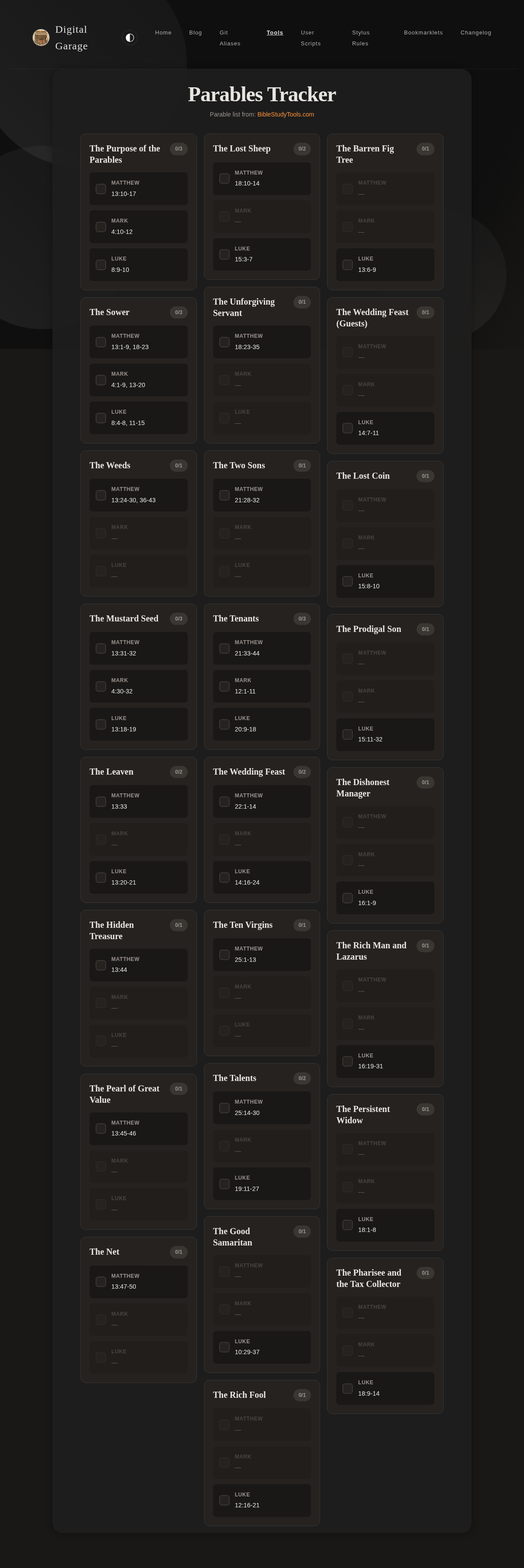
      <p>Track your reading progress through the parables of Jesus. This tool helps you systematically read through all the parables recorded in the Gospels, marking each reference as you complete it.</p>


      <p><strong>Version description</strong></p>
      <ul>
<li>Fixed flicker when tapping a parable reference by updating only the affected elements instead of re-rendering the entire page.</li>
</ul>

      <p><a href="https://www.timhilton.xyz/tools/parables-tracker/CHANGELOG/#101---2026-01-26">View changelog entry</a></p>
      
      
      <p><strong>Screenshots</strong></p>
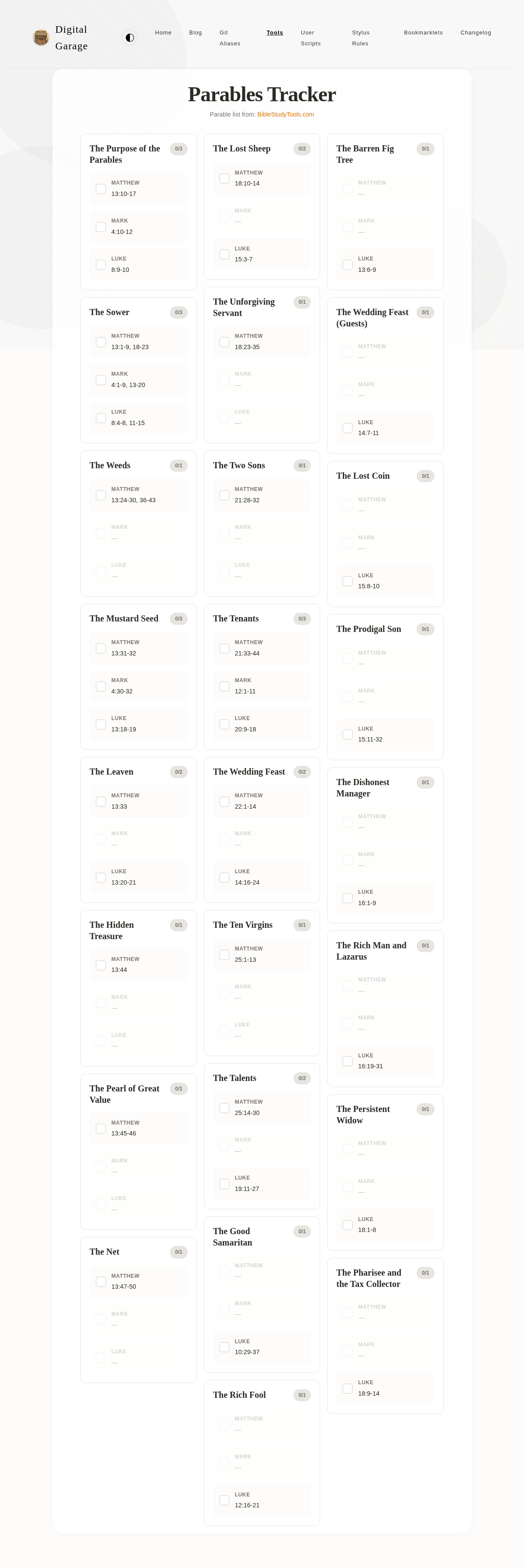
      <p><img src="https://www.timhilton.xyz/tools/parables-tracker/1.0.1/screenshot.png" alt="Screenshot of Parables Tracker 1.0.1 in light mode"></p>
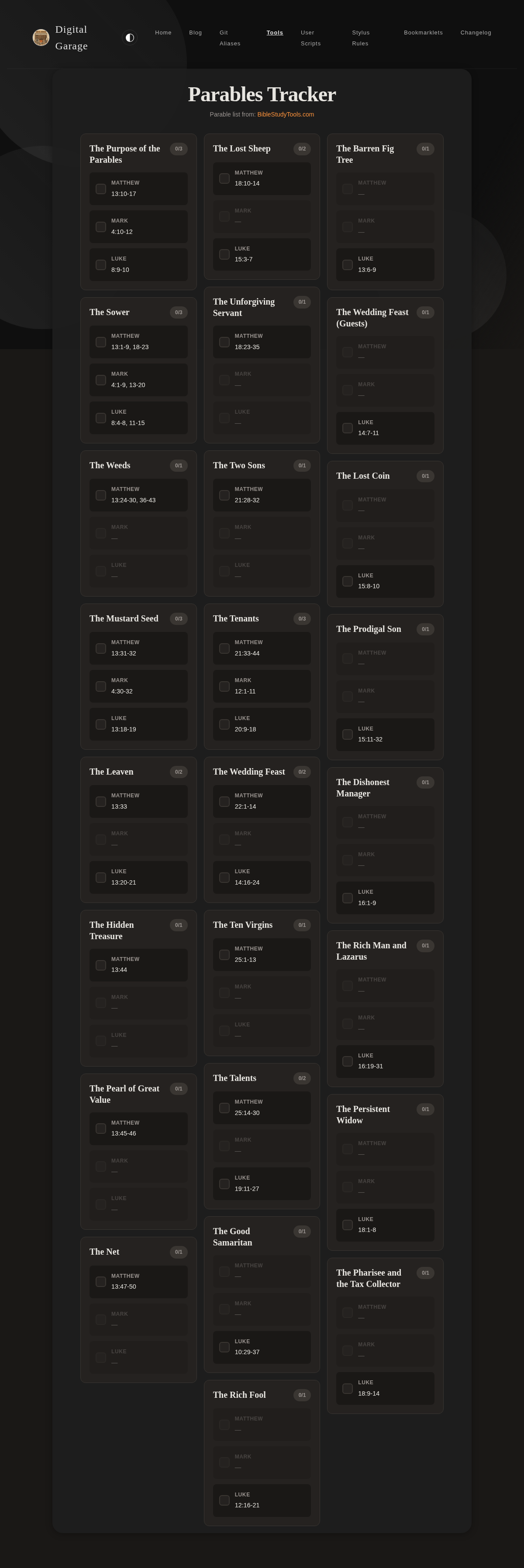
      <p><img src="https://www.timhilton.xyz/tools/parables-tracker/1.0.1/screenshot-dark.png" alt="Screenshot of Parables Tracker 1.0.1 in dark mode"></p>
      ]]>
    </content>
    
  </entry>
  
  <entry>
    <title>Parables Tracker 1.0.0</title>
    <link href="https://www.timhilton.xyz/tools/parables-tracker/1.0.0/"/>
    <id>https://www.timhilton.xyz/tools/parables-tracker/1.0.0/</id>
    <updated>2026-01-26T00:00:00Z</updated>
    
    <summary>- Track reading progress through 25 parables of Jesus across the synoptic gospels</summary>
    
    
    <content type="html">
      <![CDATA[
      
      <p><strong>About Parables Tracker</strong></p>
      <p>Track your reading progress through the parables of Jesus. This tool helps you systematically read through all the parables recorded in the Gospels, marking each reference as you complete it.</p>


      <p><strong>Version description</strong></p>
      <ul>
<li>Track reading progress through 25 parables of Jesus across the synoptic gospels</li>
</ul>

      <p><a href="https://www.timhilton.xyz/tools/parables-tracker/CHANGELOG/#100---2026-01-26">View changelog entry</a></p>
      
      
      <p><strong>Screenshots</strong></p>
      <p><img src="https://www.timhilton.xyz/tools/parables-tracker/1.0.0/screenshot.png" alt="Screenshot of Parables Tracker 1.0.0 in light mode"></p>
      <p><img src="https://www.timhilton.xyz/tools/parables-tracker/1.0.0/screenshot-dark.png" alt="Screenshot of Parables Tracker 1.0.0 in dark mode"></p>
      ]]>
    </content>
    
  </entry>
  
  <entry>
    <title>YNAB Category Lister 1.6.0</title>
    <link href="https://www.timhilton.xyz/tools/ynab-category-lister/1.6.0/"/>
    <id>https://www.timhilton.xyz/tools/ynab-category-lister/1.6.0/</id>
    <updated>2026-01-25T00:00:00Z</updated>
    
    <summary>- Updated on-screen number formatting to display `-` for zero or missing values instead of `n/a`. - Updated clipboard copy functionality to use plain numbers (e.g. 1234.56) instead of currency-formatted values (e.g. £1,234.56), and to use `0` instead of `-` or `n/a` for missing values.</summary>
    
    
    <content type="html">
      <![CDATA[
      
      <p><strong>About YNAB Category Lister</strong></p>
      <p>This tool allows you to enter a YNAB API key and view all the categories in your budget. This is useful for getting a quick overview of your budget structure.</p>


      <p><strong>Version description</strong></p>
      <ul>
<li>Updated on-screen number formatting to display <code>-</code> for zero or missing values instead of <code>n/a</code>.</li>
<li>Updated clipboard copy functionality to use plain numbers (e.g. 1234.56) instead of currency-formatted values (e.g. £1,234.56), and to use <code>0</code> instead of <code>-</code> or <code>n/a</code> for missing values.</li>
</ul>

      <p><a href="https://www.timhilton.xyz/tools/ynab-category-lister/CHANGELOG/#160---2026-01-25">View changelog entry</a></p>
      
      
      <p><strong>Screenshot</strong></p>
      <p><img src="https://www.timhilton.xyz/tools/ynab-category-lister/1.6.0/screenshot.png" alt="Screenshot of YNAB Category Lister 1.6.0 in light mode"></p>
      ]]>
    </content>
    
  </entry>
  
  <entry>
    <title>YNAB Category Lister 1.5.0</title>
    <link href="https://www.timhilton.xyz/tools/ynab-category-lister/1.5.0/"/>
    <id>https://www.timhilton.xyz/tools/ynab-category-lister/1.5.0/</id>
    <updated>2026-01-25T00:00:00Z</updated>
    
    <summary>- Removed categories from &quot;Internal Master Category&quot; and &quot;Hidden Categories&quot; groups from all displays and functionality. - Automatically hide category groups that have no visible categories.</summary>
    
    
    <content type="html">
      <![CDATA[
      
      <p><strong>About YNAB Category Lister</strong></p>
      <p>This tool allows you to enter a YNAB API key and view all the categories in your budget. This is useful for getting a quick overview of your budget structure.</p>


      <p><strong>Version description</strong></p>
      <ul>
<li>Removed categories from &quot;Internal Master Category&quot; and &quot;Hidden Categories&quot; groups from all displays and functionality.</li>
<li>Automatically hide category groups that have no visible categories.</li>
</ul>

      <p><a href="https://www.timhilton.xyz/tools/ynab-category-lister/CHANGELOG/#150---2026-01-25">View changelog entry</a></p>
      
      
      <p><strong>Screenshot</strong></p>
      <p><img src="https://www.timhilton.xyz/tools/ynab-category-lister/1.5.0/screenshot.png" alt="Screenshot of YNAB Category Lister 1.5.0 in light mode"></p>
      ]]>
    </content>
    
  </entry>
  
  <entry>
    <title>YNAB Category Lister 1.4.0</title>
    <link href="https://www.timhilton.xyz/tools/ynab-category-lister/1.4.0/"/>
    <id>https://www.timhilton.xyz/tools/ynab-category-lister/1.4.0/</id>
    <updated>2026-01-25T00:00:00Z</updated>
    
    <summary>- Added current balance column to the categories table showing the balance of each savings category. - Updated copy to clipboard functionality to include current balance as a fifth column.</summary>
    
    
    <content type="html">
      <![CDATA[
      
      <p><strong>About YNAB Category Lister</strong></p>
      <p>This tool allows you to enter a YNAB API key and view all the categories in your budget. This is useful for getting a quick overview of your budget structure.</p>


      <p><strong>Version description</strong></p>
      <ul>
<li>Added current balance column to the categories table showing the balance of each savings category.</li>
<li>Updated copy to clipboard functionality to include current balance as a fifth column.</li>
</ul>

      <p><a href="https://www.timhilton.xyz/tools/ynab-category-lister/CHANGELOG/#140---2026-01-25">View changelog entry</a></p>
      
      
      <p><strong>Screenshot</strong></p>
      <p><img src="https://www.timhilton.xyz/tools/ynab-category-lister/1.4.0/screenshot.png" alt="Screenshot of YNAB Category Lister 1.4.0 in light mode"></p>
      ]]>
    </content>
    
  </entry>
  
  <entry>
    <title>YNAB Category Lister 1.3.0</title>
    <link href="https://www.timhilton.xyz/tools/ynab-category-lister/1.3.0/"/>
    <id>https://www.timhilton.xyz/tools/ynab-category-lister/1.3.0/</id>
    <updated>2026-01-24T00:00:00Z</updated>
    
    <summary>- Combined monthly budget and average spending into a single table with grouped category headers. - Users can exclude specific transactions from spending averages by date, amount, and category. Exclusions are stored in localStorage and immediately update all displayed averages.</summary>
    
    
    <content type="html">
      <![CDATA[
      
      <p><strong>About YNAB Category Lister</strong></p>
      <p>This tool allows you to enter a YNAB API key and view all the categories in your budget. This is useful for getting a quick overview of your budget structure.</p>


      <p><strong>Version description</strong></p>
      <ul>
<li>Combined monthly budget and average spending into a single table with grouped category headers.</li>
<li>Users can exclude specific transactions from spending averages by date, amount, and category. Exclusions are stored in localStorage and immediately update all displayed averages.</li>
</ul>

      <p><a href="https://www.timhilton.xyz/tools/ynab-category-lister/CHANGELOG/#130---2026-01-24">View changelog entry</a></p>
      
      
      <p><strong>Screenshot</strong></p>
      <p><img src="https://www.timhilton.xyz/tools/ynab-category-lister/1.3.0/screenshot.png" alt="Screenshot of YNAB Category Lister 1.3.0 in light mode"></p>
      ]]>
    </content>
    
  </entry>
  
  <entry>
    <title>YNAB Category Lister 1.2.0</title>
    <link href="https://www.timhilton.xyz/tools/ynab-category-lister/1.2.0/"/>
    <id>https://www.timhilton.xyz/tools/ynab-category-lister/1.2.0/</id>
    <updated>2026-01-24T00:00:00Z</updated>
    
    <summary>- Display average monthly spending per category over the selected time period in a dedicated table.</summary>
    
    
    <content type="html">
      <![CDATA[
      
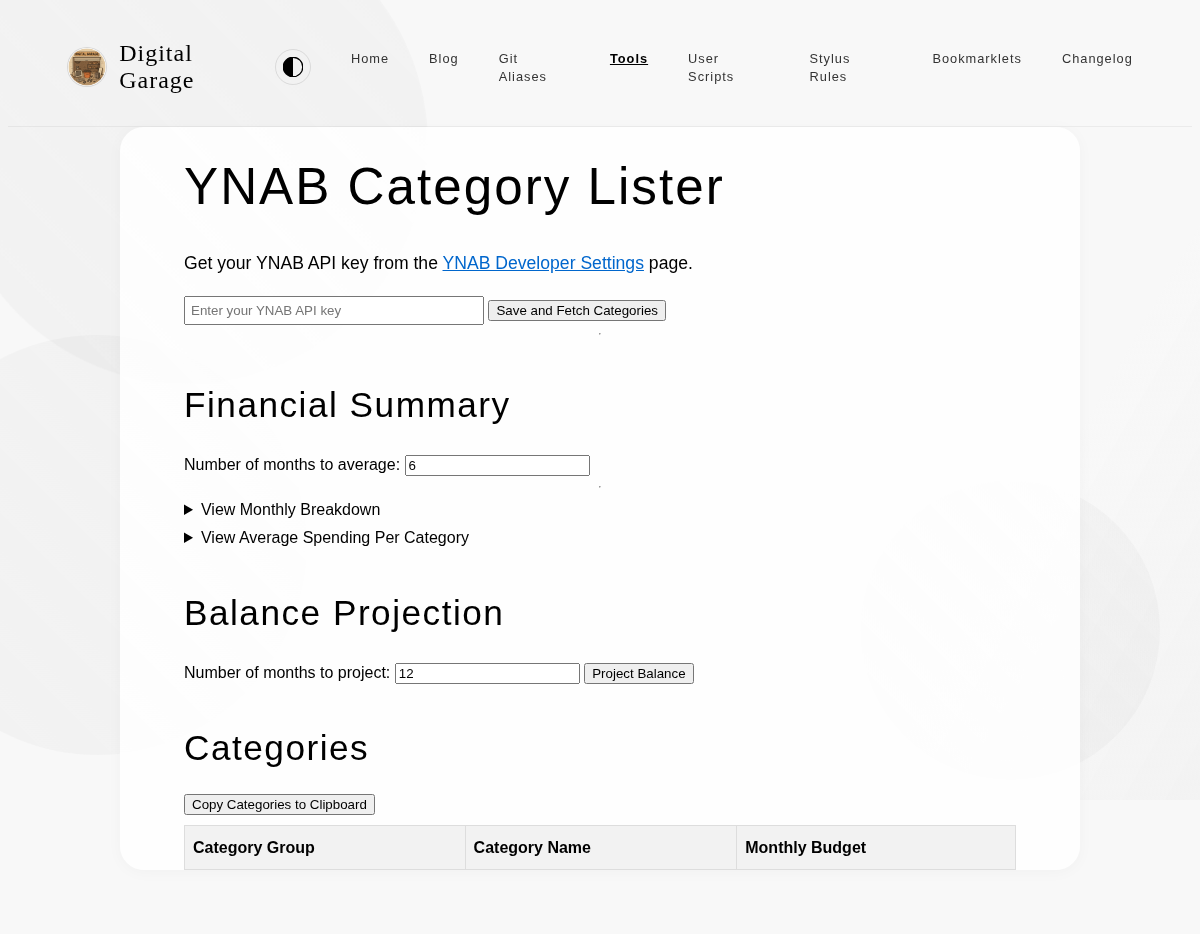
      <p><strong>About YNAB Category Lister</strong></p>
      <p>This tool allows you to enter a YNAB API key and view all the categories in your budget. This is useful for getting a quick overview of your budget structure.</p>


      <p><strong>Version description</strong></p>
      <ul>
<li>Display average monthly spending per category over the selected time period in a dedicated table.</li>
</ul>

      <p><a href="https://www.timhilton.xyz/tools/ynab-category-lister/CHANGELOG/#120---2026-01-24">View changelog entry</a></p>
      
      
      <p><strong>Screenshot</strong></p>
      <p><img src="https://www.timhilton.xyz/tools/ynab-category-lister/1.2.0/screenshot.png" alt="Screenshot of YNAB Category Lister 1.2.0 in light mode"></p>
      ]]>
    </content>
    
  </entry>
  
  <entry>
    <title>YNAB Category Lister 1.1.0</title>
    <link href="https://www.timhilton.xyz/tools/ynab-category-lister/1.1.0/"/>
    <id>https://www.timhilton.xyz/tools/ynab-category-lister/1.1.0/</id>
    <updated>2026-01-24T00:00:00Z</updated>
    
    <summary>- Can copy current YNAB budgets to clipboard in a format suitable for pasting into a spreadsheet.</summary>
    
    
    <content type="html">
      <![CDATA[
      
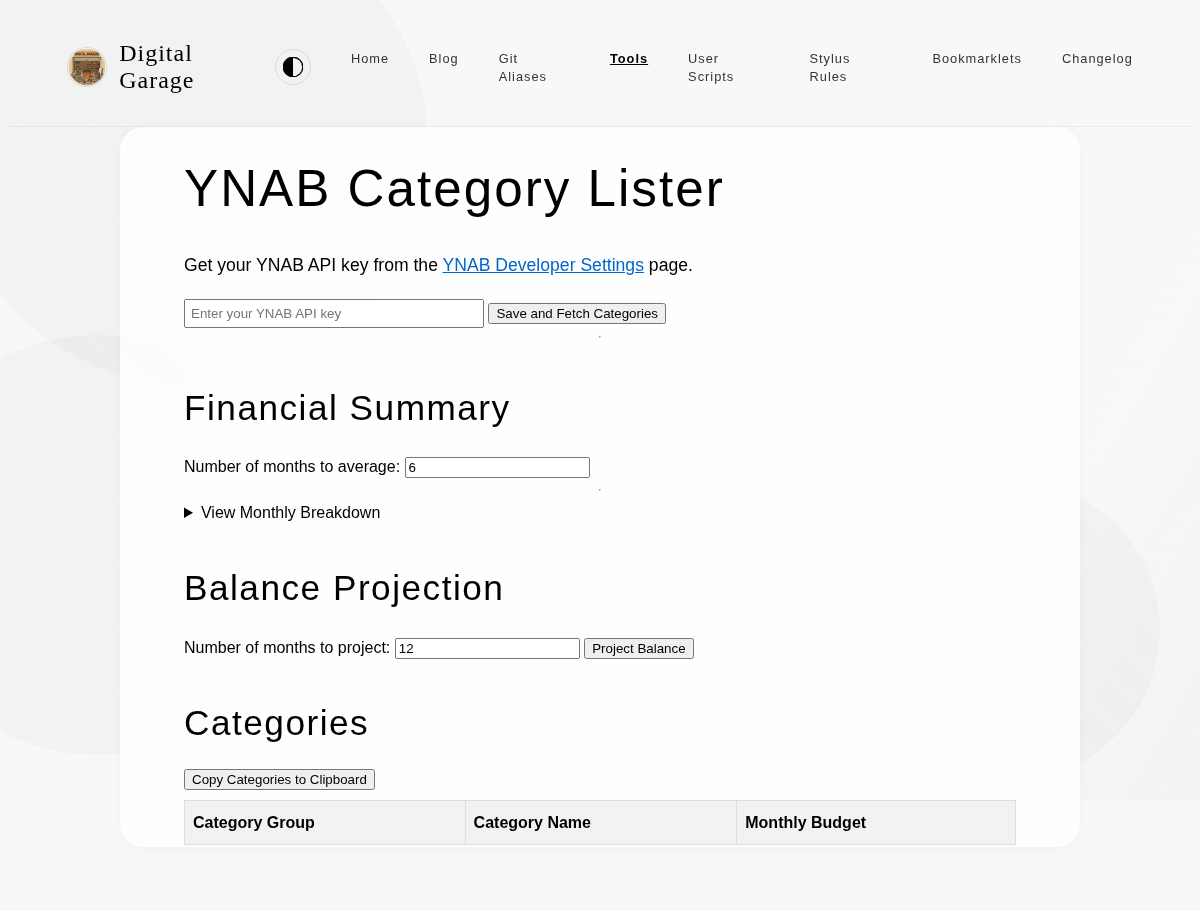
      <p><strong>About YNAB Category Lister</strong></p>
      <p>This tool allows you to enter a YNAB API key and view all the categories in your budget. This is useful for getting a quick overview of your budget structure.</p>


      <p><strong>Version description</strong></p>
      <ul>
<li>Can copy current YNAB budgets to clipboard in a format suitable for pasting into a spreadsheet.</li>
</ul>

      <p><a href="https://www.timhilton.xyz/tools/ynab-category-lister/CHANGELOG/#110---2026-01-24">View changelog entry</a></p>
      
      
      <p><strong>Screenshot</strong></p>
      <p><img src="https://www.timhilton.xyz/tools/ynab-category-lister/1.1.0/screenshot.png" alt="Screenshot of YNAB Category Lister 1.1.0 in light mode"></p>
      ]]>
    </content>
    
  </entry>
  
  <entry>
    <title>Modified Examen   1.6.0</title>
    <link href="https://www.timhilton.xyz/tools/modified-examen/1.6.0/"/>
    <id>https://www.timhilton.xyz/tools/modified-examen/1.6.0/</id>
    <updated>2026-01-22T00:00:00Z</updated>
    
    <summary>- Added optional screen wake lock feature to keep the device screen awake during use</summary>
    
    
    <content type="html">
      <![CDATA[
      
      <p><strong>About Modified Examen  </strong></p>
      <p>Inspired by something in the book Introverts in the Church by Adam McHugh, this is a version of the Ignatian Examen which I have modified for personal usage.</p>


      <p><strong>Version description</strong></p>
      <ul>
<li>Added optional screen wake lock feature to keep the device screen awake during use</li>
</ul>

      <p><a href="https://www.timhilton.xyz/tools/modified-examen/CHANGELOG/#160---2026-01-22">View changelog entry</a></p>
      
      
      <p><strong>Screenshots</strong></p>
      <p><img src="https://www.timhilton.xyz/tools/modified-examen/1.6.0/screenshot.png" alt="Screenshot of Modified Examen   1.6.0 in light mode"></p>
      <p><img src="https://www.timhilton.xyz/tools/modified-examen/1.6.0/screenshot-dark.png" alt="Screenshot of Modified Examen   1.6.0 in dark mode"></p>
      ]]>
    </content>
    
  </entry>
  
  <entry>
    <title>Obsidian Text Escaper 2.0.0</title>
    <link href="https://www.timhilton.xyz/tools/obsidian-text-escaper/2.0.0/"/>
    <id>https://www.timhilton.xyz/tools/obsidian-text-escaper/2.0.0/</id>
    <updated>2026-01-22T00:00:00Z</updated>
    
    <summary>- Major styling overhaul with refined editorial aesthetic, amber/gold color palette, enhanced accessibility, and improved animations.</summary>
    
    
    <content type="html">
      <![CDATA[
      
      <p><strong>About Obsidian Text Escaper</strong></p>
      <p>This tool escapes special Markdown characters in your text, making it safe to use in Obsidian callouts and other contexts where you want to display the characters literally. It also includes an option to format the text for Obsidian callouts by adding <code>&gt;</code> to each line.</p>


      <p><strong>Version description</strong></p>
      <ul>
<li>Major styling overhaul with refined editorial aesthetic, amber/gold color palette, enhanced accessibility, and improved animations.</li>
</ul>

      <p><a href="https://www.timhilton.xyz/tools/obsidian-text-escaper/CHANGELOG/#200---2026-01-22">View changelog entry</a></p>
      
      
      <p><strong>Screenshots</strong></p>
      <p><img src="https://www.timhilton.xyz/tools/obsidian-text-escaper/2.0.0/screenshot.png" alt="Screenshot of Obsidian Text Escaper 2.0.0 in light mode"></p>
      <p><img src="https://www.timhilton.xyz/tools/obsidian-text-escaper/2.0.0/screenshot-dark.png" alt="Screenshot of Obsidian Text Escaper 2.0.0 in dark mode"></p>
      ]]>
    </content>
    
  </entry>
  
  <entry>
    <title>Parent Pay Calculator 2.1.0</title>
    <link href="https://www.timhilton.xyz/tools/parent-pay-calculator/2.1.0/"/>
    <id>https://www.timhilton.xyz/tools/parent-pay-calculator/2.1.0/</id>
    <updated>2026-01-20T00:00:00Z</updated>
    
    <summary>- Enhanced visual design with custom typography, refined colour scheme, and improved button and input field styling for better contrast and usability in both light and dark modes.</summary>
    
    
    <content type="html">
      <![CDATA[
      
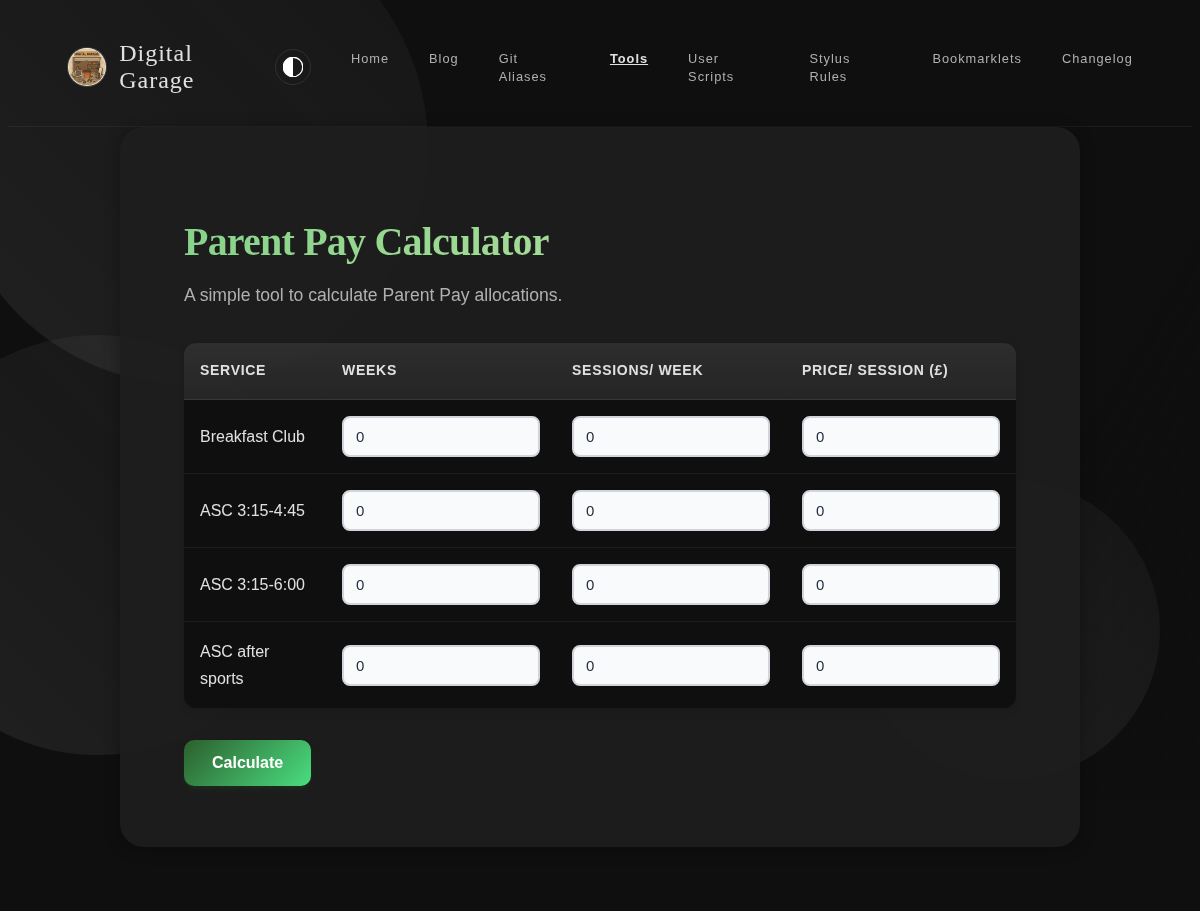
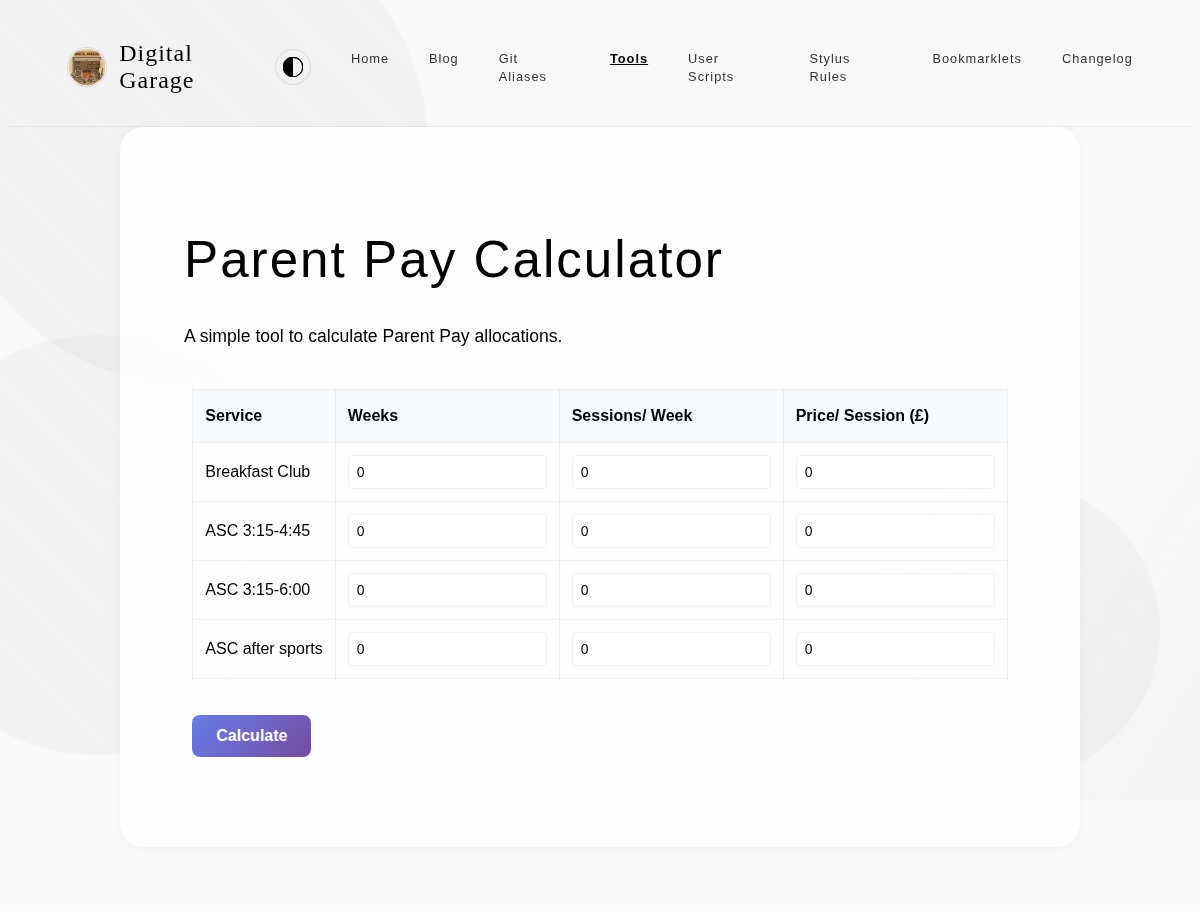
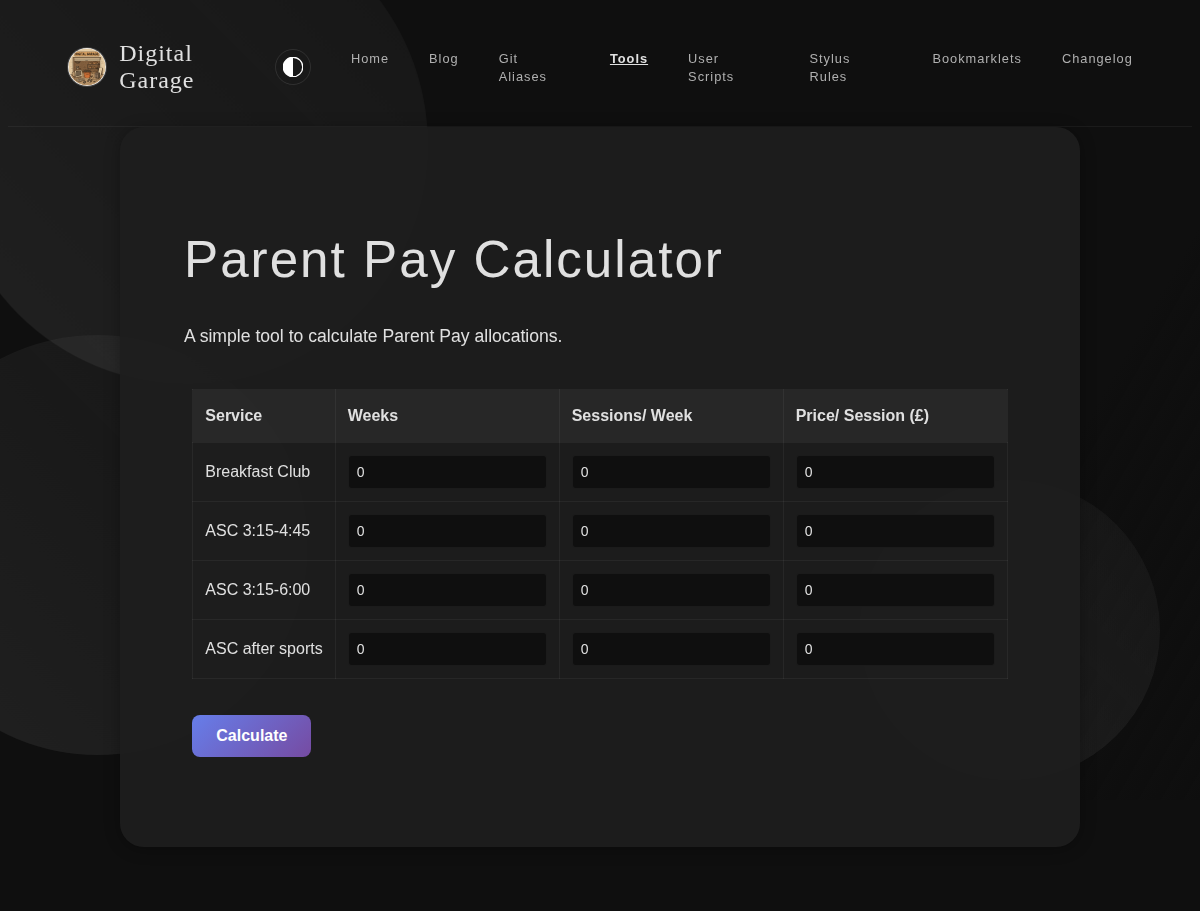
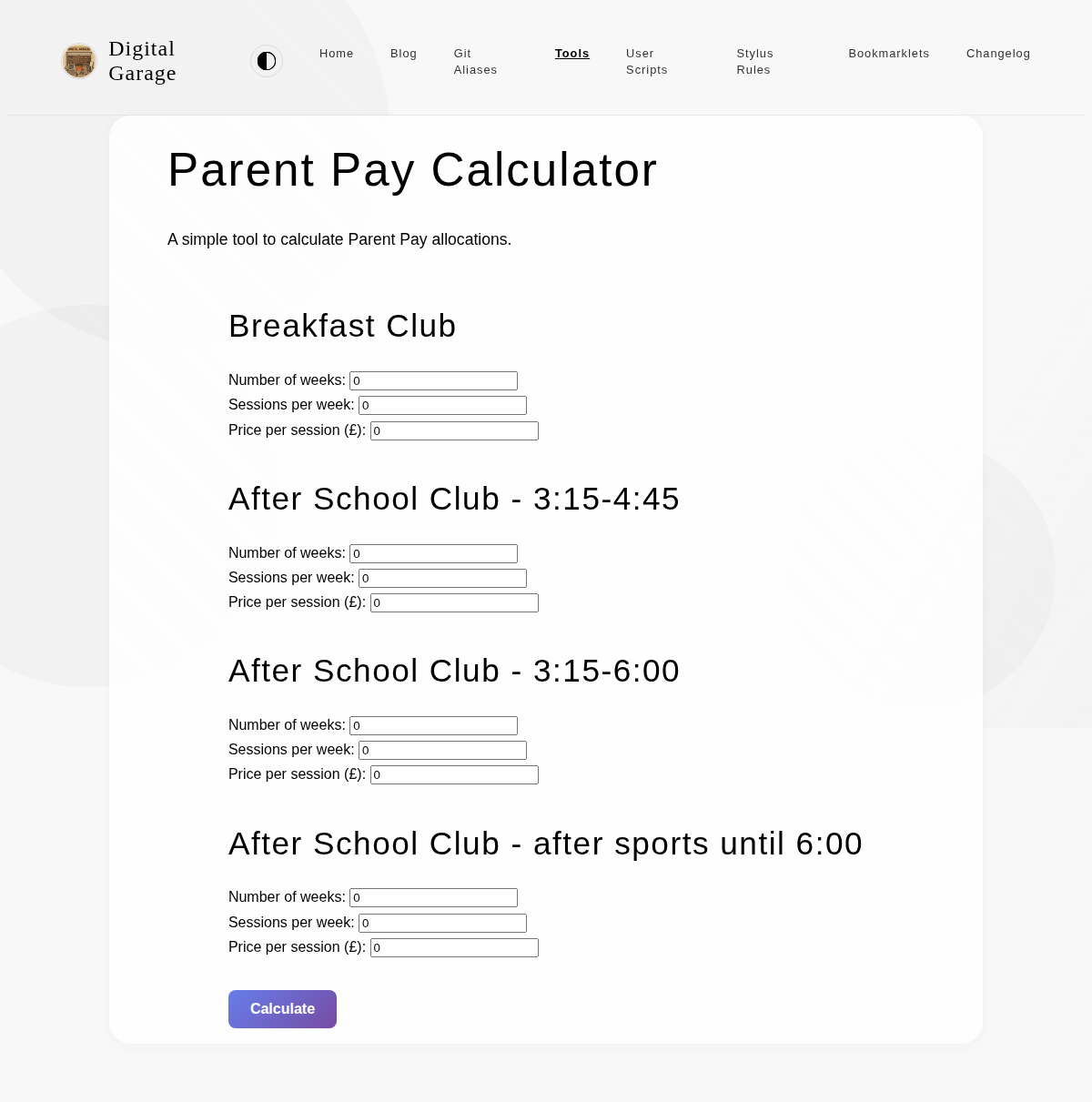
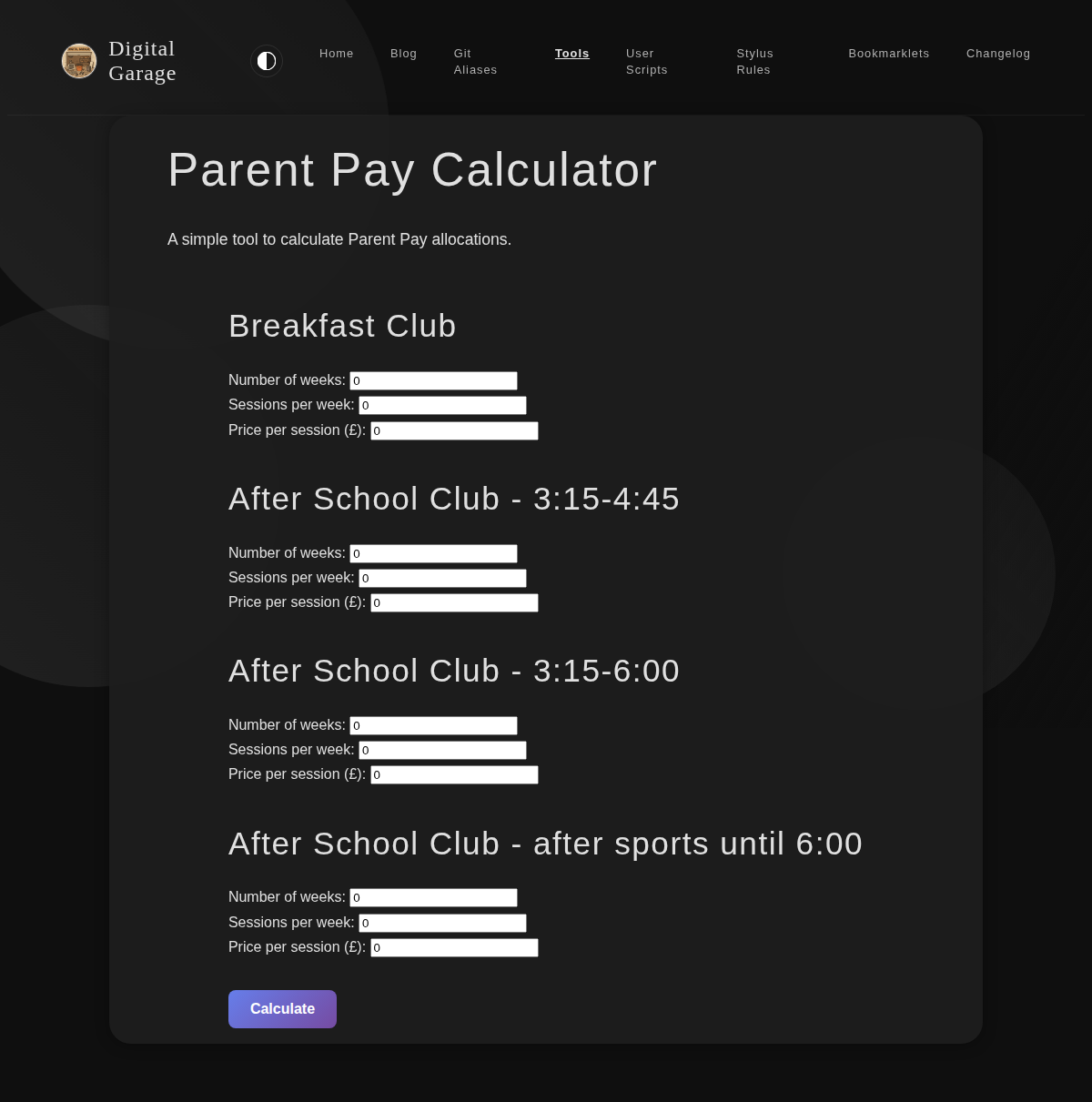
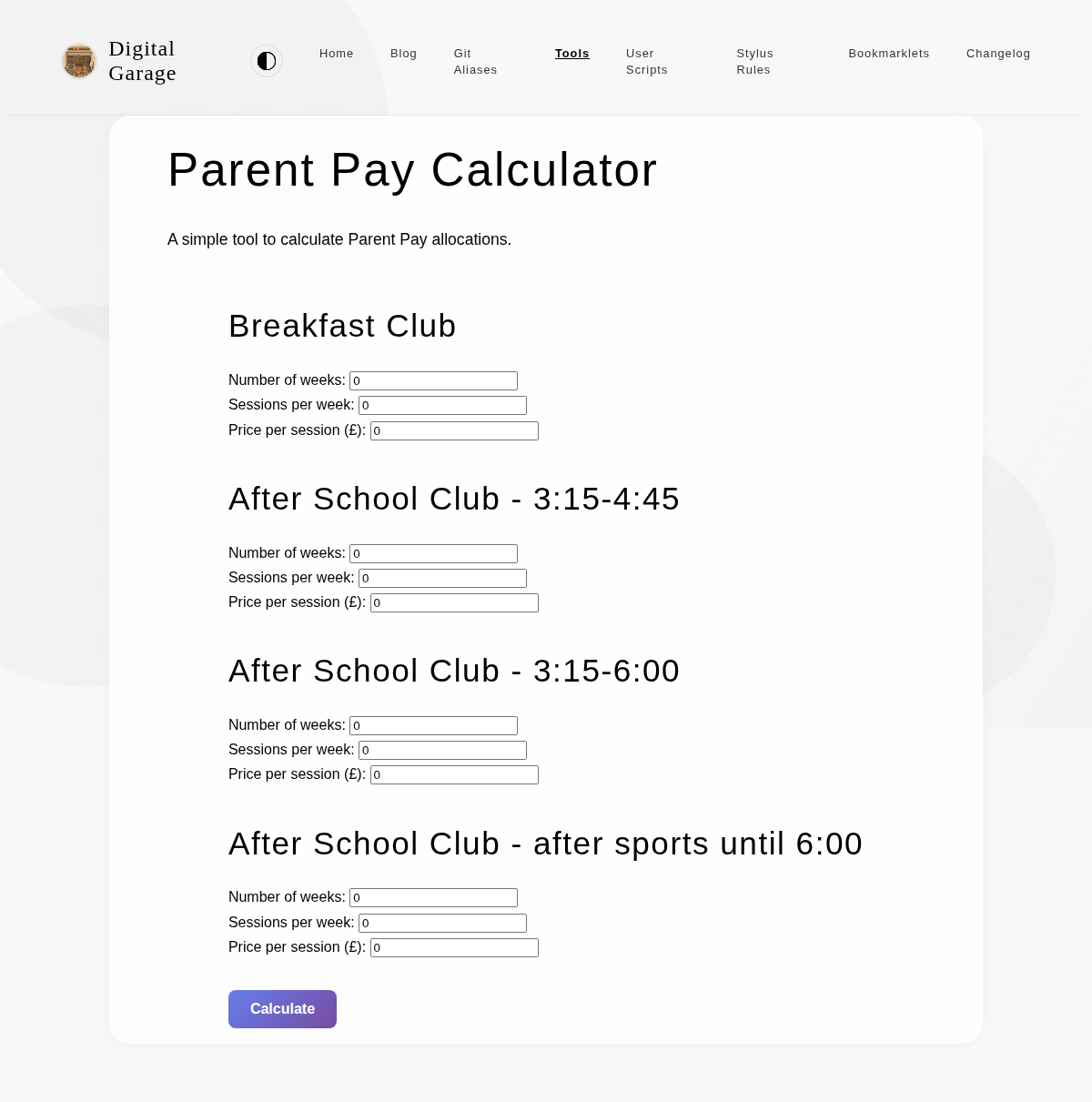
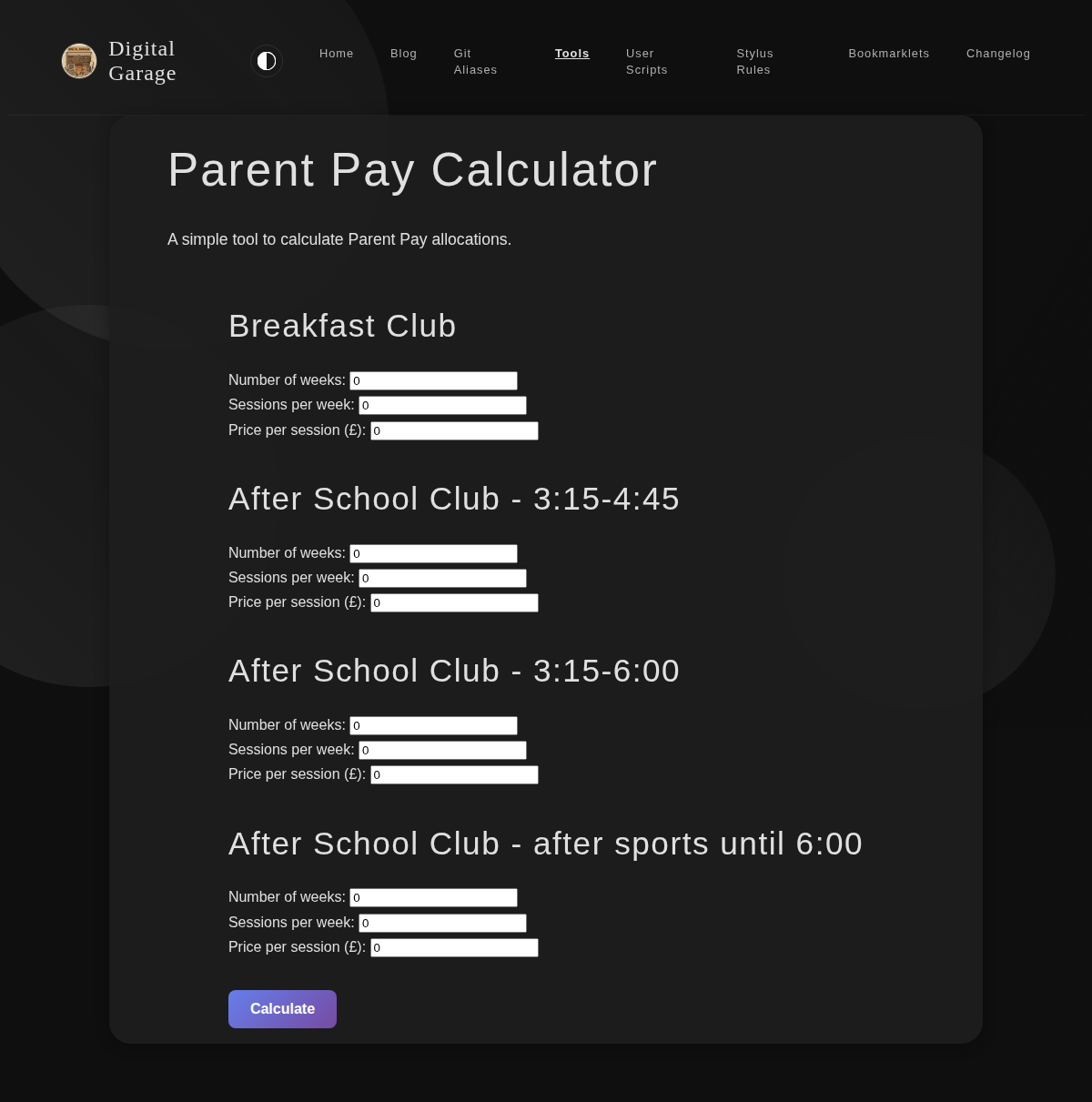
      <p><strong>About Parent Pay Calculator</strong></p>
      <p>A simple tool to calculate Parent Pay allocations.</p>


      <p><strong>Version description</strong></p>
      <ul>
<li>Enhanced visual design with custom typography, refined colour scheme, and improved button and input field styling for better contrast and usability in both light and dark modes.</li>
</ul>

      <p><a href="https://www.timhilton.xyz/tools/parent-pay-calculator/CHANGELOG/#210---2026-01-20">View changelog entry</a></p>
      
      
      <p><strong>Screenshots</strong></p>
      <p><img src="https://www.timhilton.xyz/tools/parent-pay-calculator/2.1.0/screenshot.png" alt="Screenshot of Parent Pay Calculator 2.1.0 in light mode"></p>
      <p><img src="https://www.timhilton.xyz/tools/parent-pay-calculator/2.1.0/screenshot-dark.png" alt="Screenshot of Parent Pay Calculator 2.1.0 in dark mode"></p>
      ]]>
    </content>
    
  </entry>
  
  <entry>
    <title>Parent Pay Calculator 2.0.0</title>
    <link href="https://www.timhilton.xyz/tools/parent-pay-calculator/2.0.0/"/>
    <id>https://www.timhilton.xyz/tools/parent-pay-calculator/2.0.0/</id>
    <updated>2026-01-20T00:00:00Z</updated>
    
    <summary>- Redesigned input fields into a compact table layout. - All session and pricing options are now displayed in a single table for easier comparison and data entry.</summary>
    
    
    <content type="html">
      <![CDATA[
      
      <p><strong>About Parent Pay Calculator</strong></p>
      <p>A simple tool to calculate Parent Pay allocations.</p>


      <p><strong>Version description</strong></p>
      <ul>
<li>Redesigned input fields into a compact table layout.</li>
<li>All session and pricing options are now displayed in a single table for easier comparison and data entry.</li>
</ul>

      <p><a href="https://www.timhilton.xyz/tools/parent-pay-calculator/CHANGELOG/#200---2026-01-20">View changelog entry</a></p>
      
      
      <p><strong>Screenshots</strong></p>
      <p><img src="https://www.timhilton.xyz/tools/parent-pay-calculator/2.0.0/screenshot.png" alt="Screenshot of Parent Pay Calculator 2.0.0 in light mode"></p>
      <p><img src="https://www.timhilton.xyz/tools/parent-pay-calculator/2.0.0/screenshot-dark.png" alt="Screenshot of Parent Pay Calculator 2.0.0 in dark mode"></p>
      ]]>
    </content>
    
  </entry>
  
  <entry>
    <title>Parent Pay Calculator 1.4.0</title>
    <link href="https://www.timhilton.xyz/tools/parent-pay-calculator/1.4.0/"/>
    <id>https://www.timhilton.xyz/tools/parent-pay-calculator/1.4.0/</id>
    <updated>2026-01-20T00:00:00Z</updated>
    
    <summary>- Prices and number of sessions per week are now automatically saved to local storage as you type. - Saved values are restored when you refresh the page.</summary>
    
    
    <content type="html">
      <![CDATA[
      
      <p><strong>About Parent Pay Calculator</strong></p>
      <p>A simple tool to calculate Parent Pay allocations.</p>


      <p><strong>Version description</strong></p>
      <ul>
<li>Prices and number of sessions per week are now automatically saved to local storage as you type.</li>
<li>Saved values are restored when you refresh the page.</li>
</ul>

      <p><a href="https://www.timhilton.xyz/tools/parent-pay-calculator/CHANGELOG/#140---2026-01-20">View changelog entry</a></p>
      
      
      <p><strong>Screenshots</strong></p>
      <p><img src="https://www.timhilton.xyz/tools/parent-pay-calculator/1.4.0/screenshot.png" alt="Screenshot of Parent Pay Calculator 1.4.0 in light mode"></p>
      <p><img src="https://www.timhilton.xyz/tools/parent-pay-calculator/1.4.0/screenshot-dark.png" alt="Screenshot of Parent Pay Calculator 1.4.0 in dark mode"></p>
      ]]>
    </content>
    
  </entry>
  
  <entry>
    <title>Parent Pay Calculator 1.3.0</title>
    <link href="https://www.timhilton.xyz/tools/parent-pay-calculator/1.3.0/"/>
    <id>https://www.timhilton.xyz/tools/parent-pay-calculator/1.3.0/</id>
    <updated>2026-01-19T00:00:00Z</updated>
    
    <summary>- Added &quot;Copy Results&quot; button to copy calculated results to clipboard. - Button appears after calculation is performed. - Displays success/error feedback when copying.</summary>
    
    
    <content type="html">
      <![CDATA[
      
      <p><strong>About Parent Pay Calculator</strong></p>
      <p>A simple tool to calculate Parent Pay allocations.</p>


      <p><strong>Version description</strong></p>
      <ul>
<li>Added &quot;Copy Results&quot; button to copy calculated results to clipboard.</li>
<li>Button appears after calculation is performed.</li>
<li>Displays success/error feedback when copying.</li>
</ul>

      <p><a href="https://www.timhilton.xyz/tools/parent-pay-calculator/CHANGELOG/#130---2026-01-19">View changelog entry</a></p>
      
      
      <p><strong>Screenshots</strong></p>
      <p><img src="https://www.timhilton.xyz/tools/parent-pay-calculator/1.3.0/screenshot.png" alt="Screenshot of Parent Pay Calculator 1.3.0 in light mode"></p>
      <p><img src="https://www.timhilton.xyz/tools/parent-pay-calculator/1.3.0/screenshot-dark.png" alt="Screenshot of Parent Pay Calculator 1.3.0 in dark mode"></p>
      ]]>
    </content>
    
  </entry>
  
  <entry>
    <title>Obsidian Text Escaper 1.3.1</title>
    <link href="https://www.timhilton.xyz/tools/obsidian-text-escaper/1.3.1/"/>
    <id>https://www.timhilton.xyz/tools/obsidian-text-escaper/1.3.1/</id>
    <updated>2026-01-16T00:00:00Z</updated>
    
    <summary>- Added proper dark mode support using CSS variables</summary>
    
    
    <content type="html">
      <![CDATA[
      
      <p><strong>About Obsidian Text Escaper</strong></p>
      <p>This tool escapes special Markdown characters in your text, making it safe to use in Obsidian callouts and other contexts where you want to display the characters literally. It also includes an option to format the text for Obsidian callouts by adding <code>&gt;</code> to each line.</p>


      <p><strong>Version description</strong></p>
      <ul>
<li>Added proper dark mode support using CSS variables</li>
</ul>

      <p><a href="https://www.timhilton.xyz/tools/obsidian-text-escaper/CHANGELOG/#131---2026-01-16">View changelog entry</a></p>
      
      
      <p><strong>Screenshot</strong></p>
      <p><img src="https://www.timhilton.xyz/tools/obsidian-text-escaper/1.3.1/screenshot-dark.png" alt="Screenshot of Obsidian Text Escaper 1.3.1 in dark mode"></p>
      ]]>
    </content>
    
  </entry>
  
  <entry>
    <title>Modified Examen   1.5.0</title>
    <link href="https://www.timhilton.xyz/tools/modified-examen/1.5.0/"/>
    <id>https://www.timhilton.xyz/tools/modified-examen/1.5.0/</id>
    <updated>2026-01-12T00:00:00Z</updated>
    
    <summary>- Fixed vertical centering of text on mobile - text is now centered relative to the entire screen, not just the content area below the navigation bar</summary>
    
    
    <content type="html">
      <![CDATA[
      
      <p><strong>About Modified Examen  </strong></p>
      <p>Inspired by something in the book Introverts in the Church by Adam McHugh, this is a version of the Ignatian Examen which I have modified for personal usage.</p>


      <p><strong>Version description</strong></p>
      <ul>
<li>Fixed vertical centering of text on mobile - text is now centered relative to the entire screen, not just the content area below the navigation bar</li>
</ul>

      <p><a href="https://www.timhilton.xyz/tools/modified-examen/CHANGELOG/#150---2026-01-12">View changelog entry</a></p>
      
      
      <p><strong>Screenshots</strong></p>
      <p><img src="https://www.timhilton.xyz/tools/modified-examen/1.5.0/screenshot.png" alt="Screenshot of Modified Examen   1.5.0 in light mode"></p>
      <p><img src="https://www.timhilton.xyz/tools/modified-examen/1.5.0/screenshot-dark.png" alt="Screenshot of Modified Examen   1.5.0 in dark mode"></p>
      ]]>
    </content>
    
  </entry>
  
  <entry>
    <title>Agentic Coding Evaluator 1.2.0</title>
    <link href="https://www.timhilton.xyz/tools/agentic-coding-evaluator/1.2.0/"/>
    <id>https://www.timhilton.xyz/tools/agentic-coding-evaluator/1.2.0/</id>
    <updated>2026-01-06T00:00:00Z</updated>
    
    <summary>Added task abandonment tracking, success rate statistics, and streamlined workflow improvements: - Added &quot;Abandon Task&quot; button to mark tasks as unsuccessful while recording time spent - Stats modal now displays success rates showing percentage of completed vs abandoned tasks for both AI and non-AI conditions - Form automatically resets after task completion (3 seconds after notification) for improved workflow</summary>
    
    
    <content type="html">
      <![CDATA[
      
      <p><strong>About Agentic Coding Evaluator</strong></p>
      <p>A tool to measure and compare your coding performance with and without AI assistance. Track task estimates versus actual completion times to understand how AI tools impact your productivity.</p>


      <p><strong>Version description</strong></p>
      <p>Added task abandonment tracking, success rate statistics, and streamlined workflow improvements:</p>
<ul>
<li>Added &quot;Abandon Task&quot; button to mark tasks as unsuccessful while recording time spent</li>
<li>Stats modal now displays success rates showing percentage of completed vs abandoned tasks for both AI and non-AI conditions</li>
<li>Form automatically resets after task completion (3 seconds after notification) for improved workflow</li>
</ul>

      <p><a href="https://www.timhilton.xyz/tools/agentic-coding-evaluator/CHANGELOG/#120---2026-01-06">View changelog entry</a></p>
      
      
      <p><strong>Screenshots</strong></p>
      <p><img src="https://www.timhilton.xyz/tools/agentic-coding-evaluator/1.2.0/screenshot.png" alt="Screenshot of Agentic Coding Evaluator 1.2.0 in light mode"></p>
      <p><img src="https://www.timhilton.xyz/tools/agentic-coding-evaluator/1.2.0/screenshot-dark.png" alt="Screenshot of Agentic Coding Evaluator 1.2.0 in dark mode"></p>
      ]]>
    </content>
    
  </entry>
  
  <entry>
    <title>Agentic Coding Evaluator 1.1.0</title>
    <link href="https://www.timhilton.xyz/tools/agentic-coding-evaluator/1.1.0/"/>
    <id>https://www.timhilton.xyz/tools/agentic-coding-evaluator/1.1.0/</id>
    <updated>2026-01-06T00:00:00Z</updated>
    
    <summary>Fixed timer suspension issue when switching browser tabs. Timer now continues counting accurately even when the tab is not active, by storing timing events in localStorage and calculating duration from timestamps rather than relying on setInterval.</summary>
    
    
    <content type="html">
      <![CDATA[
      
      <p><strong>About Agentic Coding Evaluator</strong></p>
      <p>A tool to measure and compare your coding performance with and without AI assistance. Track task estimates versus actual completion times to understand how AI tools impact your productivity.</p>


      <p><strong>Version description</strong></p>
      <p>Fixed timer suspension issue when switching browser tabs. Timer now continues counting accurately even when the tab is not active, by storing timing events in localStorage and calculating duration from timestamps rather than relying on setInterval.</p>

      <p><a href="https://www.timhilton.xyz/tools/agentic-coding-evaluator/CHANGELOG/#110---2026-01-06">View changelog entry</a></p>
      
      
      <p><strong>Screenshots</strong></p>
      <p><img src="https://www.timhilton.xyz/tools/agentic-coding-evaluator/1.1.0/screenshot.png" alt="Screenshot of Agentic Coding Evaluator 1.1.0 in light mode"></p>
      <p><img src="https://www.timhilton.xyz/tools/agentic-coding-evaluator/1.1.0/screenshot-dark.png" alt="Screenshot of Agentic Coding Evaluator 1.1.0 in dark mode"></p>
      ]]>
    </content>
    
  </entry>
  
  <entry>
    <title>Obsidian Text Escaper 1.3.0</title>
    <link href="https://www.timhilton.xyz/tools/obsidian-text-escaper/1.3.0/"/>
    <id>https://www.timhilton.xyz/tools/obsidian-text-escaper/1.3.0/</id>
    <updated>2026-01-05T00:00:00Z</updated>
    
    <summary>- Added &quot;Copy as Error Callout&quot; button to copy the text as an Obsidian error callout with special characters displayed properly within it.</summary>
    
    
    <content type="html">
      <![CDATA[
      
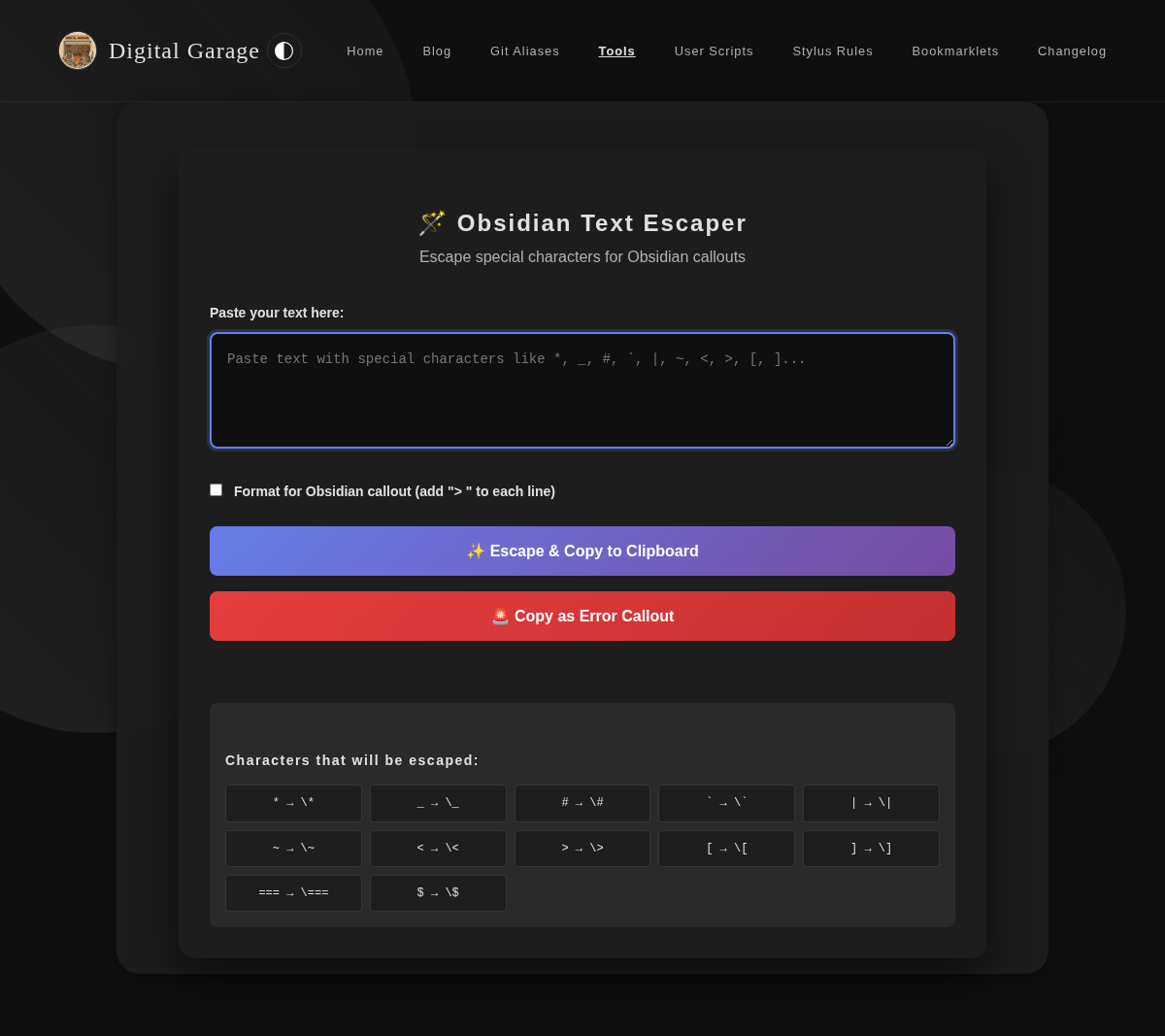
      <p><strong>About Obsidian Text Escaper</strong></p>
      <p>This tool escapes special Markdown characters in your text, making it safe to use in Obsidian callouts and other contexts where you want to display the characters literally. It also includes an option to format the text for Obsidian callouts by adding <code>&gt;</code> to each line.</p>


      <p><strong>Version description</strong></p>
      <ul>
<li>Added &quot;Copy as Error Callout&quot; button to copy the text as an Obsidian error callout with special characters displayed properly within it.</li>
</ul>

      <p><a href="https://www.timhilton.xyz/tools/obsidian-text-escaper/CHANGELOG/#130---2026-01-05">View changelog entry</a></p>
      
      
      <p><strong>Screenshot</strong></p>
      <p><img src="https://www.timhilton.xyz/tools/obsidian-text-escaper/1.3.0/screenshot.png" alt="Screenshot of Obsidian Text Escaper 1.3.0 in light mode"></p>
      ]]>
    </content>
    
  </entry>
  
  <entry>
    <title>PR Description Generator 1.1.0</title>
    <link href="https://www.timhilton.xyz/tools/pr-description-generator/1.1.0/"/>
    <id>https://www.timhilton.xyz/tools/pr-description-generator/1.1.0/</id>
    <updated>2026-01-05T00:00:00Z</updated>
    
    <summary>- Now uses site layout with navigation toolbar - Added dark mode support with proper styling - Improved visual consistency with the rest of the site</summary>
    
    
    <content type="html">
      <![CDATA[
      
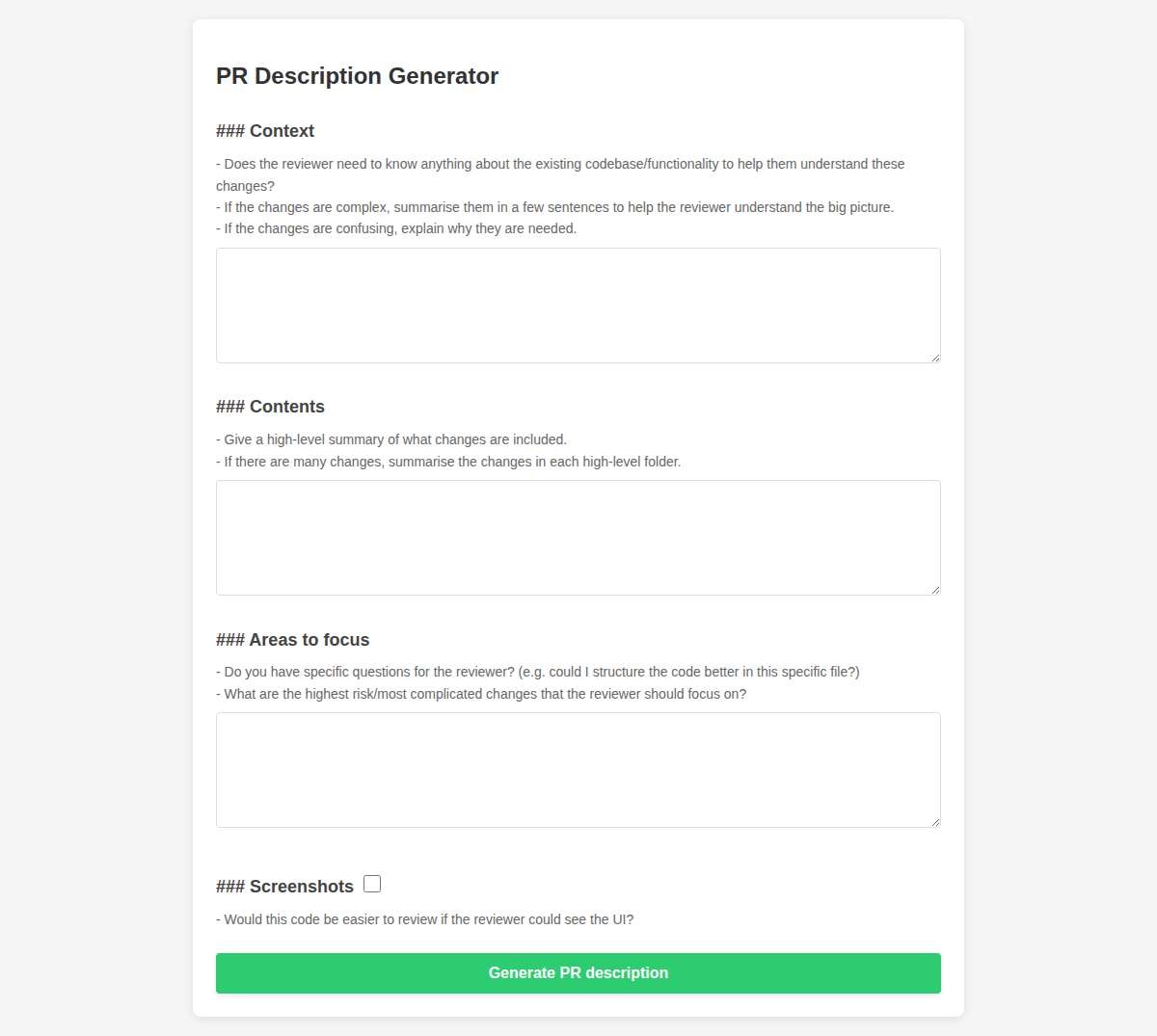
      <p><strong>About PR Description Generator</strong></p>
      <p>This tool helps you generate a well-structured pull request description. It provides fields for context, contents, and areas to focus on, ensuring that your PRs are easy to review.</p>


      <p><strong>Version description</strong></p>
      <ul>
<li>Now uses site layout with navigation toolbar</li>
<li>Added dark mode support with proper styling</li>
<li>Improved visual consistency with the rest of the site</li>
</ul>

      <p><a href="https://www.timhilton.xyz/tools/pr-description-generator/CHANGELOG/#110---2026-01-05">View changelog entry</a></p>
      
      
      <p><strong>Screenshots</strong></p>
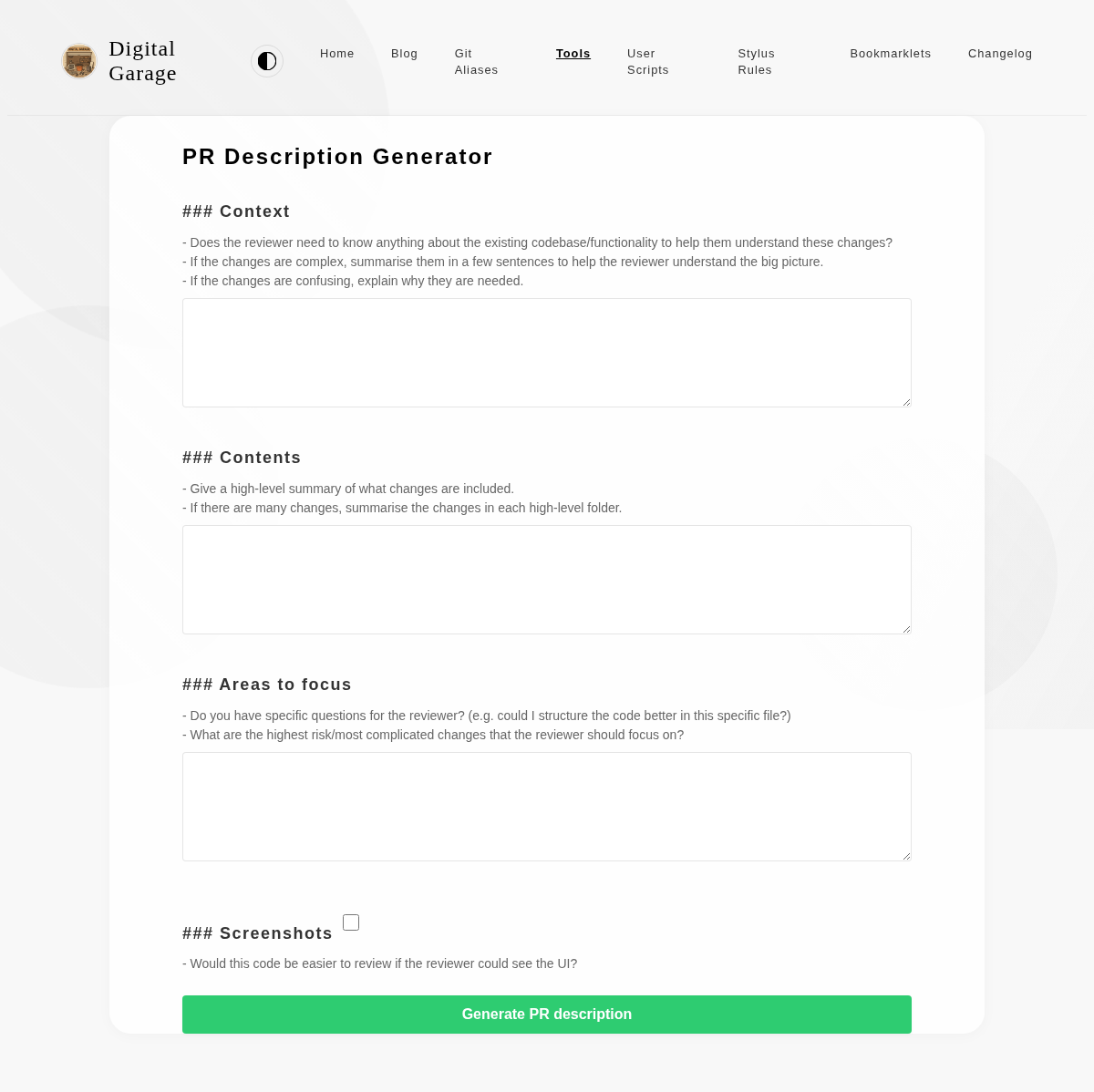
      <p><img src="https://www.timhilton.xyz/tools/pr-description-generator/1.1.0/screenshot.png" alt="Screenshot of PR Description Generator 1.1.0 in light mode"></p>
      <p><img src="https://www.timhilton.xyz/tools/pr-description-generator/1.1.0/screenshot-dark.png" alt="Screenshot of PR Description Generator 1.1.0 in dark mode"></p>
      ]]>
    </content>
    
  </entry>
  
  <entry>
    <title>Agentic Coding Evaluator 1.0.0</title>
    <link href="https://www.timhilton.xyz/tools/agentic-coding-evaluator/1.0.0/"/>
    <id>https://www.timhilton.xyz/tools/agentic-coding-evaluator/1.0.0/</id>
    <updated>2025-12-30T00:00:00Z</updated>
    
    <summary>Tracks coding task time estimates versus actual duration, randomly assigning AI or non-AI conditions. Provides statistics comparing performance with and without AI assistance.</summary>
    
    
    <content type="html">
      <![CDATA[
      
      <p><strong>About Agentic Coding Evaluator</strong></p>
      <p>A tool to measure and compare your coding performance with and without AI assistance. Track task estimates versus actual completion times to understand how AI tools impact your productivity.</p>


      <p><strong>Version description</strong></p>
      <p>Tracks coding task time estimates versus actual duration, randomly assigning AI or non-AI conditions. Provides statistics comparing performance with and without AI assistance.</p>

      <p><a href="https://www.timhilton.xyz/tools/agentic-coding-evaluator/CHANGELOG/#100---2025-12-30">View changelog entry</a></p>
      
      
      <p><strong>Screenshots</strong></p>
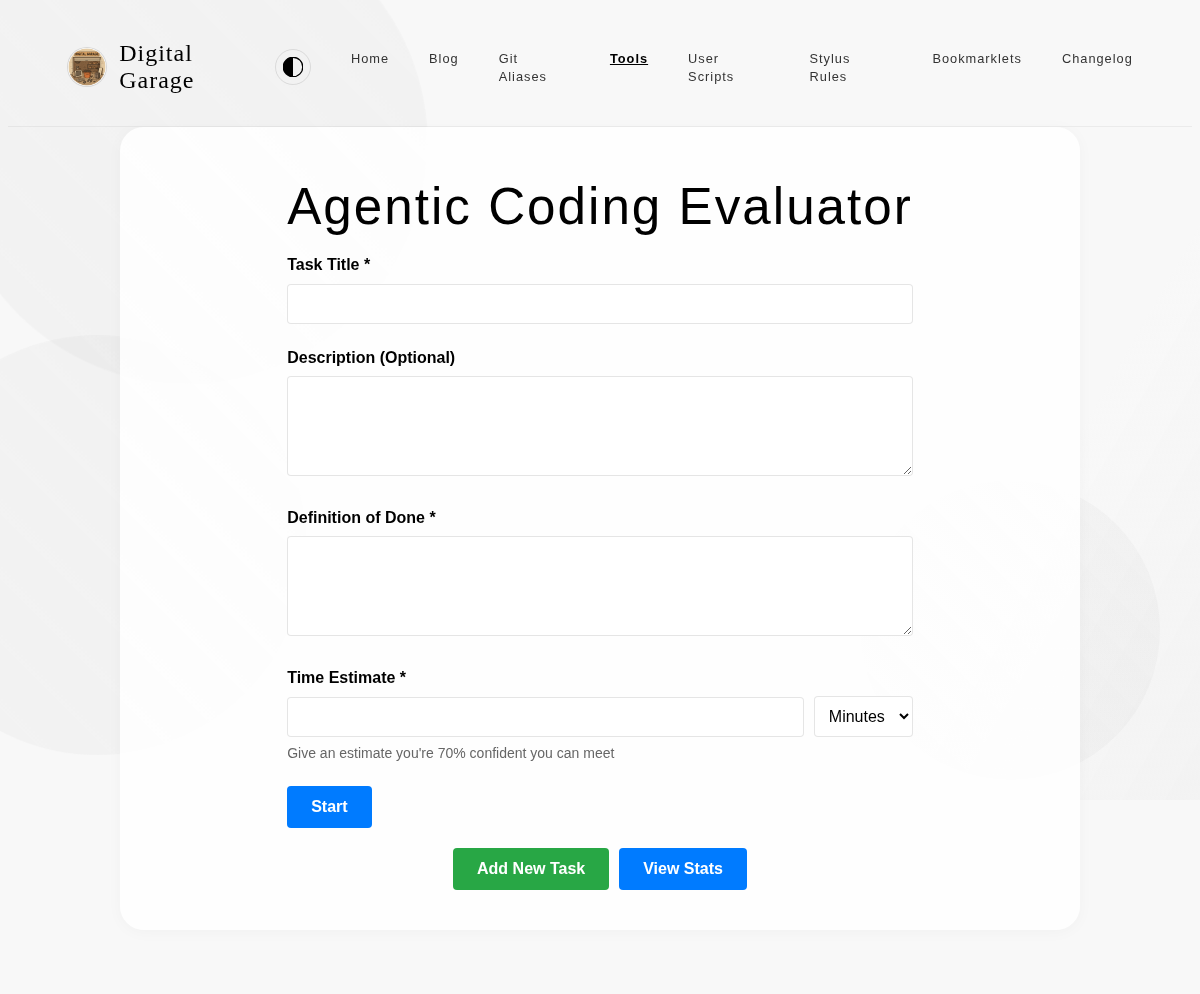
      <p><img src="https://www.timhilton.xyz/tools/agentic-coding-evaluator/1.0.0/screenshot.png" alt="Screenshot of Agentic Coding Evaluator 1.0.0 in light mode"></p>
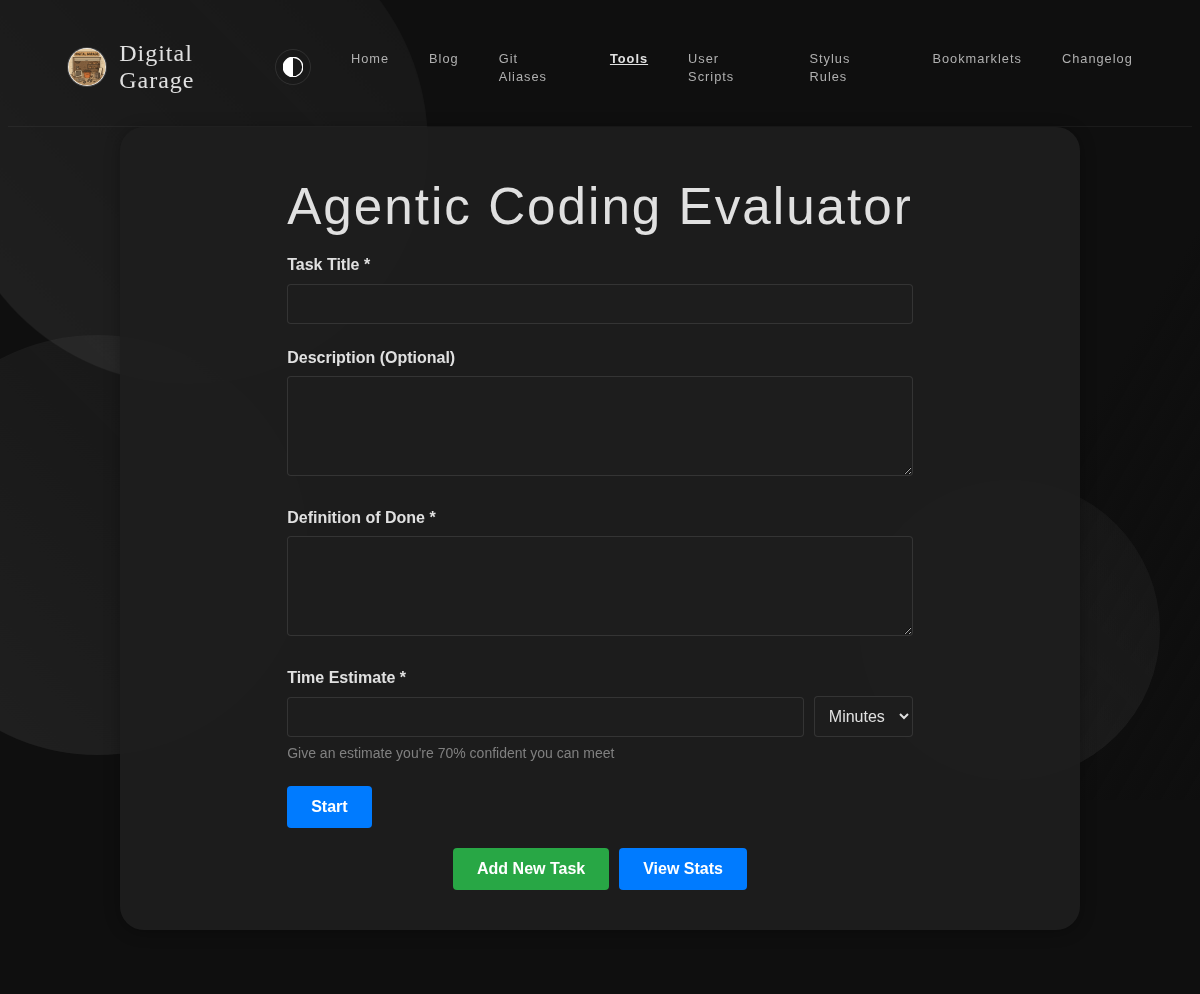
      <p><img src="https://www.timhilton.xyz/tools/agentic-coding-evaluator/1.0.0/screenshot-dark.png" alt="Screenshot of Agentic Coding Evaluator 1.0.0 in dark mode"></p>
      ]]>
    </content>
    
  </entry>
  
  <entry>
    <title>Modified Examen   1.4.0</title>
    <link href="https://www.timhilton.xyz/tools/modified-examen/1.4.0/"/>
    <id>https://www.timhilton.xyz/tools/modified-examen/1.4.0/</id>
    <updated>2025-12-28T00:00:00Z</updated>
    
    <summary>- Fixed viewport overflow on mobile - page now fills screen exactly without scrolling</summary>
    
    
    <content type="html">
      <![CDATA[
      
      <p><strong>About Modified Examen  </strong></p>
      <p>Inspired by something in the book Introverts in the Church by Adam McHugh, this is a version of the Ignatian Examen which I have modified for personal usage.</p>


      <p><strong>Version description</strong></p>
      <ul>
<li>Fixed viewport overflow on mobile - page now fills screen exactly without scrolling</li>
</ul>

      <p><a href="https://www.timhilton.xyz/tools/modified-examen/CHANGELOG/#140---2025-12-28">View changelog entry</a></p>
      
      
      <p><strong>Screenshots</strong></p>
      <p><img src="https://www.timhilton.xyz/tools/modified-examen/1.4.0/screenshot.png" alt="Screenshot of Modified Examen   1.4.0 in light mode"></p>
      <p><img src="https://www.timhilton.xyz/tools/modified-examen/1.4.0/screenshot-dark.png" alt="Screenshot of Modified Examen   1.4.0 in dark mode"></p>
      ]]>
    </content>
    
  </entry>
  
  <entry>
    <title>Modified Examen   1.3.0</title>
    <link href="https://www.timhilton.xyz/tools/modified-examen/1.3.0/"/>
    <id>https://www.timhilton.xyz/tools/modified-examen/1.3.0/</id>
    <updated>2025-12-23T00:00:00Z</updated>
    
    <summary>- Allow clicking anywhere on the background to advance to the next step</summary>
    
    
    <content type="html">
      <![CDATA[
      
      <p><strong>About Modified Examen  </strong></p>
      <p>Inspired by something in the book Introverts in the Church by Adam McHugh, this is a version of the Ignatian Examen which I have modified for personal usage.</p>


      <p><strong>Version description</strong></p>
      <ul>
<li>Allow clicking anywhere on the background to advance to the next step</li>
</ul>

      <p><a href="https://www.timhilton.xyz/tools/modified-examen/CHANGELOG/#130---2025-12-23">View changelog entry</a></p>
      
      
      <p><strong>Screenshots</strong></p>
      <p><img src="https://www.timhilton.xyz/tools/modified-examen/1.3.0/screenshot.png" alt="Screenshot of Modified Examen   1.3.0 in light mode"></p>
      <p><img src="https://www.timhilton.xyz/tools/modified-examen/1.3.0/screenshot-dark.png" alt="Screenshot of Modified Examen   1.3.0 in dark mode"></p>
      ]]>
    </content>
    
  </entry>
  
  <entry>
    <title>Modified Examen   1.2.0</title>
    <link href="https://www.timhilton.xyz/tools/modified-examen/1.2.0/"/>
    <id>https://www.timhilton.xyz/tools/modified-examen/1.2.0/</id>
    <updated>2025-12-22T00:00:00Z</updated>
    
    <summary>- Implemented dark mode</summary>
    
    
    <content type="html">
      <![CDATA[
      
      <p><strong>About Modified Examen  </strong></p>
      <p>Inspired by something in the book Introverts in the Church by Adam McHugh, this is a version of the Ignatian Examen which I have modified for personal usage.</p>


      <p><strong>Version description</strong></p>
      <ul>
<li>Implemented dark mode</li>
</ul>

      <p><a href="https://www.timhilton.xyz/tools/modified-examen/CHANGELOG/#120---2025-12-22">View changelog entry</a></p>
      
      
      <p><strong>Screenshot</strong></p>
      <p><img src="https://www.timhilton.xyz/tools/modified-examen/1.2.0/screenshot-dark.png" alt="Screenshot of Modified Examen   1.2.0 in dark mode"></p>
      ]]>
    </content>
    
  </entry>
  
  <entry>
    <title>Modified Examen   1.1.0</title>
    <link href="https://www.timhilton.xyz/tools/modified-examen/1.1.0/"/>
    <id>https://www.timhilton.xyz/tools/modified-examen/1.1.0/</id>
    <updated>2025-12-22T00:00:00Z</updated>
    
    <summary>- Improved mobile layout to use the full viewport width</summary>
    
    
    <content type="html">
      <![CDATA[
      
      <p><strong>About Modified Examen  </strong></p>
      <p>Inspired by something in the book Introverts in the Church by Adam McHugh, this is a version of the Ignatian Examen which I have modified for personal usage.</p>


      <p><strong>Version description</strong></p>
      <ul>
<li>Improved mobile layout to use the full viewport width</li>
</ul>

      <p><a href="https://www.timhilton.xyz/tools/modified-examen/CHANGELOG/#110---2025-12-22">View changelog entry</a></p>
      
      
      <p><strong>Screenshot</strong></p>
      <p><img src="https://www.timhilton.xyz/tools/modified-examen/1.1.0/screenshot.png" alt="Screenshot of Modified Examen   1.1.0 in light mode"></p>
      ]]>
    </content>
    
  </entry>
  
  <entry>
    <title>PR Description Generator 1.0.0</title>
    <link href="https://www.timhilton.xyz/tools/pr-description-generator/1.0.0/"/>
    <id>https://www.timhilton.xyz/tools/pr-description-generator/1.0.0/</id>
    <updated>2025-11-30T00:00:00Z</updated>
    
    <summary>- Initial release - Generates a well-structured pull request description - Provides fields for context, contents, and areas to focus on</summary>
    
    
    <content type="html">
      <![CDATA[
      
      <p><strong>About PR Description Generator</strong></p>
      <p>This tool helps you generate a well-structured pull request description. It provides fields for context, contents, and areas to focus on, ensuring that your PRs are easy to review.</p>


      <p><strong>Version description</strong></p>
      <ul>
<li>Initial release</li>
<li>Generates a well-structured pull request description</li>
<li>Provides fields for context, contents, and areas to focus on</li>
</ul>

      <p><a href="https://www.timhilton.xyz/tools/pr-description-generator/CHANGELOG/#100---2025-11-30">View changelog entry</a></p>
      
      
      <p><strong>Screenshot</strong></p>
      <p><img src="https://www.timhilton.xyz/tools/pr-description-generator/1.0.0/screenshot.png" alt="Screenshot of PR Description Generator 1.0.0 in light mode"></p>
      ]]>
    </content>
    
  </entry>
  
  <entry>
    <title>YNAB Category Lister 1.0.0</title>
    <link href="https://www.timhilton.xyz/tools/ynab-category-lister/1.0.0/"/>
    <id>https://www.timhilton.xyz/tools/ynab-category-lister/1.0.0/</id>
    <updated>2025-11-30T00:00:00Z</updated>
    
    <summary>### Added - Display the current balance across all accounts. - Allow user input of number of months into the future to project. - Project balance at that date if average income and expenditure continue. - Project balance if average income continues and spending exactly matches the budgeted spending. - If current balance is positive and either number works out that expenditure is greater than income, display the date at which balance will reach zero/become negative.</summary>
    
    
    <content type="html">
      <![CDATA[
      
      <p><strong>About YNAB Category Lister</strong></p>
      <p>This tool allows you to enter a YNAB API key and view all the categories in your budget. This is useful for getting a quick overview of your budget structure.</p>


      <p><strong>Version description</strong></p>
      <h3>Added</h3>
<ul>
<li>Display the current balance across all accounts.</li>
<li>Allow user input of number of months into the future to project.</li>
<li>Project balance at that date if average income and expenditure continue.</li>
<li>Project balance if average income continues and spending exactly matches the budgeted spending.</li>
<li>If current balance is positive and either number works out that expenditure is greater than income, display the date at which balance will reach zero/become negative.</li>
</ul>

      <p><a href="https://www.timhilton.xyz/tools/ynab-category-lister/CHANGELOG/#100---2025-11-30">View changelog entry</a></p>
      
      
      <p><strong>Screenshot</strong></p>
      <p><img src="https://www.timhilton.xyz/tools/ynab-category-lister/1.0.0/screenshot.png" alt="Screenshot of YNAB Category Lister 1.0.0 in light mode"></p>
      ]]>
    </content>
    
  </entry>
  
  <entry>
    <title>YNAB Category Lister 0.3.0</title>
    <link href="https://www.timhilton.xyz/tools/ynab-category-lister/0.3.0/"/>
    <id>https://www.timhilton.xyz/tools/ynab-category-lister/0.3.0/</id>
    <updated>2025-11-30T00:00:00Z</updated>
    
    <summary>### Added - Display the average income and expenditure over a customisable number of months.</summary>
    
    
    <content type="html">
      <![CDATA[
      
      <p><strong>About YNAB Category Lister</strong></p>
      <p>This tool allows you to enter a YNAB API key and view all the categories in your budget. This is useful for getting a quick overview of your budget structure.</p>


      <p><strong>Version description</strong></p>
      <h3>Added</h3>
<ul>
<li>Display the average income and expenditure over a customisable number of months.</li>
</ul>

      <p><a href="https://www.timhilton.xyz/tools/ynab-category-lister/CHANGELOG/#030---2025-11-30">View changelog entry</a></p>
      
      
      <p><strong>Screenshot</strong></p>
      <p><img src="https://www.timhilton.xyz/tools/ynab-category-lister/0.3.0/screenshot.png" alt="Screenshot of YNAB Category Lister 0.3.0 in light mode"></p>
      ]]>
    </content>
    
  </entry>
  
  <entry>
    <title>YNAB Category Lister 0.2.0</title>
    <link href="https://www.timhilton.xyz/tools/ynab-category-lister/0.2.0/"/>
    <id>https://www.timhilton.xyz/tools/ynab-category-lister/0.2.0/</id>
    <updated>2025-11-30T00:00:00Z</updated>
    
    <summary>### Added - Also display the monthly budget for category, or n/a if there isn&#39;t one.</summary>
    
    
    <content type="html">
      <![CDATA[
      
      <p><strong>About YNAB Category Lister</strong></p>
      <p>This tool allows you to enter a YNAB API key and view all the categories in your budget. This is useful for getting a quick overview of your budget structure.</p>


      <p><strong>Version description</strong></p>
      <h3>Added</h3>
<ul>
<li>Also display the monthly budget for category, or n/a if there isn't one.</li>
</ul>

      <p><a href="https://www.timhilton.xyz/tools/ynab-category-lister/CHANGELOG/#020---2025-11-30">View changelog entry</a></p>
      
      
      <p><strong>Screenshot</strong></p>
      <p><img src="https://www.timhilton.xyz/tools/ynab-category-lister/0.2.0/screenshot.png" alt="Screenshot of YNAB Category Lister 0.2.0 in light mode"></p>
      ]]>
    </content>
    
  </entry>
  
  <entry>
    <title>YNAB Category Lister 0.1.0</title>
    <link href="https://www.timhilton.xyz/tools/ynab-category-lister/0.1.0/"/>
    <id>https://www.timhilton.xyz/tools/ynab-category-lister/0.1.0/</id>
    <updated>2025-10-18T00:00:00Z</updated>
    
    <summary>### Added - Lists the category names from a YNAB budget.</summary>
    
    
    <content type="html">
      <![CDATA[
      
      <p><strong>About YNAB Category Lister</strong></p>
      <p>This tool allows you to enter a YNAB API key and view all the categories in your budget. This is useful for getting a quick overview of your budget structure.</p>


      <p><strong>Version description</strong></p>
      <h3>Added</h3>
<ul>
<li>Lists the category names from a YNAB budget.</li>
</ul>

      <p><a href="https://www.timhilton.xyz/tools/ynab-category-lister/CHANGELOG/#010---2025-10-18">View changelog entry</a></p>
      
      
      <p><strong>Screenshot</strong></p>
      <p><img src="https://www.timhilton.xyz/tools/ynab-category-lister/0.1.0/screenshot.png" alt="Screenshot of YNAB Category Lister 0.1.0 in light mode"></p>
      ]]>
    </content>
    
  </entry>
  
  <entry>
    <title>HTML Structure Simplifier 1.0.0</title>
    <link href="https://www.timhilton.xyz/tools/html-structure-simplifier/1.0.0/"/>
    <id>https://www.timhilton.xyz/tools/html-structure-simplifier/1.0.0/</id>
    <updated>2025-09-24T00:00:00Z</updated>
    
    <summary>- Initial release - Simplifies HTML by removing unnecessary attributes - De-duplicates the HTML structure</summary>
    
    
    <content type="html">
      <![CDATA[
      
      <p><strong>About HTML Structure Simplifier</strong></p>
      <p>This tool simplifies HTML, making it easier to develop user scripts. It removes unnecessary attributes and de-duplicates the structure, giving you a clean and simple version of the HTML to work with.</p>


      <p><strong>Version description</strong></p>
      <ul>
<li>Initial release</li>
<li>Simplifies HTML by removing unnecessary attributes</li>
<li>De-duplicates the HTML structure</li>
</ul>

      <p><a href="https://www.timhilton.xyz/tools/html-structure-simplifier/CHANGELOG/#100---2025-09-24">View changelog entry</a></p>
      
      
      <p><strong>Screenshot</strong></p>
      <p><img src="https://www.timhilton.xyz/tools/html-structure-simplifier/1.0.0/screenshot.png" alt="Screenshot of HTML Structure Simplifier 1.0.0 in light mode"></p>
      ]]>
    </content>
    
  </entry>
  
  <entry>
    <title>Modified Examen   1.0.0</title>
    <link href="https://www.timhilton.xyz/tools/modified-examen/1.0.0/"/>
    <id>https://www.timhilton.xyz/tools/modified-examen/1.0.0/</id>
    <updated>2025-09-22T00:00:00Z</updated>
    
    <summary>- Initial release - Guides users through a modified version of the Ignatian Examen - Provides prompts for prayer and reflection</summary>
    
    
    <content type="html">
      <![CDATA[
      
      <p><strong>About Modified Examen  </strong></p>
      <p>Inspired by something in the book Introverts in the Church by Adam McHugh, this is a version of the Ignatian Examen which I have modified for personal usage.</p>


      <p><strong>Version description</strong></p>
      <ul>
<li>Initial release</li>
<li>Guides users through a modified version of the Ignatian Examen</li>
<li>Provides prompts for prayer and reflection</li>
</ul>

      <p><a href="https://www.timhilton.xyz/tools/modified-examen/CHANGELOG/#100---2025-09-22">View changelog entry</a></p>
      
      
      <p><strong>Screenshot</strong></p>
      <p><img src="https://www.timhilton.xyz/tools/modified-examen/1.0.0/screenshot.png" alt="Screenshot of Modified Examen   1.0.0 in light mode"></p>
      ]]>
    </content>
    
  </entry>
  
  <entry>
    <title>Obsidian Text Escaper 1.2.0</title>
    <link href="https://www.timhilton.xyz/tools/obsidian-text-escaper/1.2.0/"/>
    <id>https://www.timhilton.xyz/tools/obsidian-text-escaper/1.2.0/</id>
    <updated>2025-09-20T00:00:00Z</updated>
    
    <summary>- Added escaping for `===` and `$`</summary>
    
    
    <content type="html">
      <![CDATA[
      
      <p><strong>About Obsidian Text Escaper</strong></p>
      <p>This tool escapes special Markdown characters in your text, making it safe to use in Obsidian callouts and other contexts where you want to display the characters literally. It also includes an option to format the text for Obsidian callouts by adding <code>&gt;</code> to each line.</p>


      <p><strong>Version description</strong></p>
      <ul>
<li>Added escaping for <code>===</code> and <code>$</code></li>
</ul>

      <p><a href="https://www.timhilton.xyz/tools/obsidian-text-escaper/CHANGELOG/#120---2025-09-20">View changelog entry</a></p>
      
      
      <p><strong>Screenshot</strong></p>
      <p><img src="https://www.timhilton.xyz/tools/obsidian-text-escaper/1.2.0/screenshot.png" alt="Screenshot of Obsidian Text Escaper 1.2.0 in light mode"></p>
      ]]>
    </content>
    
  </entry>
  
  <entry>
    <title>Bible Tracker 1.0.0</title>
    <link href="https://www.timhilton.xyz/tools/bible-tracker/1.0.0/"/>
    <id>https://www.timhilton.xyz/tools/bible-tracker/1.0.0/</id>
    <updated>2025-09-19T00:00:00Z</updated>
    
    <summary>- Initial release - Displays all 66 books of the Bible - Clickable chapter numbers to mark as read or unread - Visual progress tracking</summary>
    
    
    <content type="html">
      <![CDATA[
      
      <p><strong>About Bible Tracker</strong></p>
      <p>Many years ago someone at church asked if I could write a simple app to keep track of reading every chair in the Bible. At the time I said no because the effort involved was too high for me to justify. Since vibe coding came along, these sorts of simple apps have become possible to create in mere minutes, and even if the technical quality is low it doesn't really matter for such a simple app.</p>


      <p><strong>Version description</strong></p>
      <ul>
<li>Initial release</li>
<li>Displays all 66 books of the Bible</li>
<li>Clickable chapter numbers to mark as read or unread</li>
<li>Visual progress tracking</li>
</ul>

      <p><a href="https://www.timhilton.xyz/tools/bible-tracker/CHANGELOG/#100---2025-09-19">View changelog entry</a></p>
      
      
      <p><strong>Screenshot</strong></p>
      <p><img src="https://www.timhilton.xyz/tools/bible-tracker/1.0.0/screenshot.png" alt="Screenshot of Bible Tracker 1.0.0 in light mode"></p>
      ]]>
    </content>
    
  </entry>
  
  <entry>
    <title>Blue and silver colour combinations 1.0.0</title>
    <link href="https://www.timhilton.xyz/tools/blue-silver-combinations/1.0.0/"/>
    <id>https://www.timhilton.xyz/tools/blue-silver-combinations/1.0.0/</id>
    <updated>2025-09-19T00:00:00Z</updated>
    
    <summary>- Initial release - Generates a grid of different blue and silver color combinations</summary>
    
    
    <content type="html">
      <![CDATA[
      
      <p><strong>About Blue and silver colour combinations</strong></p>
      <p>On a whim I decided that I should try using silver text on a dark blue background (or vice versa for light mode) as the colour scheme for this personal website. To try and help me pick specific colours, I generated a grid of different blues and silvers to see what they would look like together.</p>


      <p><strong>Version description</strong></p>
      <ul>
<li>Initial release</li>
<li>Generates a grid of different blue and silver color combinations</li>
</ul>

      <p><a href="https://www.timhilton.xyz/tools/blue-silver-combinations/CHANGELOG/#100---2025-09-19">View changelog entry</a></p>
      
      
      <p><strong>Screenshot</strong></p>
      <p><img src="https://www.timhilton.xyz/tools/blue-silver-combinations/1.0.0/screenshot.png" alt="Screenshot of Blue and silver colour combinations 1.0.0 in light mode"></p>
      ]]>
    </content>
    
  </entry>
  
  <entry>
    <title>Navigation Menu with Hand-drawn Circle Effect 1.0.0</title>
    <link href="https://www.timhilton.xyz/tools/navigation-menu-circle/1.0.0/"/>
    <id>https://www.timhilton.xyz/tools/navigation-menu-circle/1.0.0/</id>
    <updated>2025-09-19T00:00:00Z</updated>
    
    <summary>- Initial release - UI component for a navigation menu - Hand-drawn circle effect around the active link using an SVG background image</summary>
    
    
    <content type="html">
      <![CDATA[
      
      <p><strong>About Navigation Menu with Hand-drawn Circle Effect</strong></p>
      <p>This is a UI component that showcases a navigation menu with a hand-drawn circle effect around the active link. It uses an SVG background image to create the irregular circle shape.</p>


      <p><strong>Version description</strong></p>
      <ul>
<li>Initial release</li>
<li>UI component for a navigation menu</li>
<li>Hand-drawn circle effect around the active link using an SVG background image</li>
</ul>

      <p><a href="https://www.timhilton.xyz/tools/navigation-menu-circle/CHANGELOG/#100---2025-09-19">View changelog entry</a></p>
      
      
      <p><strong>Screenshot</strong></p>
      <p><img src="https://www.timhilton.xyz/tools/navigation-menu-circle/1.0.0/screenshot.png" alt="Screenshot of Navigation Menu with Hand-drawn Circle Effect 1.0.0 in light mode"></p>
      ]]>
    </content>
    
  </entry>
  
  <entry>
    <title>Obsidian Text Escaper 1.1.1</title>
    <link href="https://www.timhilton.xyz/tools/obsidian-text-escaper/1.1.1/"/>
    <id>https://www.timhilton.xyz/tools/obsidian-text-escaper/1.1.1/</id>
    <updated>2025-09-19T00:00:00Z</updated>
    
    <summary>- Updated title to &quot;Obsidian Text Escaper&quot; - Minor layout and style improvements</summary>
    
    
    <content type="html">
      <![CDATA[
      
      <p><strong>About Obsidian Text Escaper</strong></p>
      <p>This tool escapes special Markdown characters in your text, making it safe to use in Obsidian callouts and other contexts where you want to display the characters literally. It also includes an option to format the text for Obsidian callouts by adding <code>&gt;</code> to each line.</p>


      <p><strong>Version description</strong></p>
      <ul>
<li>Updated title to &quot;Obsidian Text Escaper&quot;</li>
<li>Minor layout and style improvements</li>
</ul>

      <p><a href="https://www.timhilton.xyz/tools/obsidian-text-escaper/CHANGELOG/#111---2025-09-19">View changelog entry</a></p>
      
      
      <p><strong>Screenshot</strong></p>
      <p><img src="https://www.timhilton.xyz/tools/obsidian-text-escaper/1.1.1/screenshot-mobile.png" alt="Screenshot of Obsidian Text Escaper 1.1.1 on mobile"></p>
      ]]>
    </content>
    
  </entry>
  
  <entry>
    <title>Obsidian Text Escaper 1.1.0</title>
    <link href="https://www.timhilton.xyz/tools/obsidian-text-escaper/1.1.0/"/>
    <id>https://www.timhilton.xyz/tools/obsidian-text-escaper/1.1.0/</id>
    <updated>2025-09-19T00:00:00Z</updated>
    
    <summary>- Added &quot;Format for Obsidian callout&quot; option</summary>
    
    
    <content type="html">
      <![CDATA[
      
      <p><strong>About Obsidian Text Escaper</strong></p>
      <p>This tool escapes special Markdown characters in your text, making it safe to use in Obsidian callouts and other contexts where you want to display the characters literally. It also includes an option to format the text for Obsidian callouts by adding <code>&gt;</code> to each line.</p>


      <p><strong>Version description</strong></p>
      <ul>
<li>Added &quot;Format for Obsidian callout&quot; option</li>
</ul>

      <p><a href="https://www.timhilton.xyz/tools/obsidian-text-escaper/CHANGELOG/#110---2025-09-19">View changelog entry</a></p>
      
      
      <p><strong>Screenshot</strong></p>
      <p><img src="https://www.timhilton.xyz/tools/obsidian-text-escaper/1.1.0/screenshot-mobile.png" alt="Screenshot of Obsidian Text Escaper 1.1.0 on mobile"></p>
      ]]>
    </content>
    
  </entry>
  
  <entry>
    <title>Obsidian Text Escaper 1.0.0</title>
    <link href="https://www.timhilton.xyz/tools/obsidian-text-escaper/1.0.0/"/>
    <id>https://www.timhilton.xyz/tools/obsidian-text-escaper/1.0.0/</id>
    <updated>2025-09-19T00:00:00Z</updated>
    
    <summary>- Initial release - Escapes special Markdown characters - Option to format text for Obsidian callouts</summary>
    
    
    <content type="html">
      <![CDATA[
      
      <p><strong>About Obsidian Text Escaper</strong></p>
      <p>This tool escapes special Markdown characters in your text, making it safe to use in Obsidian callouts and other contexts where you want to display the characters literally. It also includes an option to format the text for Obsidian callouts by adding <code>&gt;</code> to each line.</p>


      <p><strong>Version description</strong></p>
      <ul>
<li>Initial release</li>
<li>Escapes special Markdown characters</li>
<li>Option to format text for Obsidian callouts</li>
</ul>

      <p><a href="https://www.timhilton.xyz/tools/obsidian-text-escaper/CHANGELOG/#100---2025-09-19">View changelog entry</a></p>
      
      
      <p><strong>Screenshot</strong></p>
      <p><img src="https://www.timhilton.xyz/tools/obsidian-text-escaper/1.0.0/screenshot-mobile.png" alt="Screenshot of Obsidian Text Escaper 1.0.0 on mobile"></p>
      ]]>
    </content>
    
  </entry>
  
  <entry>
    <title>Red to Green colour ranges 1.0.0</title>
    <link href="https://www.timhilton.xyz/tools/red-green-ranges/1.0.0/"/>
    <id>https://www.timhilton.xyz/tools/red-green-ranges/1.0.0/</id>
    <updated>2025-09-19T00:00:00Z</updated>
    
    <summary>- Initial release - Generates different sequences of colors from red to green - Helps visualize intermediate colors</summary>
    
    
    <content type="html">
      <![CDATA[
      
      <p><strong>About Red to Green colour ranges</strong></p>
      <p>A while ago I wrote a simple application which involved picking a number from 1-5, where 1 is bad and 5 is good. I used CSS to select colours on a gradient between the CSS  <code>red</code> and <code>green</code> values, but I was never very happy with how it looked. Only the 5 felt green to me, whereas 1-3 all seemed fairly red, so visually it felt skewed towards the bad.</p>


      <p><strong>Version description</strong></p>
      <ul>
<li>Initial release</li>
<li>Generates different sequences of colors from red to green</li>
<li>Helps visualize intermediate colors</li>
</ul>

      <p><a href="https://www.timhilton.xyz/tools/red-green-ranges/CHANGELOG/#100---2025-09-19">View changelog entry</a></p>
      
      
      <p><strong>Screenshot</strong></p>
      <p><img src="https://www.timhilton.xyz/tools/red-green-ranges/1.0.0/screenshot.png" alt="Screenshot of Red to Green colour ranges 1.0.0 in light mode"></p>
      ]]>
    </content>
    
  </entry>
  
  <entry>
    <title>Landing Page Template 1.0.0</title>
    <link href="https://www.timhilton.xyz/tools/landing-page/1.0.0/"/>
    <id>https://www.timhilton.xyz/tools/landing-page/1.0.0/</id>
    <updated>1970-01-01T00:00:00Z</updated>
    
    <summary>- Initial release</summary>
    
    
    <content type="html">
      <![CDATA[
      
      <p><strong>About Landing Page Template</strong></p>
      <p>This is a template for a personal landing page. It features a clean, minimalist design with a focus on typography and whitespace.</p>


      <p><strong>Version description</strong></p>
      <ul>
<li>Initial release</li>
</ul>

      <p><a href="https://www.timhilton.xyz/tools/landing-page/CHANGELOG/#100">View changelog entry</a></p>
      
      
      <p><strong>Screenshot</strong></p>
      <p><img src="https://www.timhilton.xyz/tools/landing-page/1.0.0/screenshot.png" alt="Screenshot of Landing Page Template 1.0.0 in light mode"></p>
      ]]>
    </content>
    
  </entry>
  
  <entry>
    <title>Parent Pay Calculator 1.2.0</title>
    <link href="https://www.timhilton.xyz/tools/parent-pay-calculator/1.2.0/"/>
    <id>https://www.timhilton.xyz/tools/parent-pay-calculator/1.2.0/</id>
    <updated>1970-01-01T00:00:00Z</updated>
    
    <summary>- Added support for three types of after school clubs: &quot;3:15-4:45&quot;, &quot;3:15-6:00&quot;, and &quot;after sports until 6:00&quot;. - All three after school club types are combined in the results breakdown.</summary>
    
    
    <content type="html">
      <![CDATA[
      
      <p><strong>About Parent Pay Calculator</strong></p>
      <p>A simple tool to calculate Parent Pay allocations.</p>


      <p><strong>Version description</strong></p>
      <ul>
<li>Added support for three types of after school clubs: &quot;3:15-4:45&quot;, &quot;3:15-6:00&quot;, and &quot;after sports until 6:00&quot;.</li>
<li>All three after school club types are combined in the results breakdown.</li>
</ul>

      <p><a href="https://www.timhilton.xyz/tools/parent-pay-calculator/CHANGELOG/#120">View changelog entry</a></p>
      
      
      <p><strong>Screenshot</strong></p>
      <p><img src="https://www.timhilton.xyz/tools/parent-pay-calculator/1.2.0/screenshot.png" alt="Screenshot of Parent Pay Calculator 1.2.0 in light mode"></p>
      ]]>
    </content>
    
  </entry>
  
  <entry>
    <title>Parent Pay Calculator 1.1.0</title>
    <link href="https://www.timhilton.xyz/tools/parent-pay-calculator/1.1.0/"/>
    <id>https://www.timhilton.xyz/tools/parent-pay-calculator/1.1.0/</id>
    <updated>1970-01-01T00:00:00Z</updated>
    
    <summary>- Display a breakdown of the calculation. - Default the number of sessions and weeks to zero rather than one.</summary>
    
    
    <content type="html">
      <![CDATA[
      
      <p><strong>About Parent Pay Calculator</strong></p>
      <p>A simple tool to calculate Parent Pay allocations.</p>


      <p><strong>Version description</strong></p>
      <ul>
<li>Display a breakdown of the calculation.</li>
<li>Default the number of sessions and weeks to zero rather than one.</li>
</ul>

      <p><a href="https://www.timhilton.xyz/tools/parent-pay-calculator/CHANGELOG/#110">View changelog entry</a></p>
      
      
      <p><strong>Screenshot</strong></p>
      <p><img src="https://www.timhilton.xyz/tools/parent-pay-calculator/1.1.0/screenshot.png" alt="Screenshot of Parent Pay Calculator 1.1.0 in light mode"></p>
      ]]>
    </content>
    
  </entry>
  
  <entry>
    <title>Parent Pay Calculator 1.0.1</title>
    <link href="https://www.timhilton.xyz/tools/parent-pay-calculator/1.0.1/"/>
    <id>https://www.timhilton.xyz/tools/parent-pay-calculator/1.0.1/</id>
    <updated>1970-01-01T00:00:00Z</updated>
    
    <summary>- Refactored the code to remove HTML generation from JavaScript. The HTML is now part of the page and is shown/hidden by the JavaScript.</summary>
    
    
    <content type="html">
      <![CDATA[
      
      <p><strong>About Parent Pay Calculator</strong></p>
      <p>A simple tool to calculate Parent Pay allocations.</p>


      <p><strong>Version description</strong></p>
      <ul>
<li>Refactored the code to remove HTML generation from JavaScript. The HTML is now part of the page and is shown/hidden by the JavaScript.</li>
</ul>

      <p><a href="https://www.timhilton.xyz/tools/parent-pay-calculator/CHANGELOG/#101">View changelog entry</a></p>
      
      
      <p><strong>Screenshot</strong></p>
      <p><img src="https://www.timhilton.xyz/tools/parent-pay-calculator/1.0.1/screenshot.png" alt="Screenshot of Parent Pay Calculator 1.0.1 in light mode"></p>
      ]]>
    </content>
    
  </entry>
  
  <entry>
    <title>Parent Pay Calculator 1.0.0</title>
    <link href="https://www.timhilton.xyz/tools/parent-pay-calculator/1.0.0/"/>
    <id>https://www.timhilton.xyz/tools/parent-pay-calculator/1.0.0/</id>
    <updated>1970-01-01T00:00:00Z</updated>
    
    <summary>- Initial release.</summary>
    
    
    <content type="html">
      <![CDATA[
      
      <p><strong>About Parent Pay Calculator</strong></p>
      <p>A simple tool to calculate Parent Pay allocations.</p>


      <p><strong>Version description</strong></p>
      <ul>
<li>Initial release.</li>
</ul>

      <p><a href="https://www.timhilton.xyz/tools/parent-pay-calculator/CHANGELOG/#100">View changelog entry</a></p>
      
      
      <p><strong>Screenshot</strong></p>
      <p><img src="https://www.timhilton.xyz/tools/parent-pay-calculator/1.0.0/screenshot.png" alt="Screenshot of Parent Pay Calculator 1.0.0 in light mode"></p>
      ]]>
    </content>
    
  </entry>
  
</feed>