Annotation Creator Changelog
1.2.0 - 2026-09-19
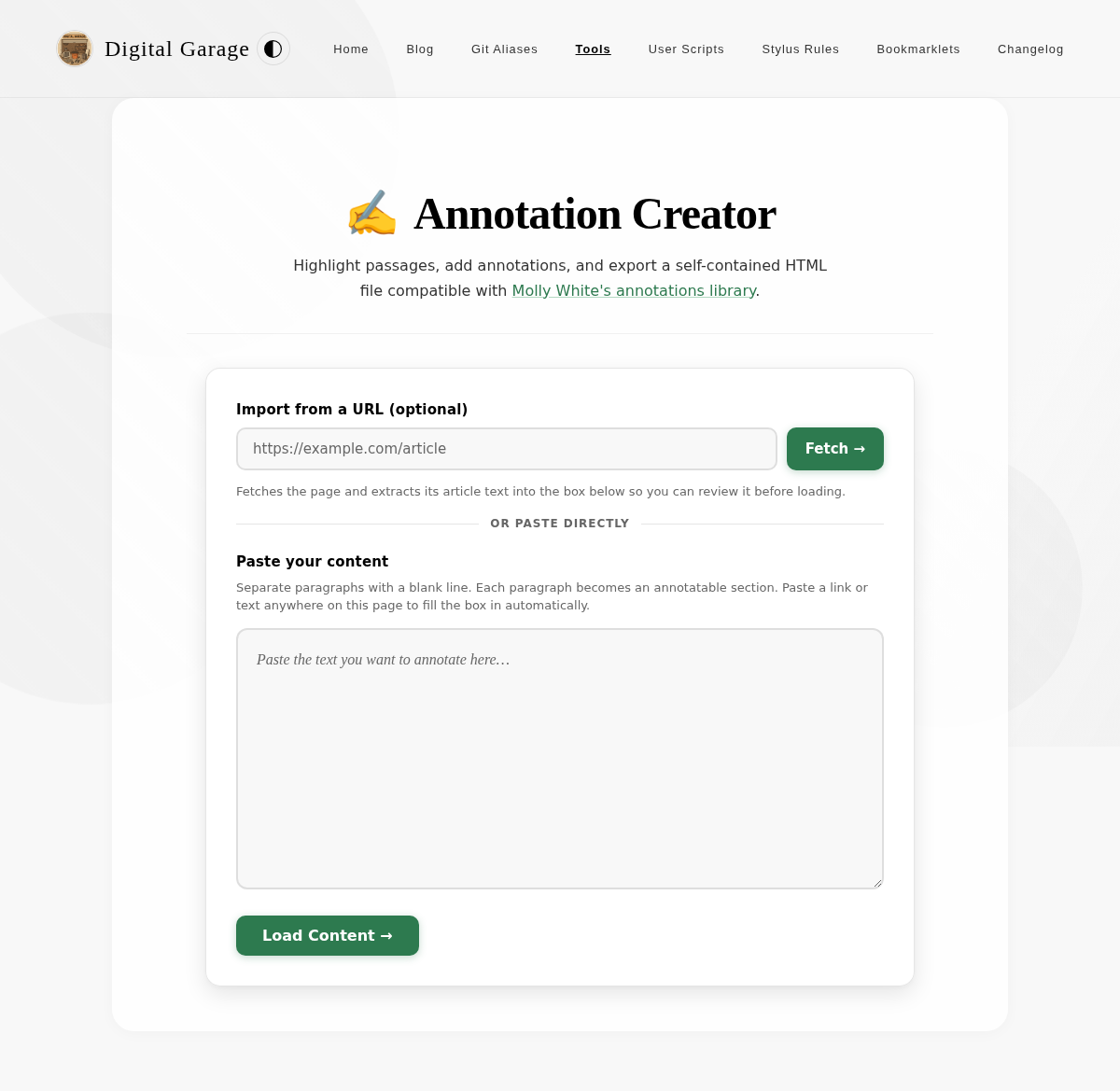
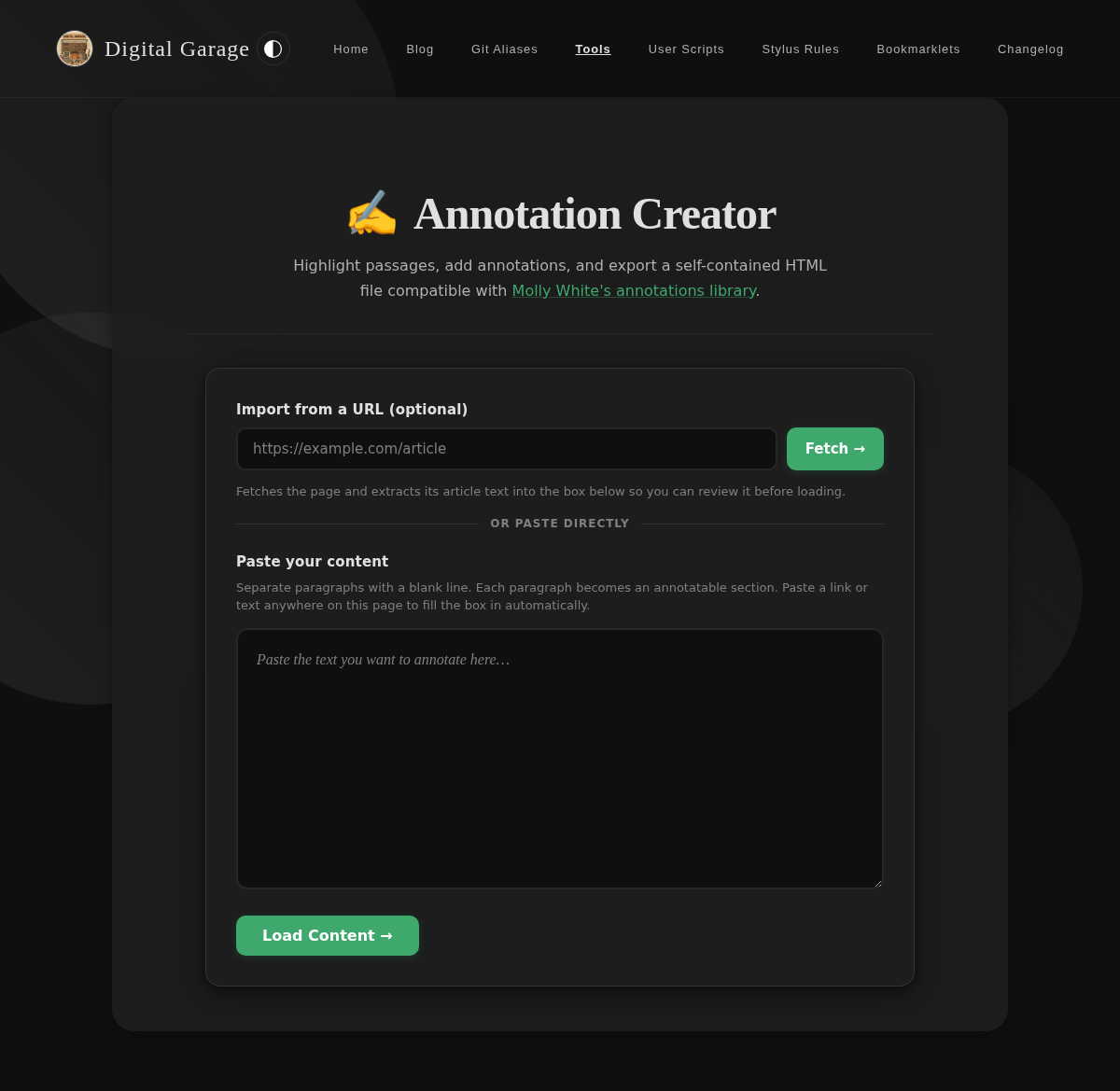
- Added: Paste a URL and click Fetch to automatically pull in and extract an article's text, ready to annotate.
- Improved: The page now supports paste-anywhere — paste a link or text anywhere on the page to fill in the content box automatically.
1.1.0 - 2026-08-21
- Improved: Annotating a selection now shows a small popover right next to the highlighted text instead of a button at the top of the page. On touch devices the popover appears below the selection so it doesn't collide with the phone's own copy/share menu.
- Fixed: The "Add Annotation" dialog no longer has the live preview panel visible through it, which was especially noticeable in dark mode.
1.0.0 - 2026-05-21
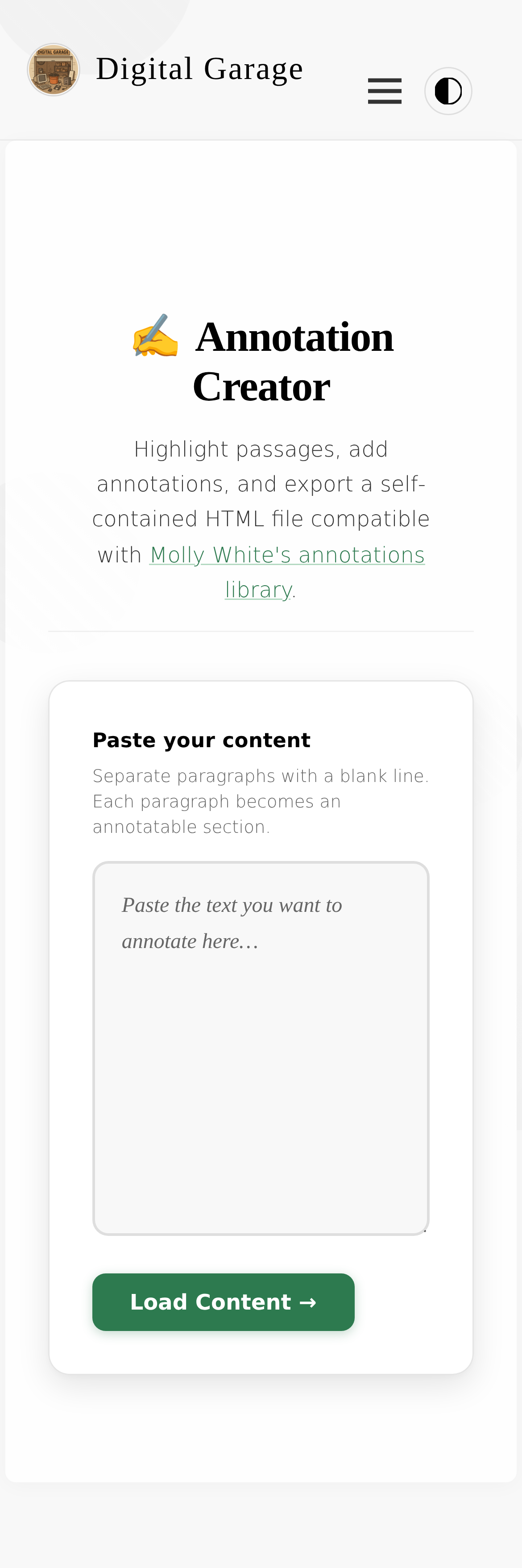
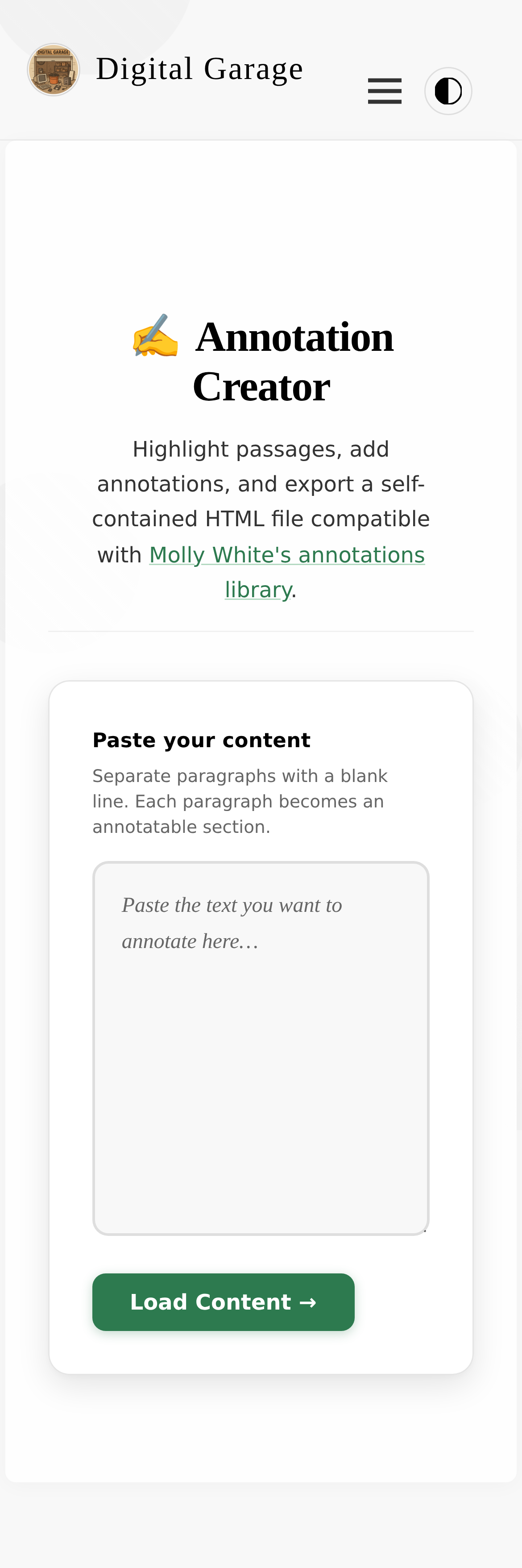
- Paste any text and highlight passages to add annotations.
- Live preview panel shows the finished document with authentic Molly White annotation styling.
- One-click copy or download of the complete, self-contained HTML output.
- Works on both desktop and mobile.