Tools
Vibe coding is a term that refers to using AI tools to generate code without any significant human oversight. This massively lowers the effort required to create a simple application, but comes with the trade–off that the code may be low quality.
Below are simple tools I've built by vibe coding. They are not intended to showcase my programming abilities, but may nonetheless be of interest or use.
Some of these tools were built before this website existed, so their styling may not work as intended with the other styling on this website.
There are currently 25 tools, with 81 versions between them.
Table of Contents
Reusable Tools
These tools are intended to be useful repeatedly (to the extent they are useful at all!).
There are also some tools which are hosted separately because they are not static HTML and Javascript pages, which the above tools are.
- Mental Health Check-In (written without using AI, before LLMs become commonplace)
- Daily Light devotional
One-off Tools
These tools were built to solve a specific problem a single time, and are not expected to provide any further value in the future.
Reusable Tools
5BX Tracker
An interactive tracker for the Royal Canadian Air Force 5BX (Five Basic Exercises) fitness programme. Each day you open the tool it tells you exactly which exercises to do and at what intensity for your current level. The tool tracks your progress through the programme and shows you how far you are from your age-appropriate target.
Agentic Coding Evaluator
A tool to measure and compare your coding performance with and without AI assistance. Track task estimates versus actual completion times to understand how AI tools impact your productivity.
Inspired by Where's the Shovelware? Why AI coding tools may not lead to a big wave of bad apps.


Open Agentic Coding Evaluator →
Annotation Creator
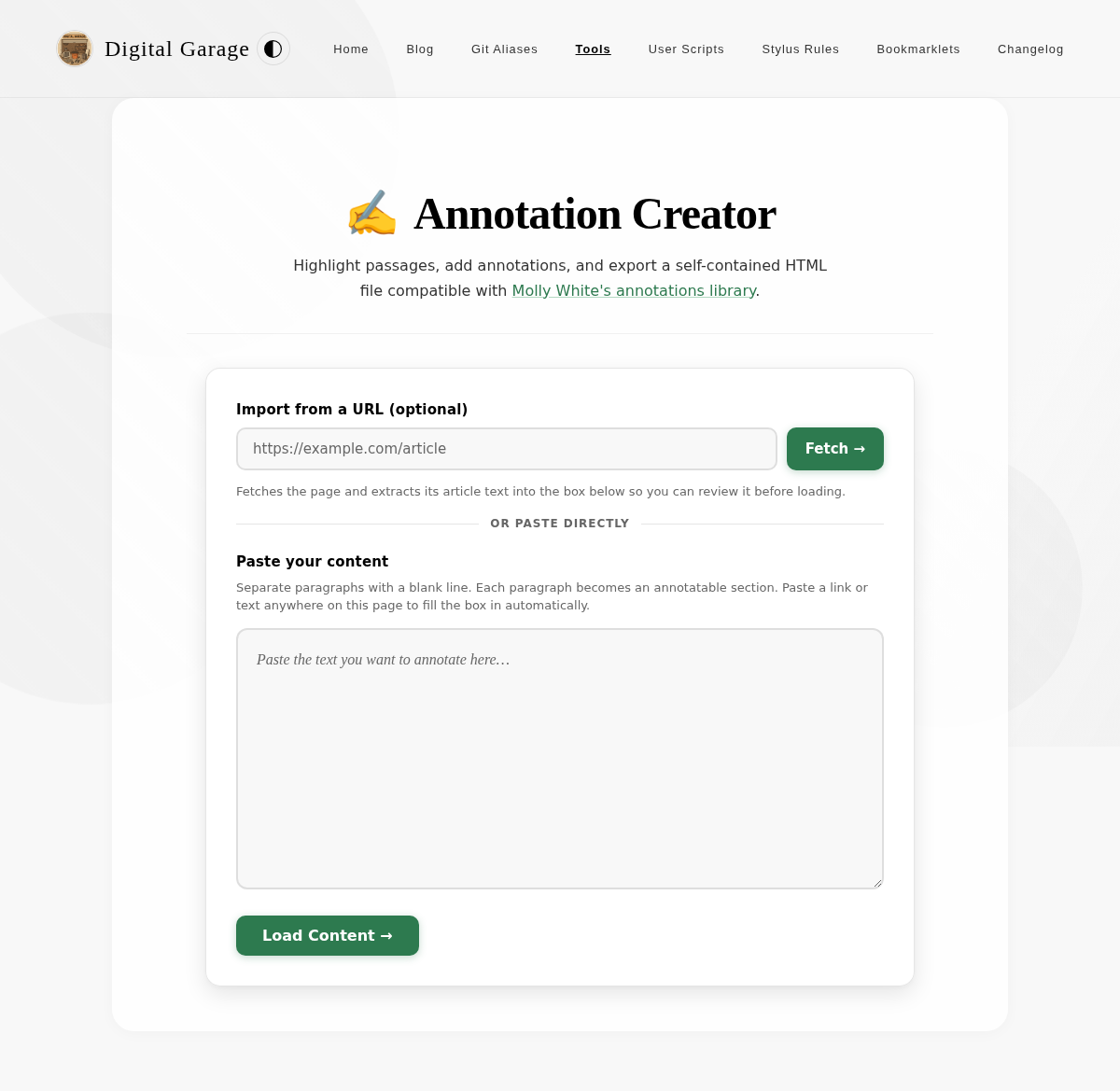
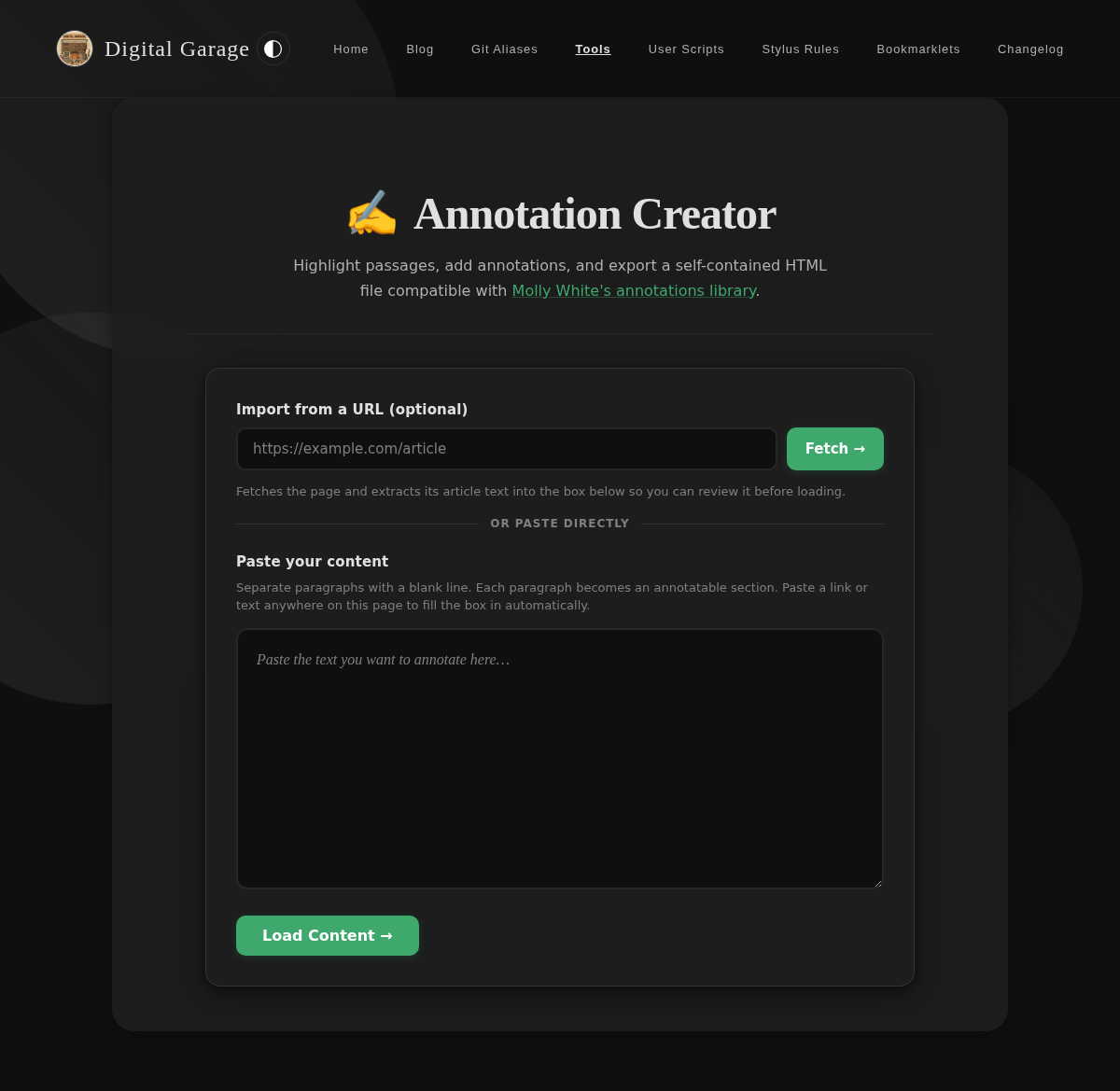
Paste any text — or import an article straight from a URL — highlight passages to annotate, and export a self-contained HTML file compatible with Molly White's annotations library. Annotations appear as side-by-side marginalia with interactive highlighting.
Bible Tracker
Many years ago someone at church asked if I could write a simple app to keep track of reading every chair in the Bible. At the time I said no because the effort involved was too high for me to justify. Since vibe coding came along, these sorts of simple apps have become possible to create in mere minutes, and even if the technical quality is low it doesn't really matter for such a simple app.
This app helps you keep track of your Bible reading progress in a visual and organized way. It displays all 66 books of the Bible with clickable chapter numbers that can be marked as read or unread, allowing you to see at a glance how much of the Bible you've completed and which chapters you still need to read.

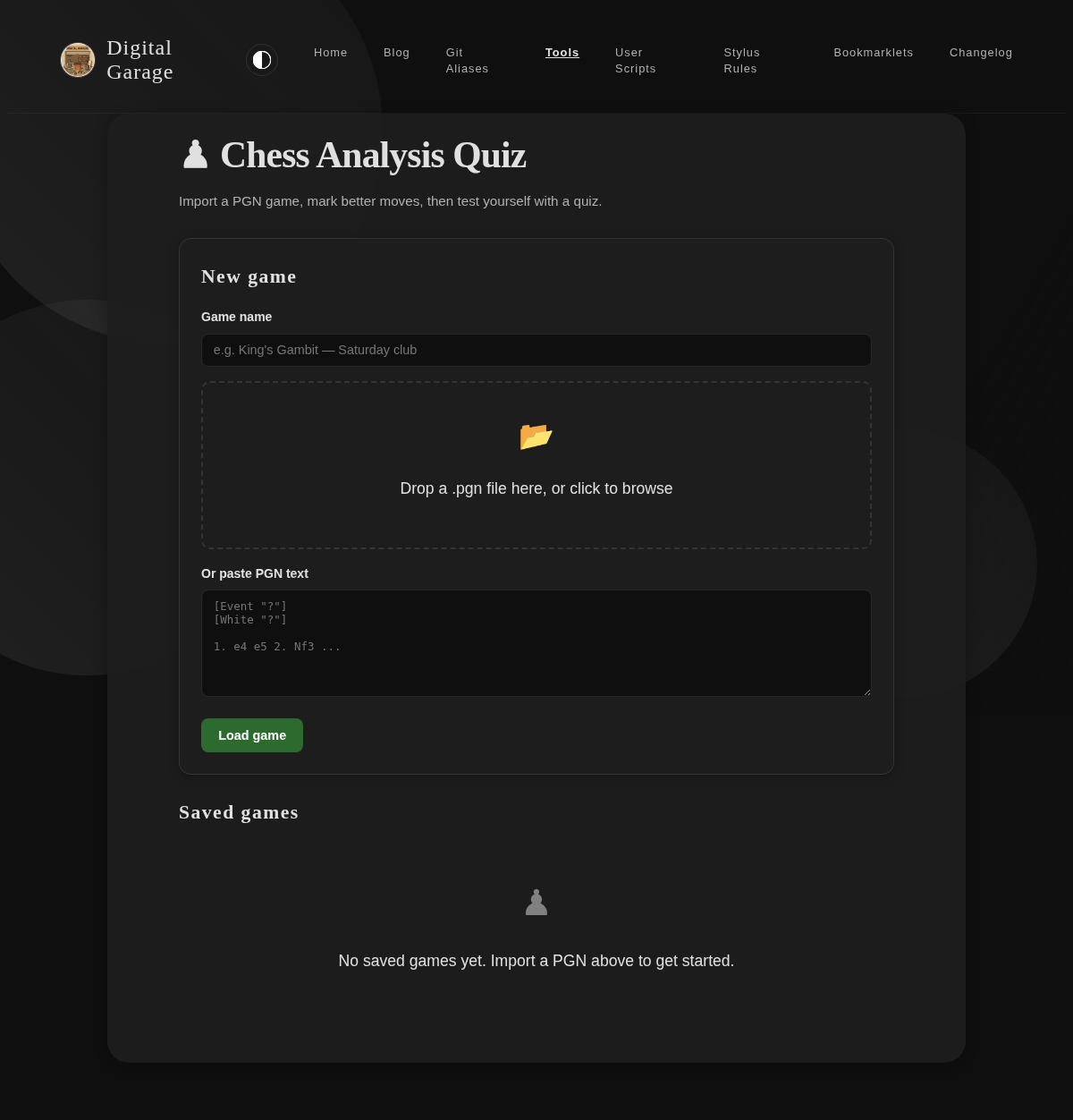
Chess Analysis Quiz
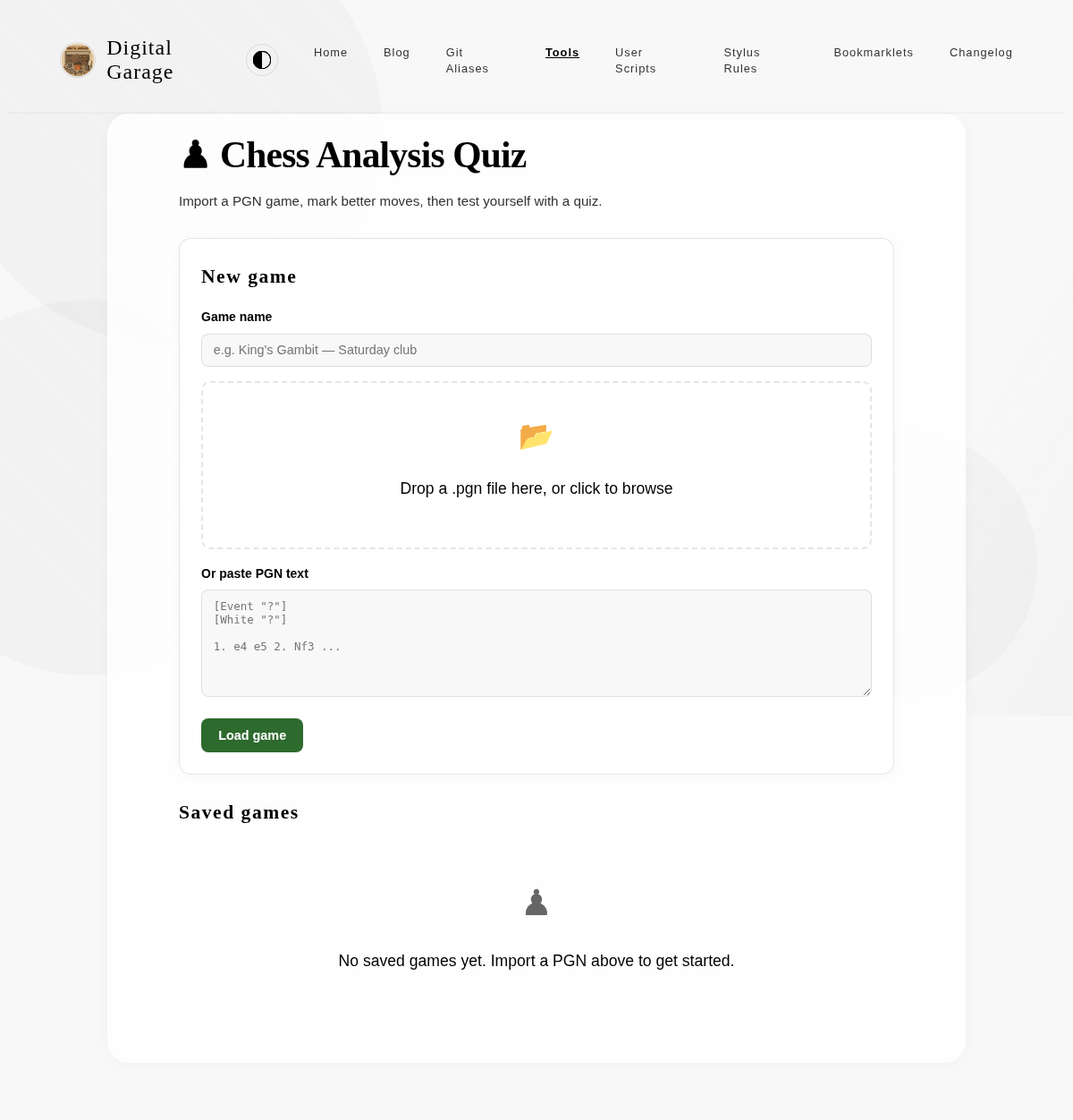
Import a PGN chess game file, annotate it with your own "better moves", then generate a quiz to test whether you can recall those improvements. Supports saving multiple games locally and retaking quizzes at any time.
HTML Structure Simplifier
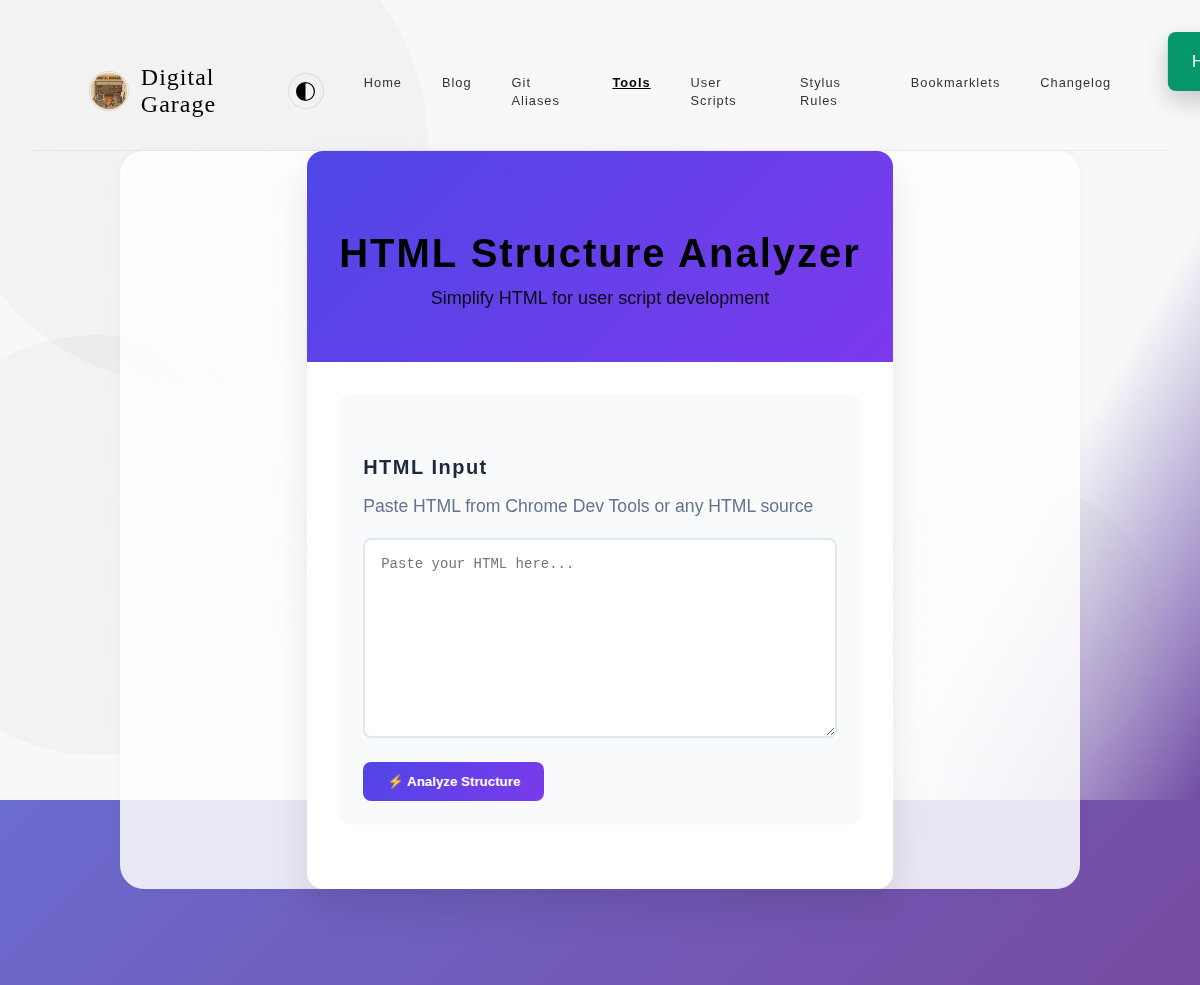
This tool simplifies HTML, making it easier to develop user scripts. It removes unnecessary attributes and de-duplicates the structure, giving you a clean and simple version of the HTML to work with.
Open HTML Structure Simplifier →
JSON Schema Extractor
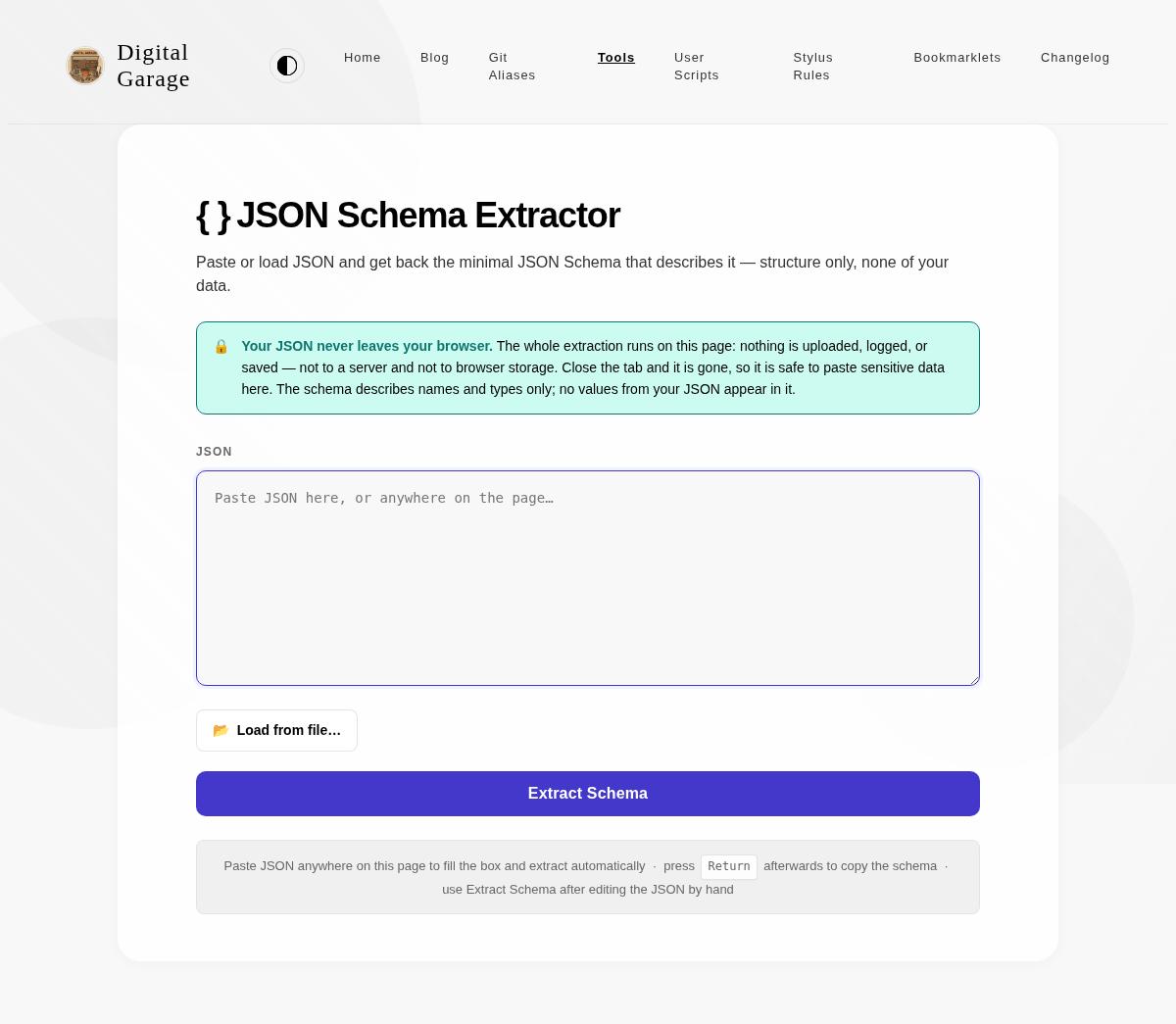
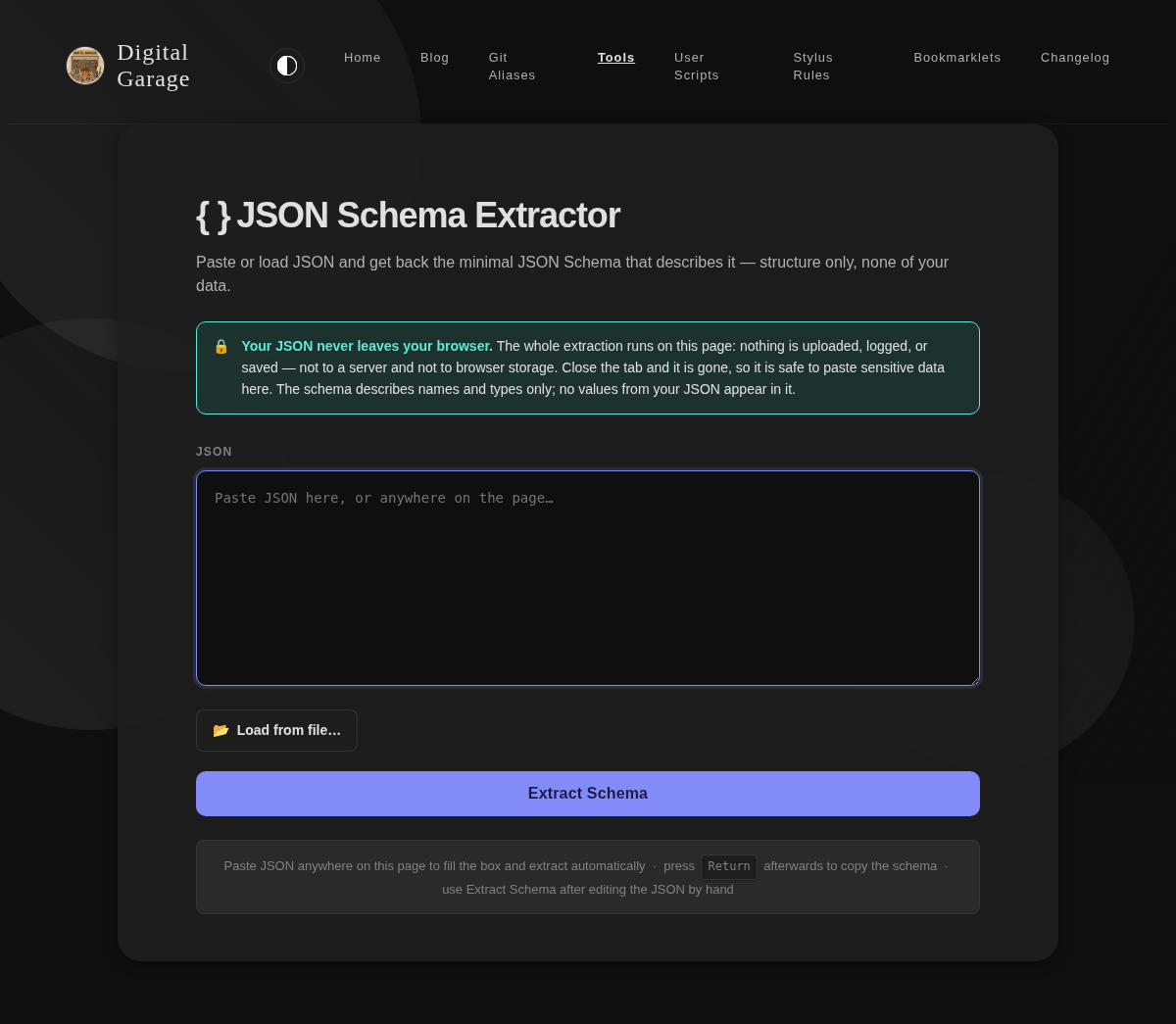
Paste JSON into the box, or load it from a file, and this tool derives the minimal JSON Schema that describes it. The schema records property names, types, which properties are required, and the shape of array elements — an array of three items produces a single element schema, not three. No values from your JSON ever appear in the output.
A file whose contents are not valid JSON is still loaded into the box, alongside an error saying what is wrong with it, so it can be corrected in place.
Extraction happens automatically when you paste or choose a file; the Extract Schema button is only needed after editing the JSON by hand. Everything runs in your browser: the JSON is never uploaded, logged, or written to browser storage, so it is safe to use with sensitive data.
Modified Examen
Inspired by something in the book Introverts in the Church by Adam McHugh, this is a version of the Ignatian Examen which I have modified for personal usage.
This tool guides you through this version of the examen. To use it simply open the tool, pray according to the prompt, then tap/click the screen to receive the next prompt.
Nikado List Opener
Open a markdown list (bullet, numbered, task, or plain text) directly in nikado.app as a Mikado graph. Paste your list, press the button, and the tool encodes and opens it for you.
Obsidian Text Escaper
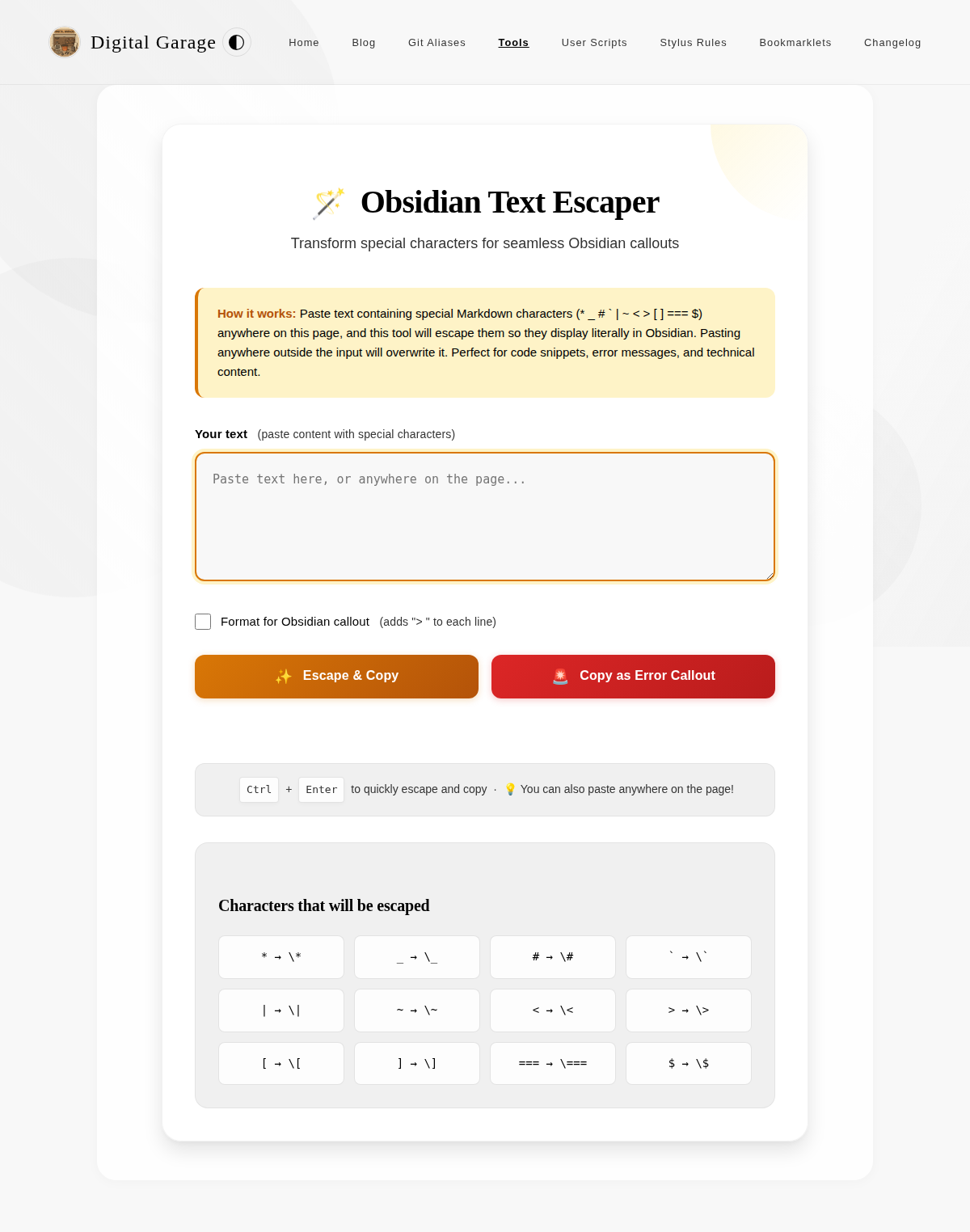
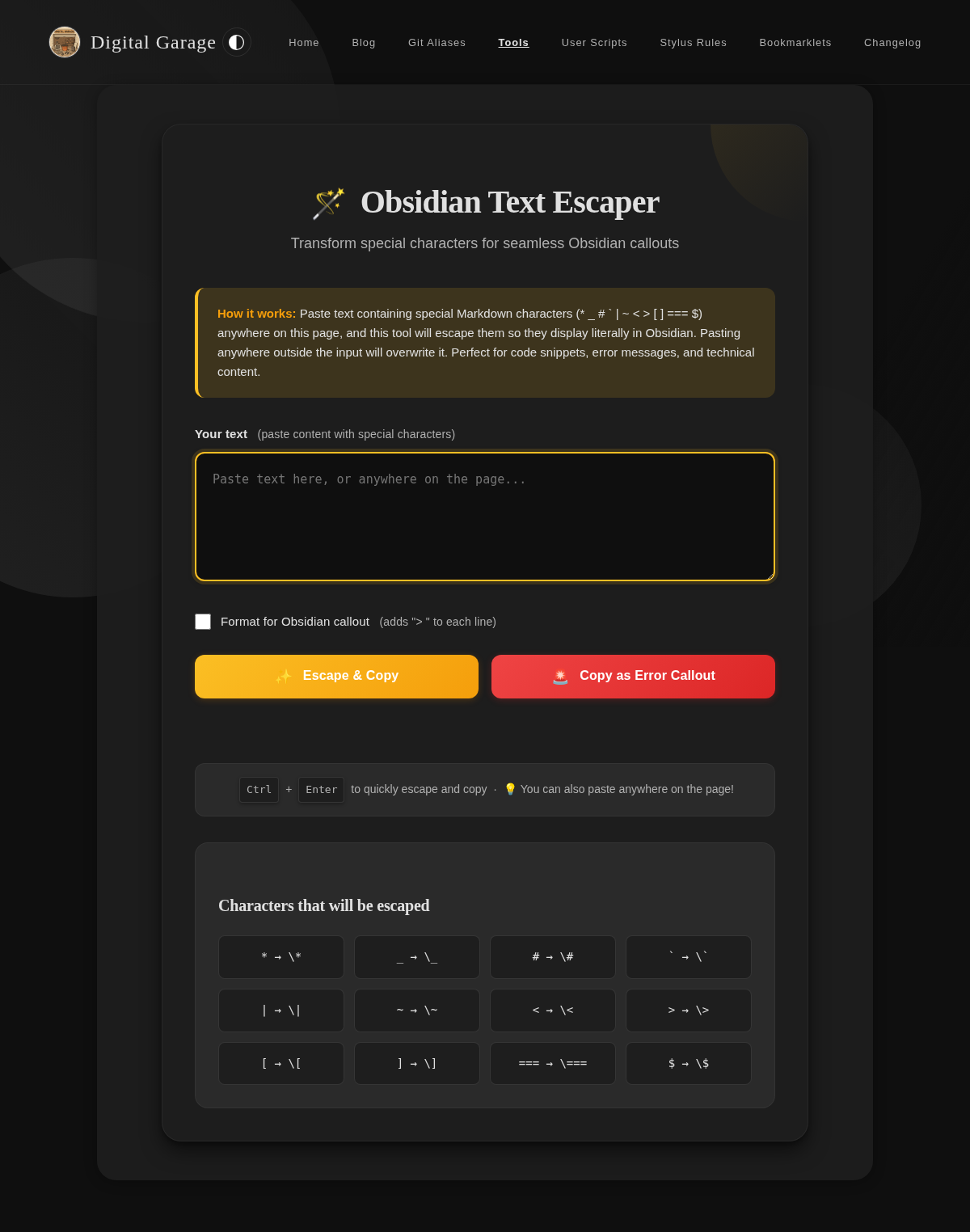
This tool escapes special Markdown characters in your text, making it safe to use in Obsidian callouts and other contexts where you want to display the characters literally. It also includes an option to format the text for Obsidian callouts by adding > to each line.
Olympus Budget Dashboard
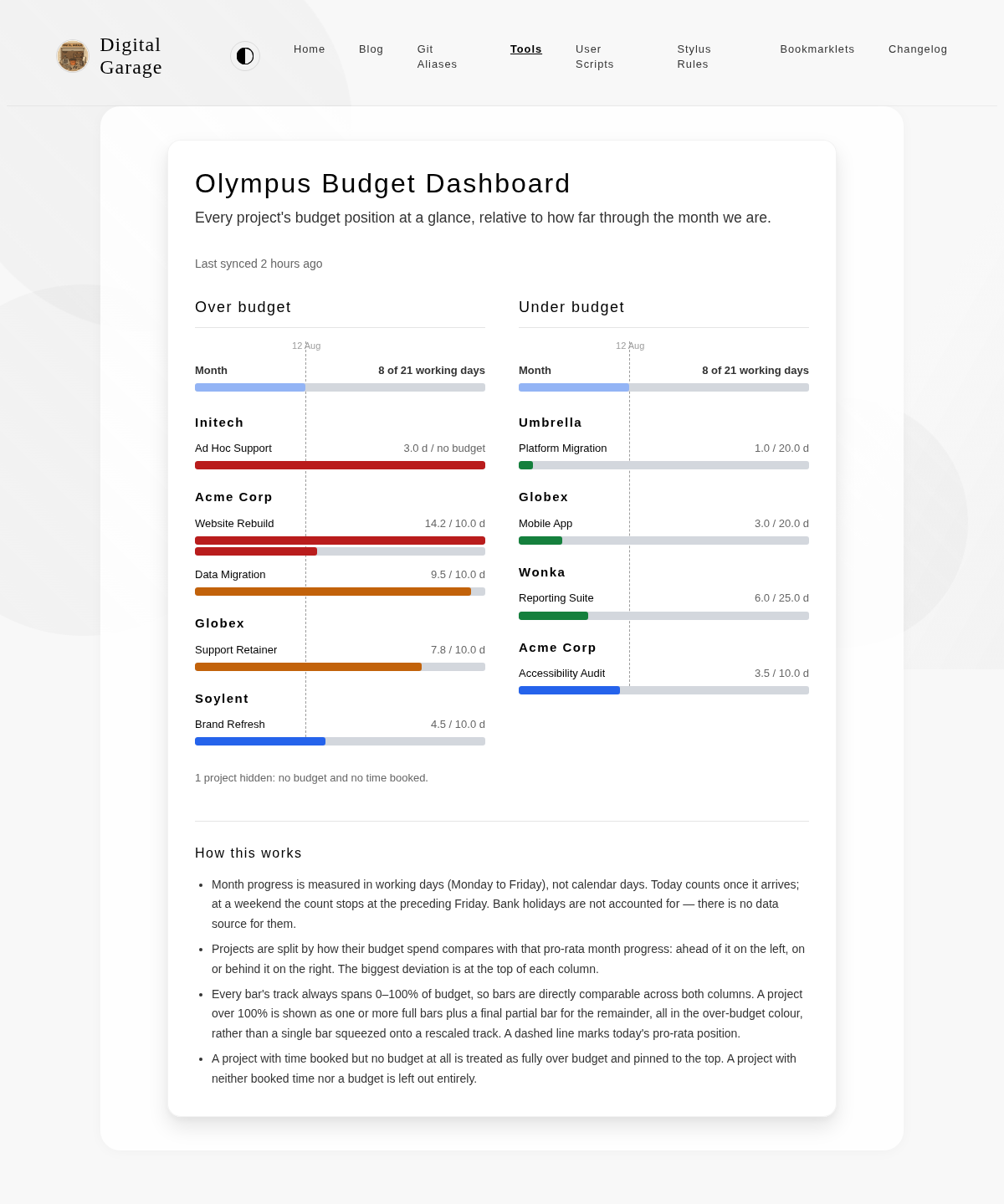
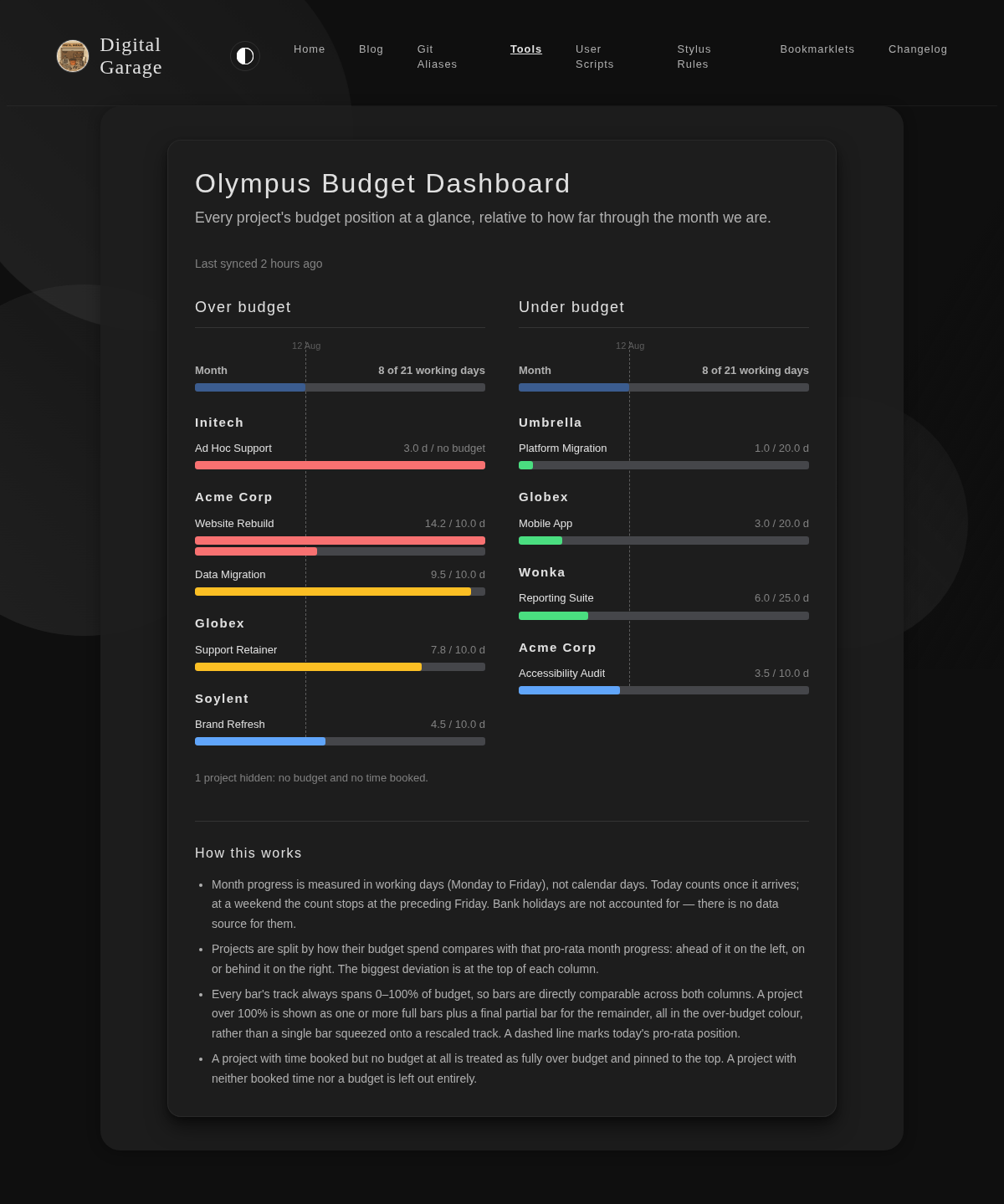
Requires the Olympus-Zendesk Budget Sync userscript, which captures the data this page displays. Shows every project's budget position in two columns — over budget on the left, under budget on the right — sorted so the biggest deviation from pro-rata month progress is at the top.
Open Olympus Budget Dashboard →
Parables Tracker
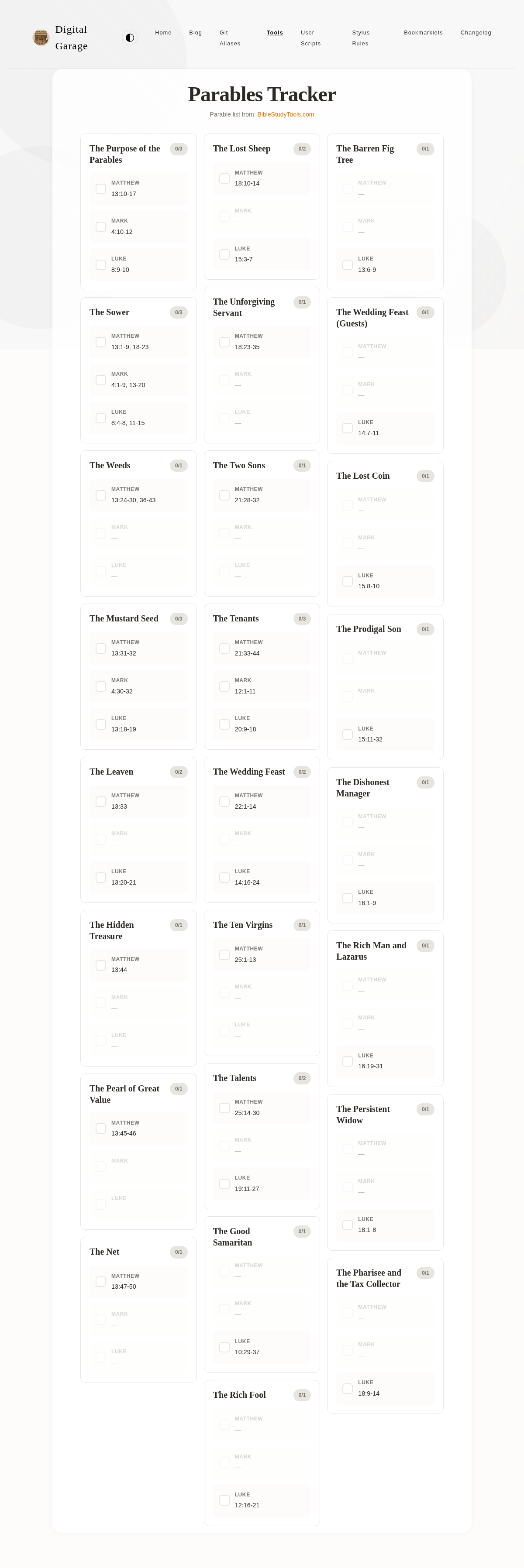
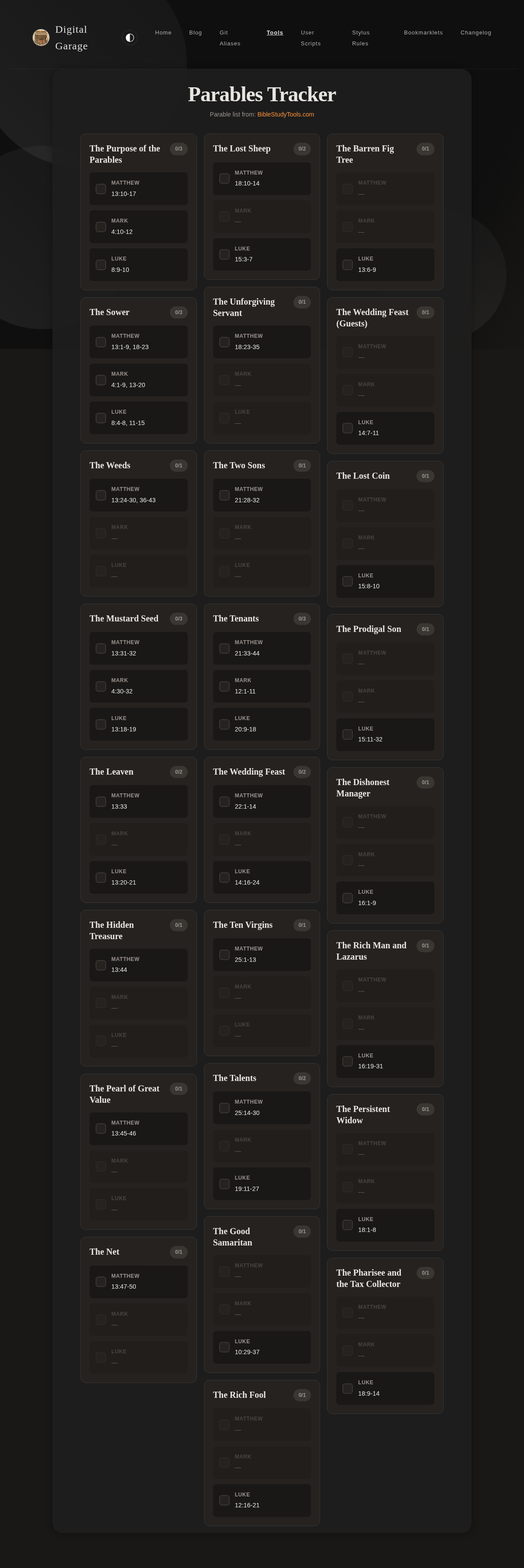
Track your reading progress through the parables of Jesus. This tool helps you systematically read through all the parables recorded in the Gospels, marking each reference as you complete it.
This tool displays all parables with their biblical references across the synoptic gospels (Matthew, Mark, Luke) and allows you to track each reference independently. Your progress is saved locally in your browser.
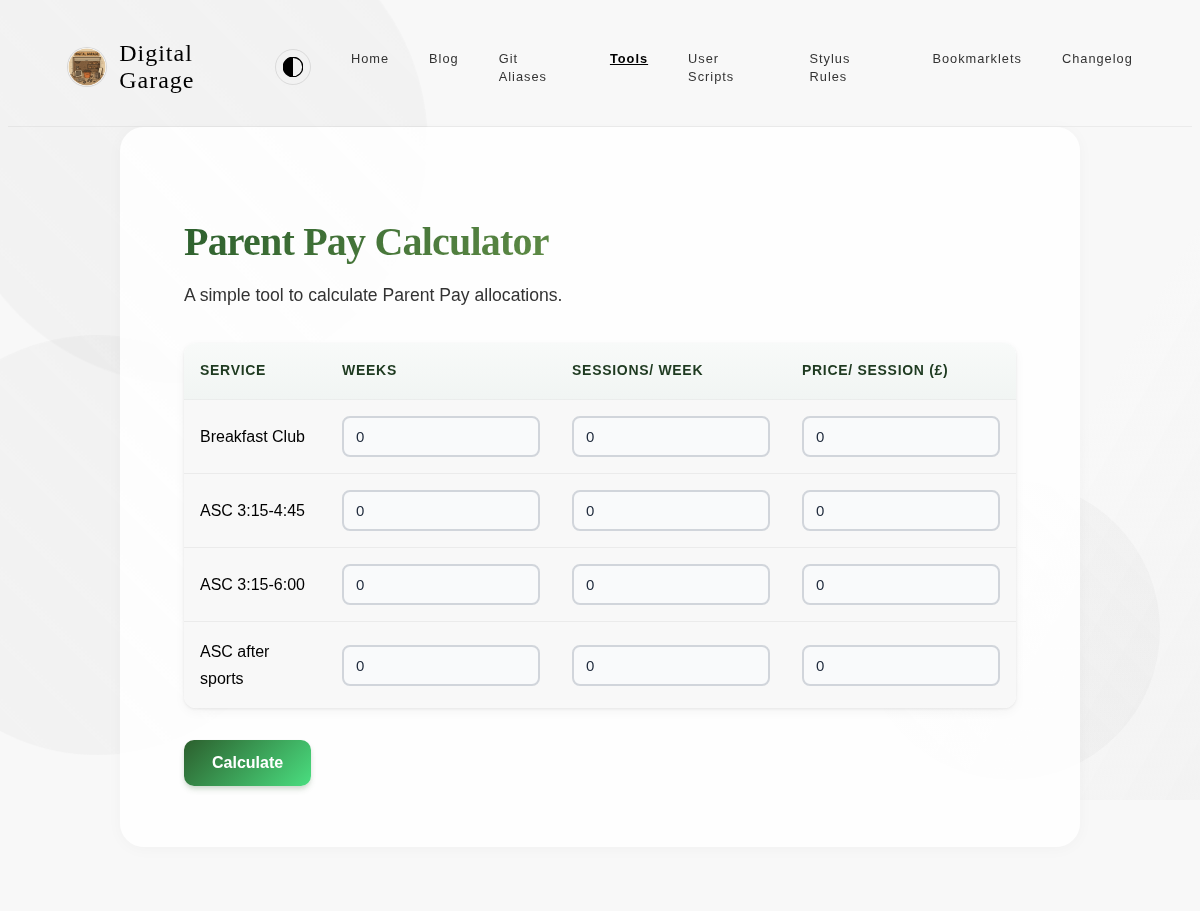
Parent Pay Calculator
A simple tool to calculate Parent Pay allocations.
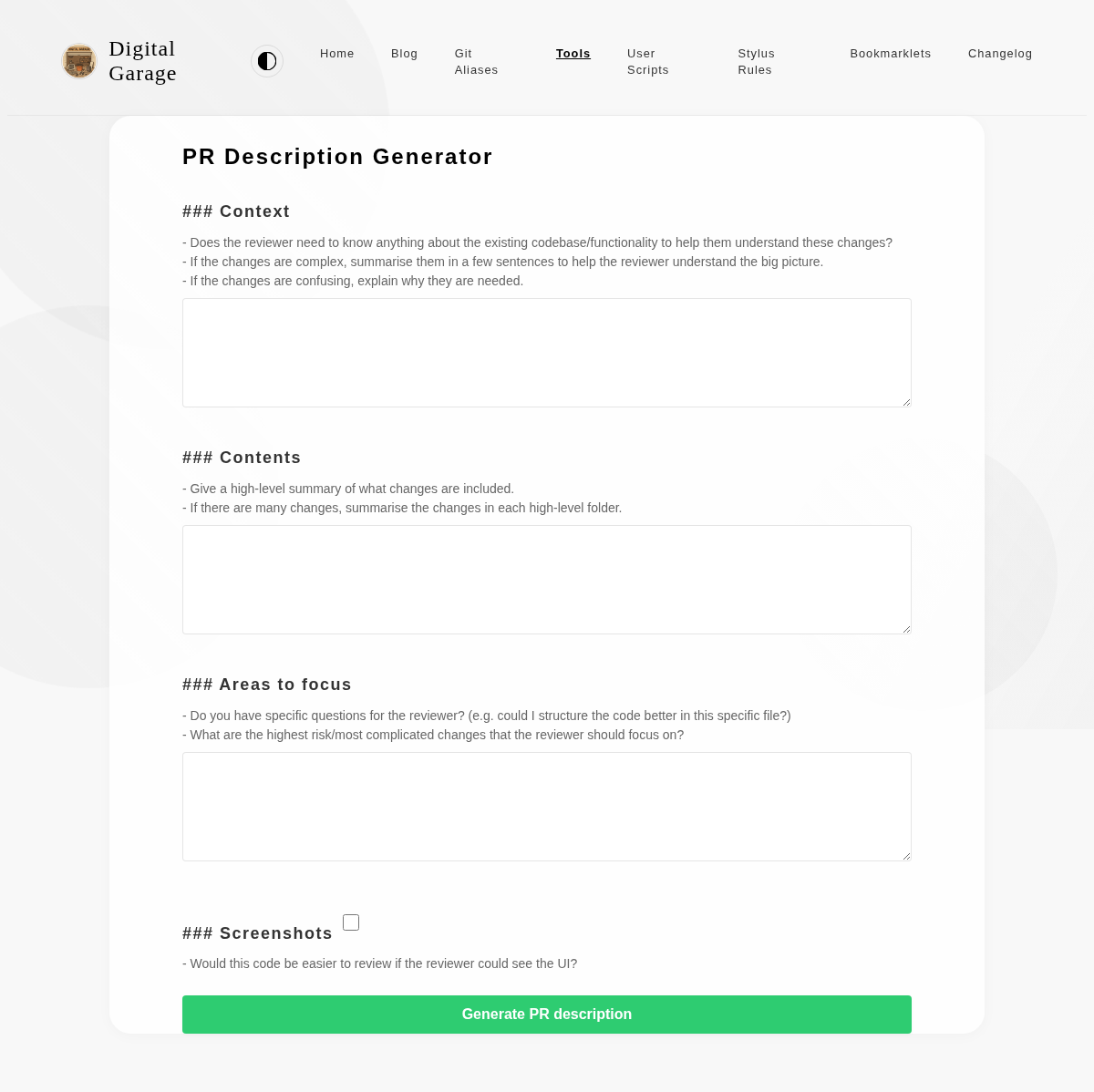
PR Description Generator
This tool helps you generate a well-structured pull request description. It provides fields for context, contents, and areas to focus on, ensuring that your PRs are easy to review.
Open PR Description Generator →
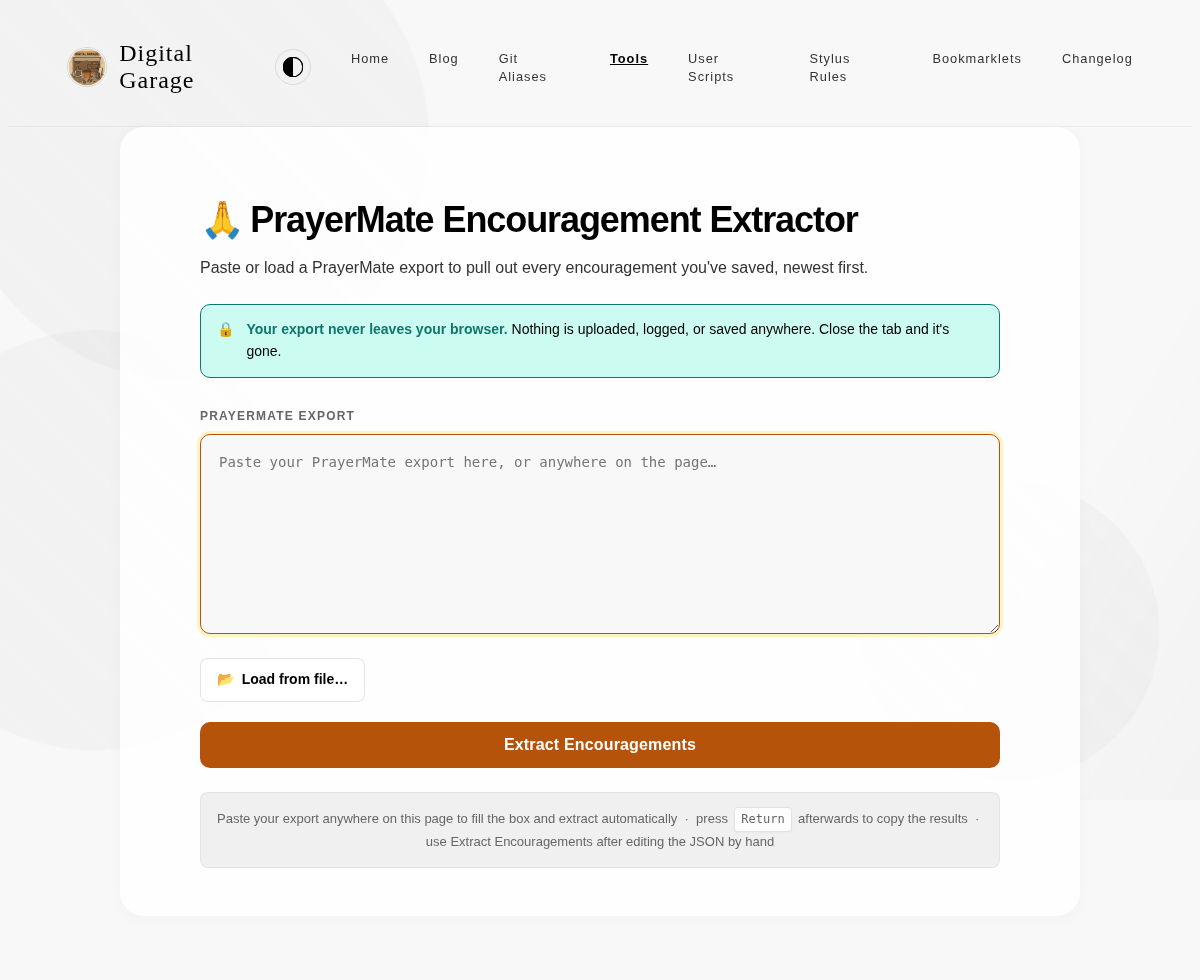
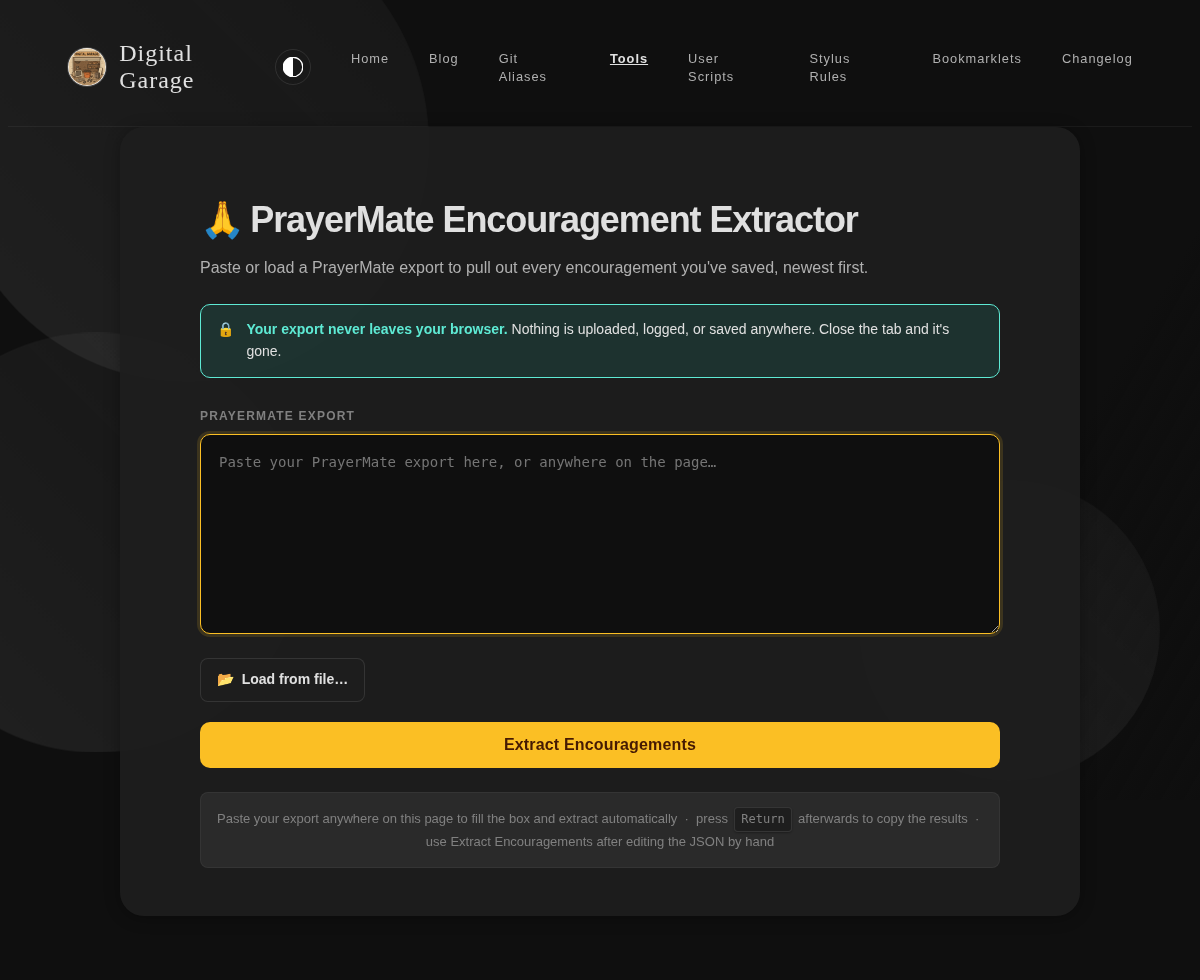
PrayerMate Encouragement Extractor
Paste or load a PrayerMate export to pull out every encouragement you've saved, most recent first.
Everything happens in your browser — your export is never uploaded or stored anywhere.
Open PrayerMate Encouragement Extractor →
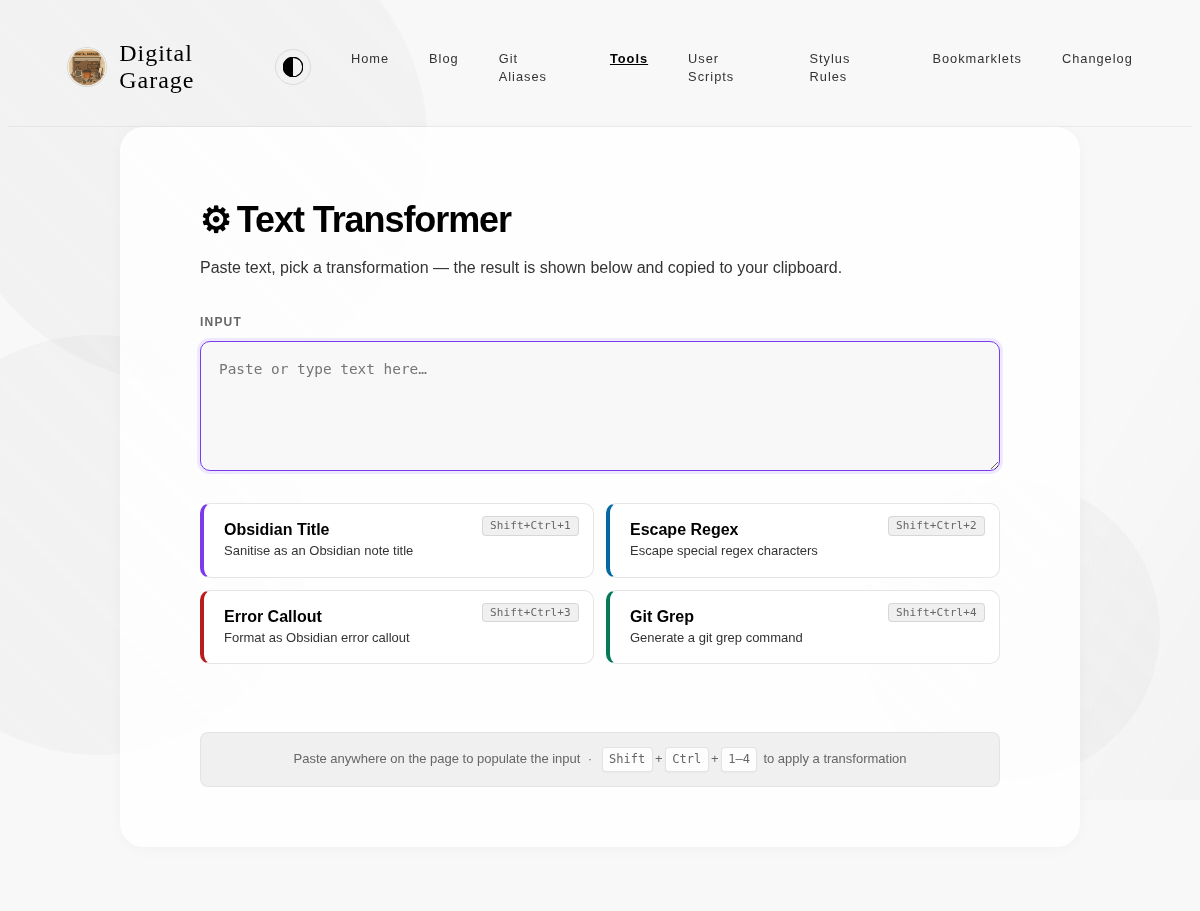
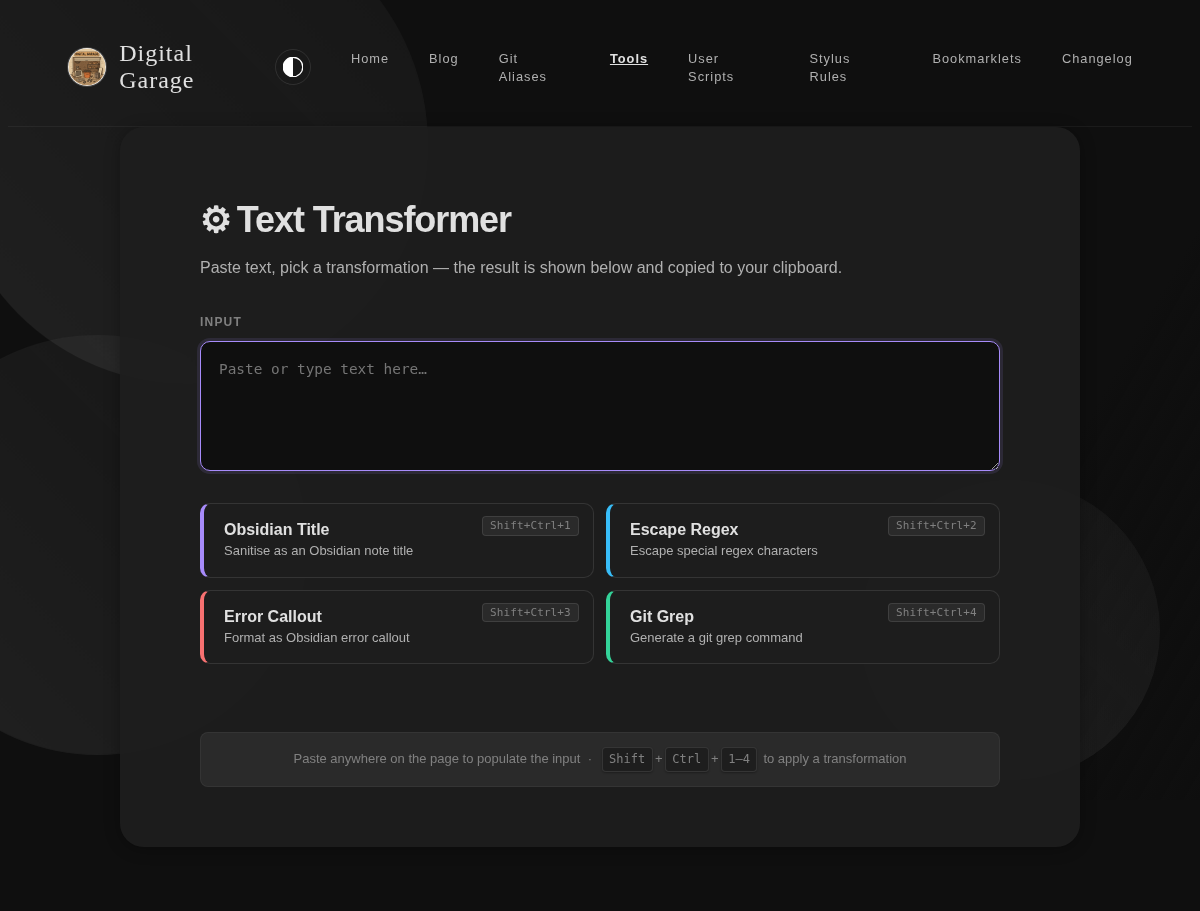
Text Transformer
A multi-function text transformation tool with keyboard shortcuts. Paste your text and choose from four transformations: clean it up as an Obsidian note title, escape it for use in a regex, format it as an Obsidian error callout, or wrap it as a git grep command. Each transformation copies the result to your clipboard and displays it on screen.
TSV to Markdown Converter
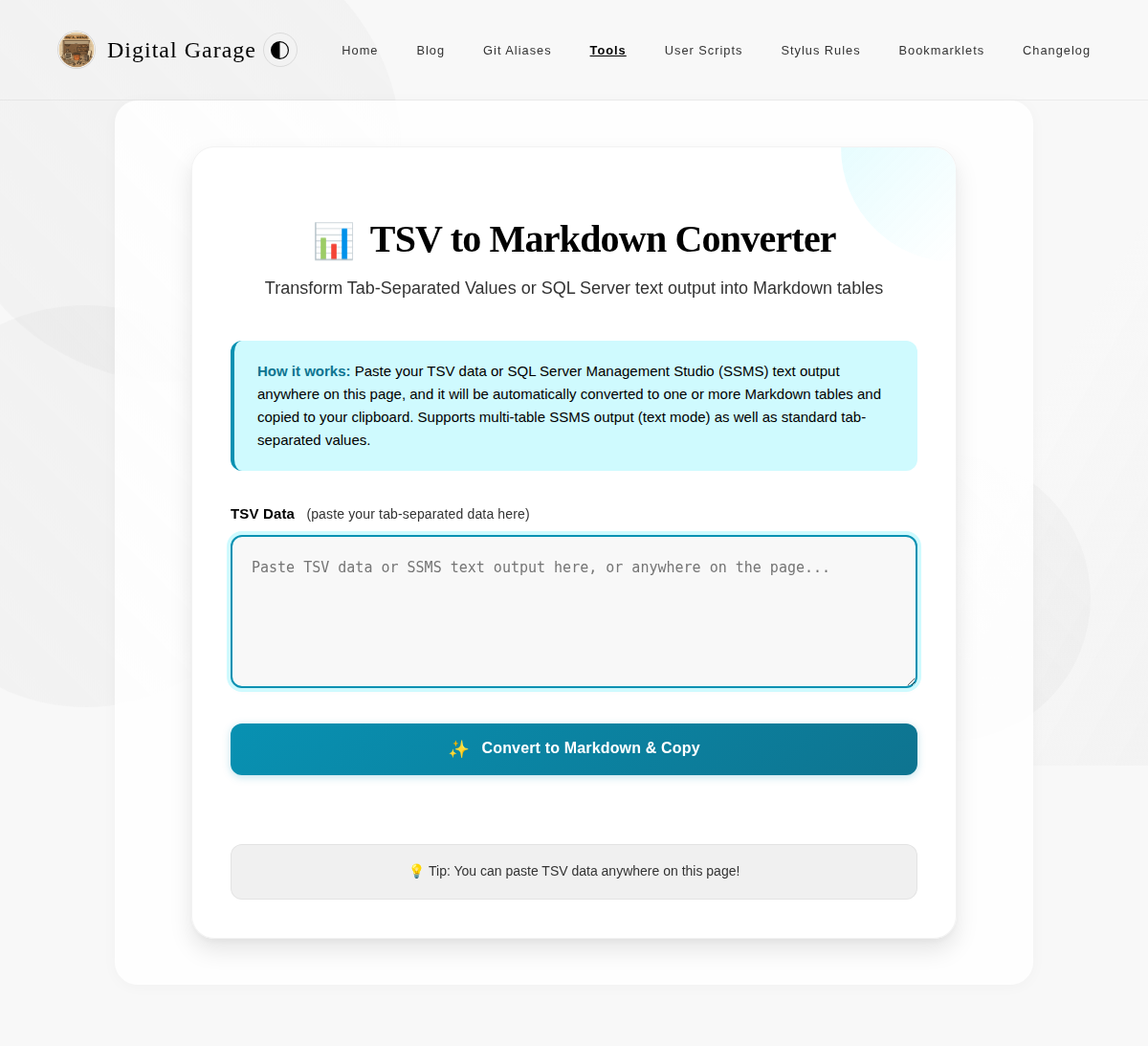
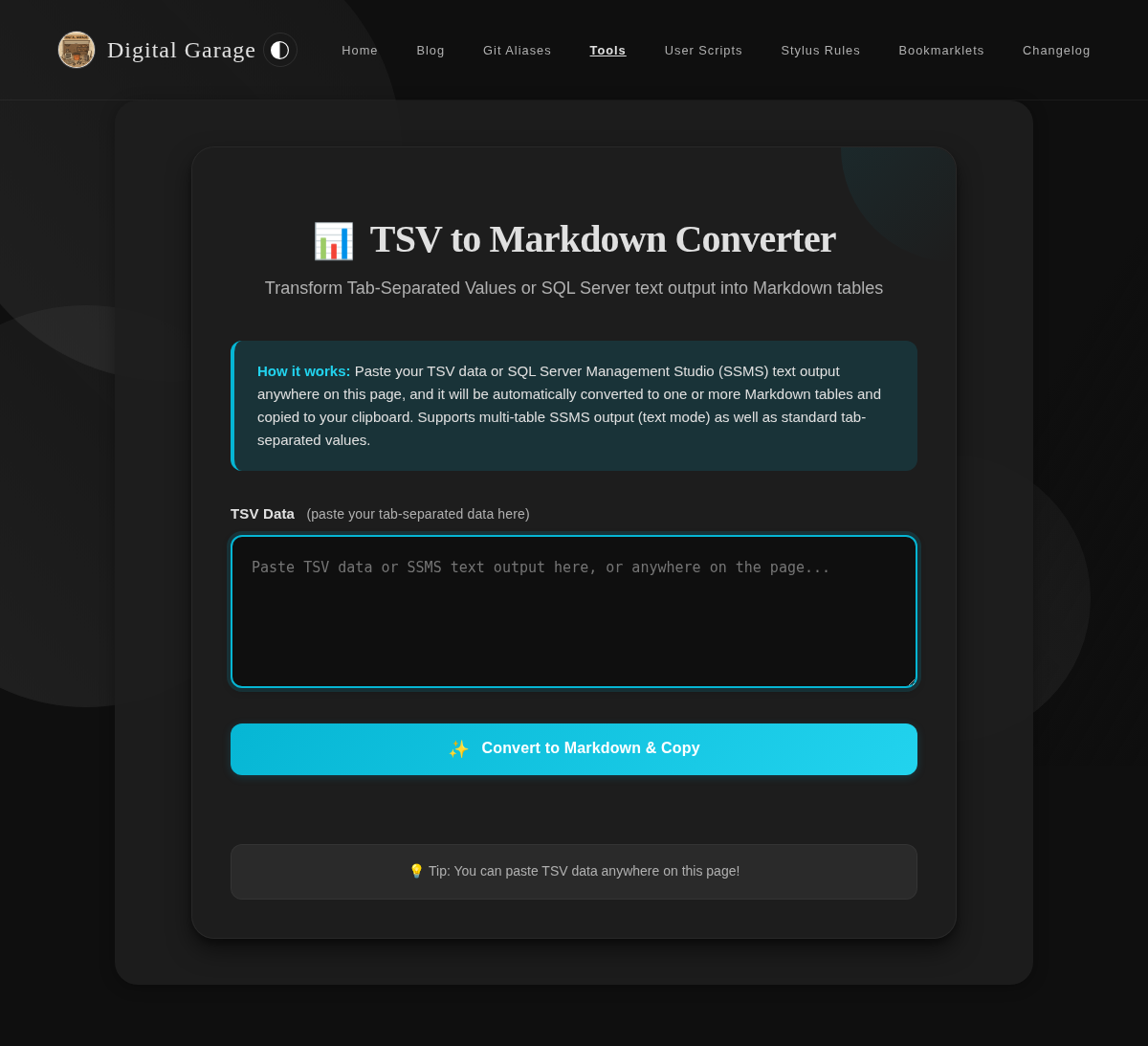
This tool converts Tab-Separated Values (TSV) data into properly formatted Markdown tables. Simply paste your TSV data anywhere on the page, and the tool will automatically convert it to a Markdown table and copy it to your clipboard.
Open TSV to Markdown Converter →
URL Table of Contents Extractor
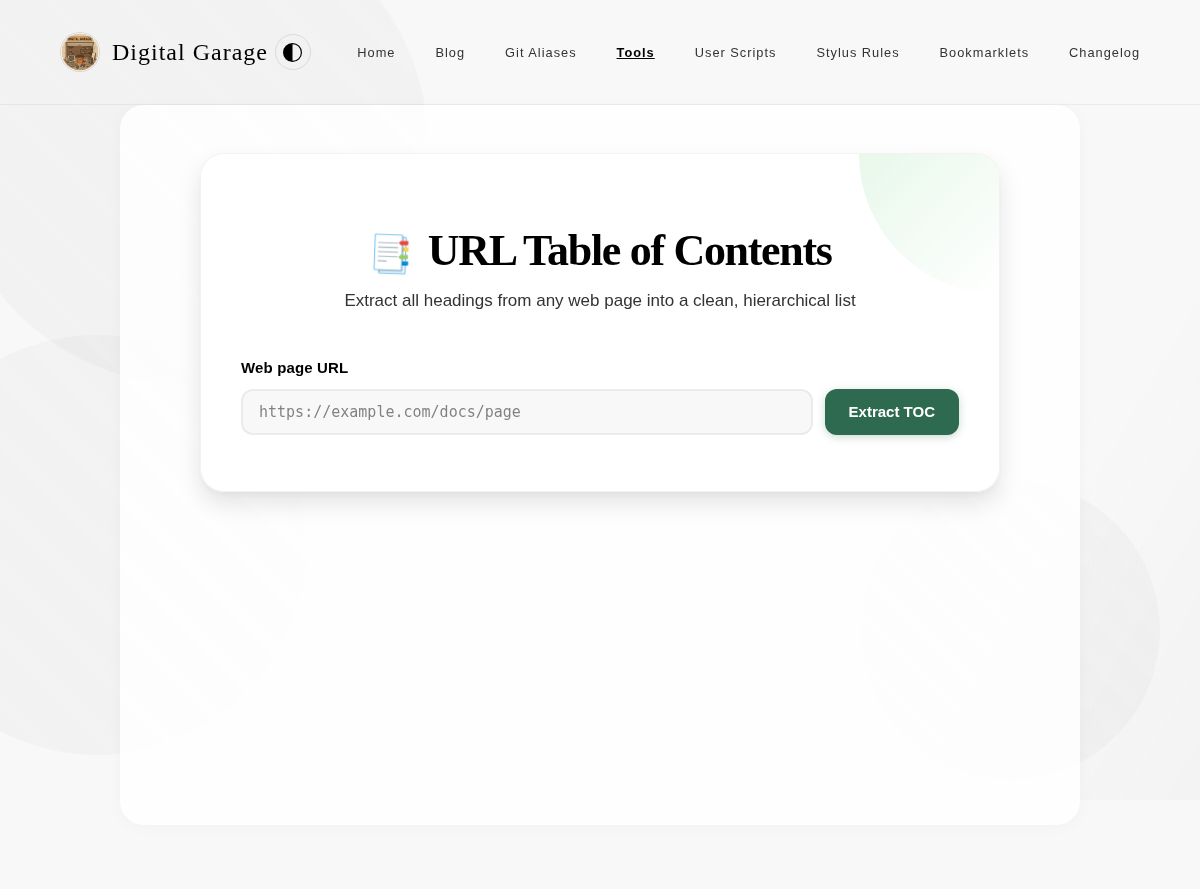
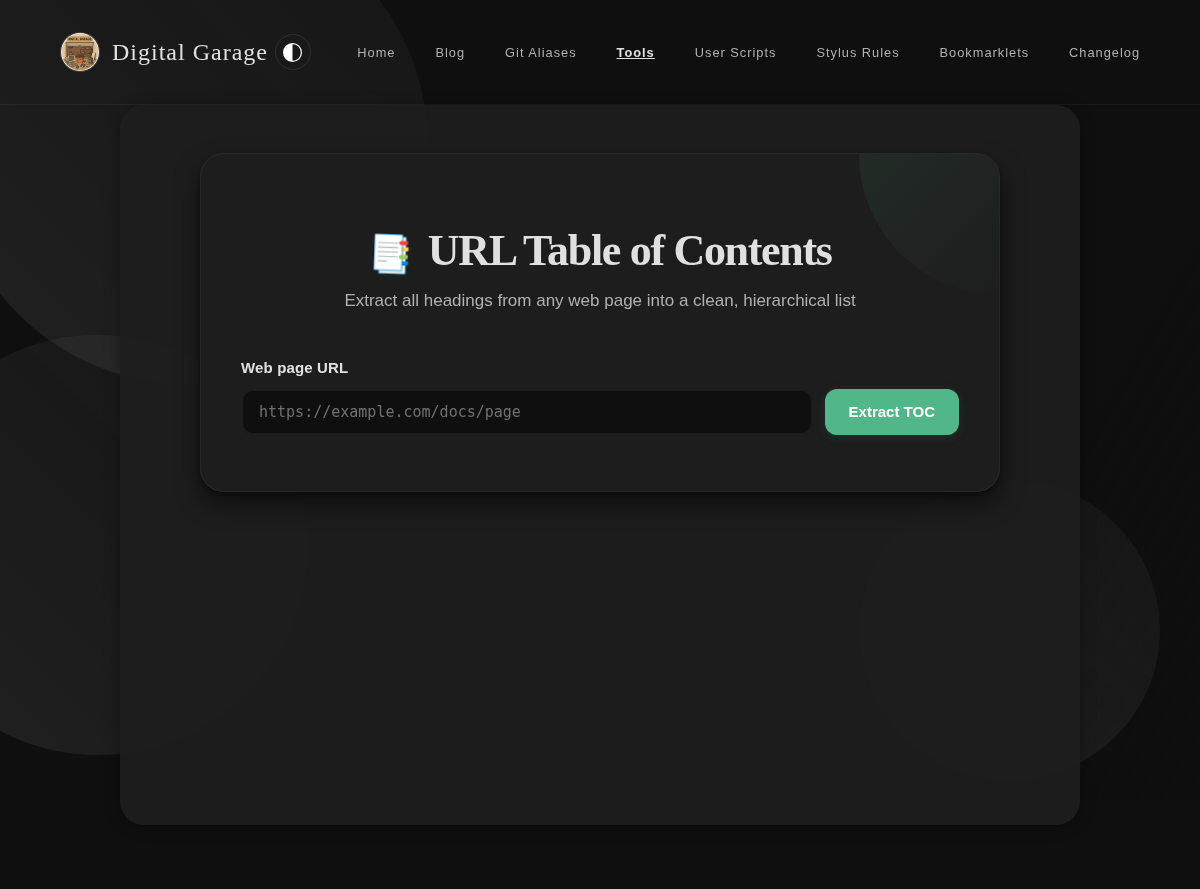
Enter a URL to extract all headings from the page and generate a clean, hierarchical table of contents. Outputs in Markdown or plain text format.
Open URL Table of Contents Extractor →
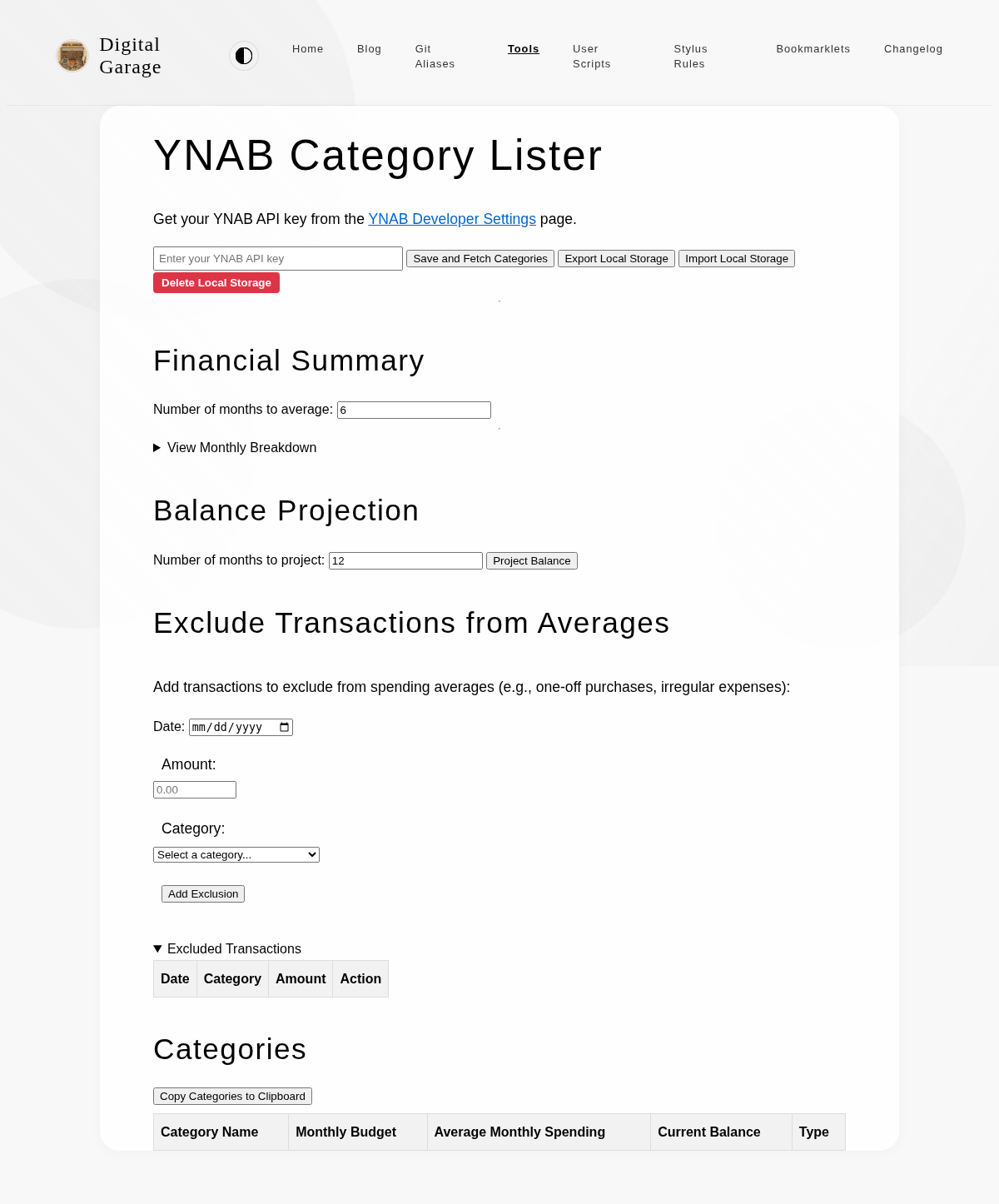
YNAB Category Lister
This tool allows you to enter a YNAB API key and view all the categories in your budget. This is useful for getting a quick overview of your budget structure.
YNAB Unapproved Transactions
This tool lists your unapproved YNAB transactions and lets you set the category, memo and flag colour for several at once.
Open YNAB Unapproved Transactions →
One-off Tools
Bible Statistics Visualiser
An infographic-style visualisation of statistics from the King James Version of the Bible, including word counts, verse counts, chapter distributions, and record holders across all 66 books.

Open Bible Statistics Visualiser →
Blue and silver colour combinations
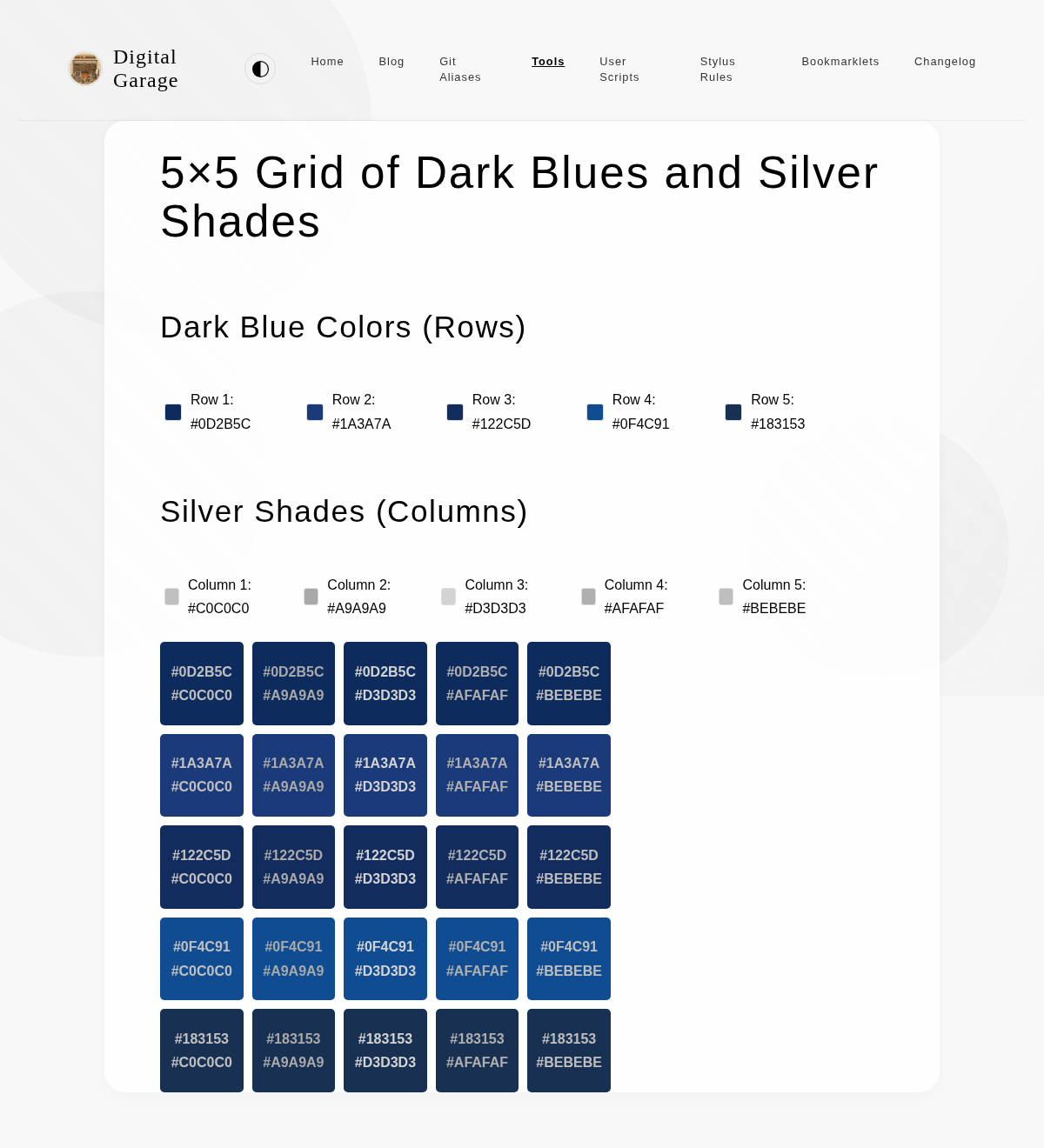
On a whim I decided that I should try using silver text on a dark blue background (or vice versa for light mode) as the colour scheme for this personal website. To try and help me pick specific colours, I generated a grid of different blues and silvers to see what they would look like together.
Open Blue and silver colour combinations →
Landing Page Template
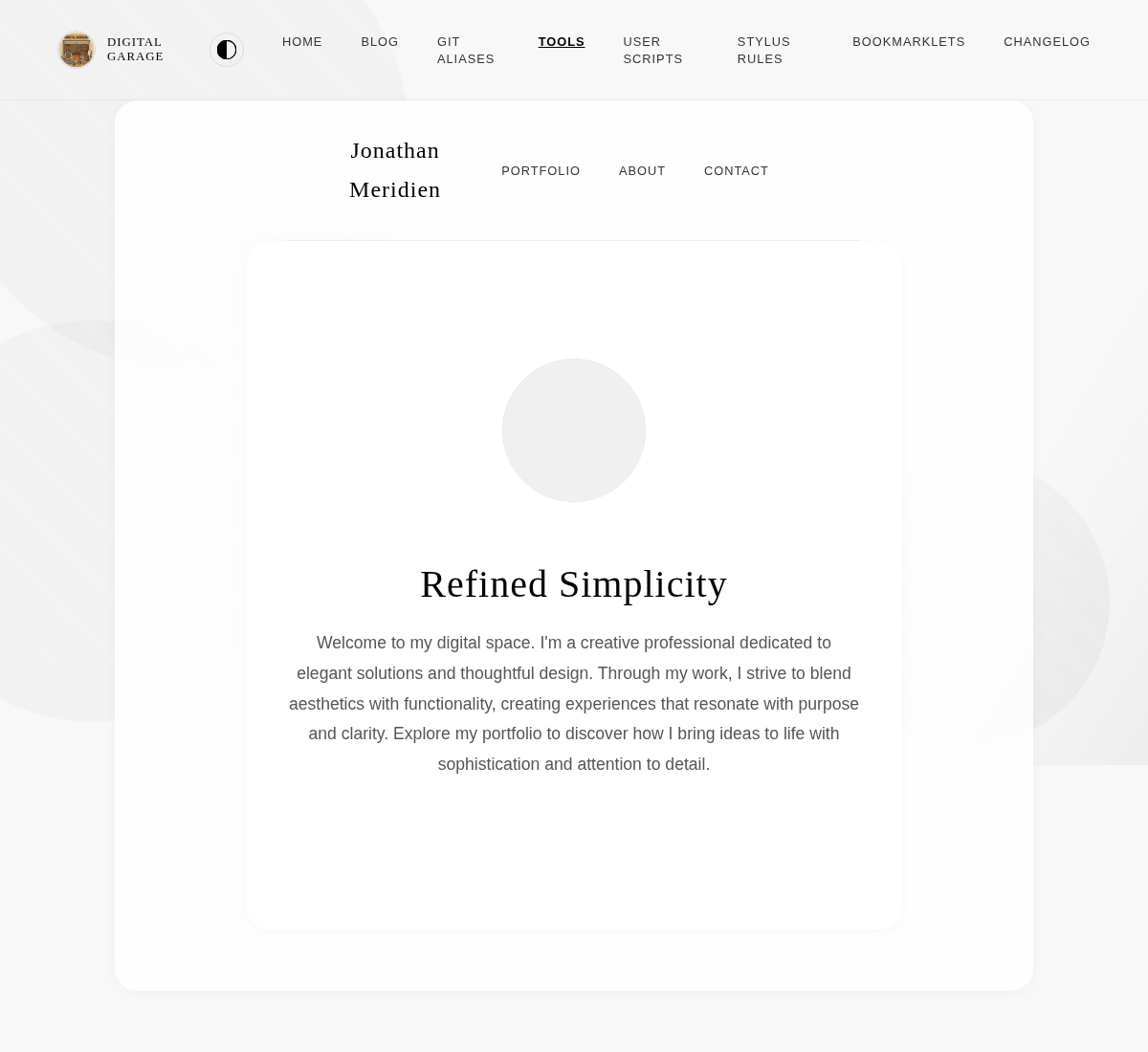
This is a template for a personal landing page. It features a clean, minimalist design with a focus on typography and whitespace.
Navigation Menu with Hand-drawn Circle Effect
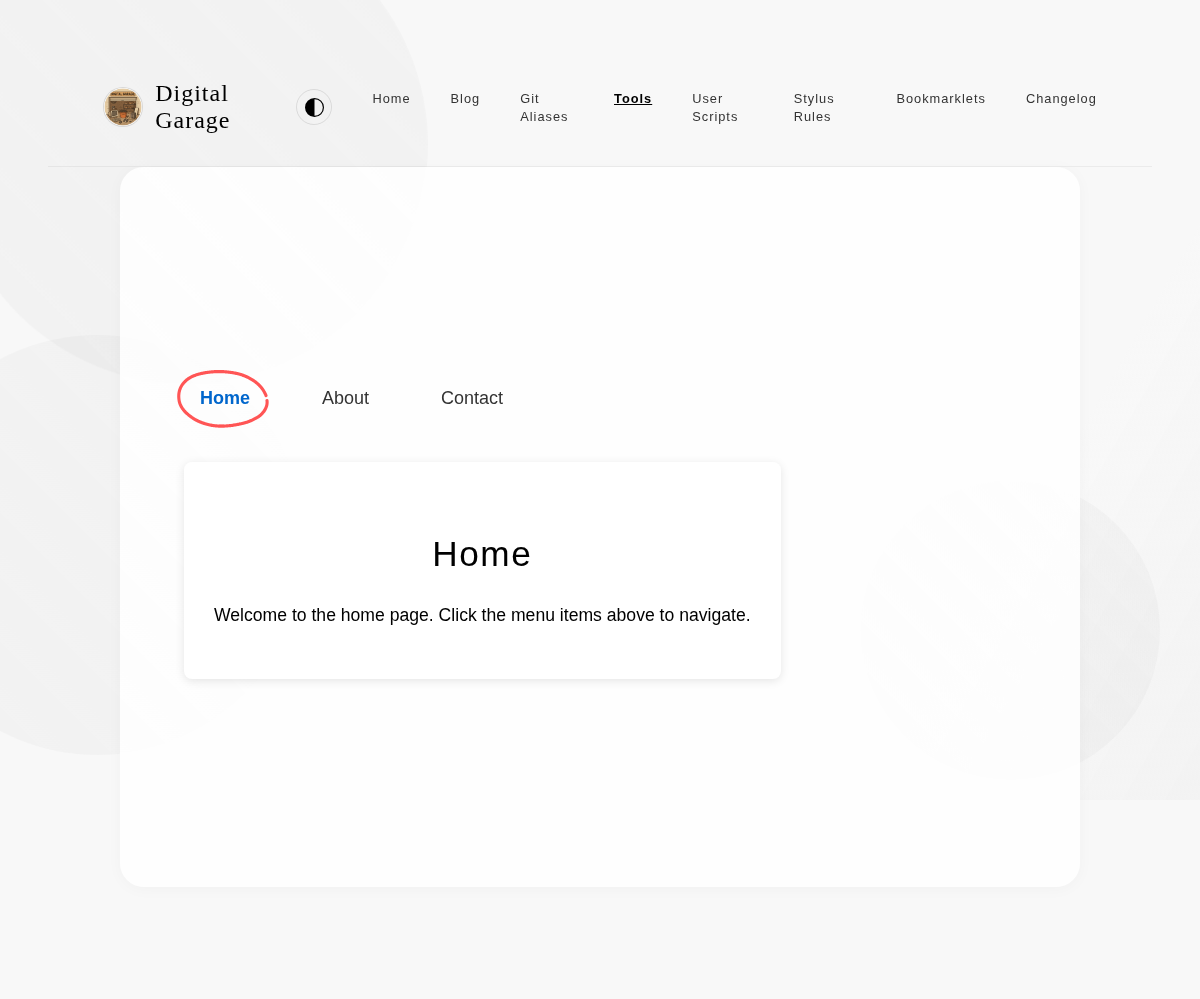
This is a UI component that showcases a navigation menu with a hand-drawn circle effect around the active link. It uses an SVG background image to create the irregular circle shape.
Open Navigation Menu with Hand-drawn Circle Effect →
Red to Green colour ranges
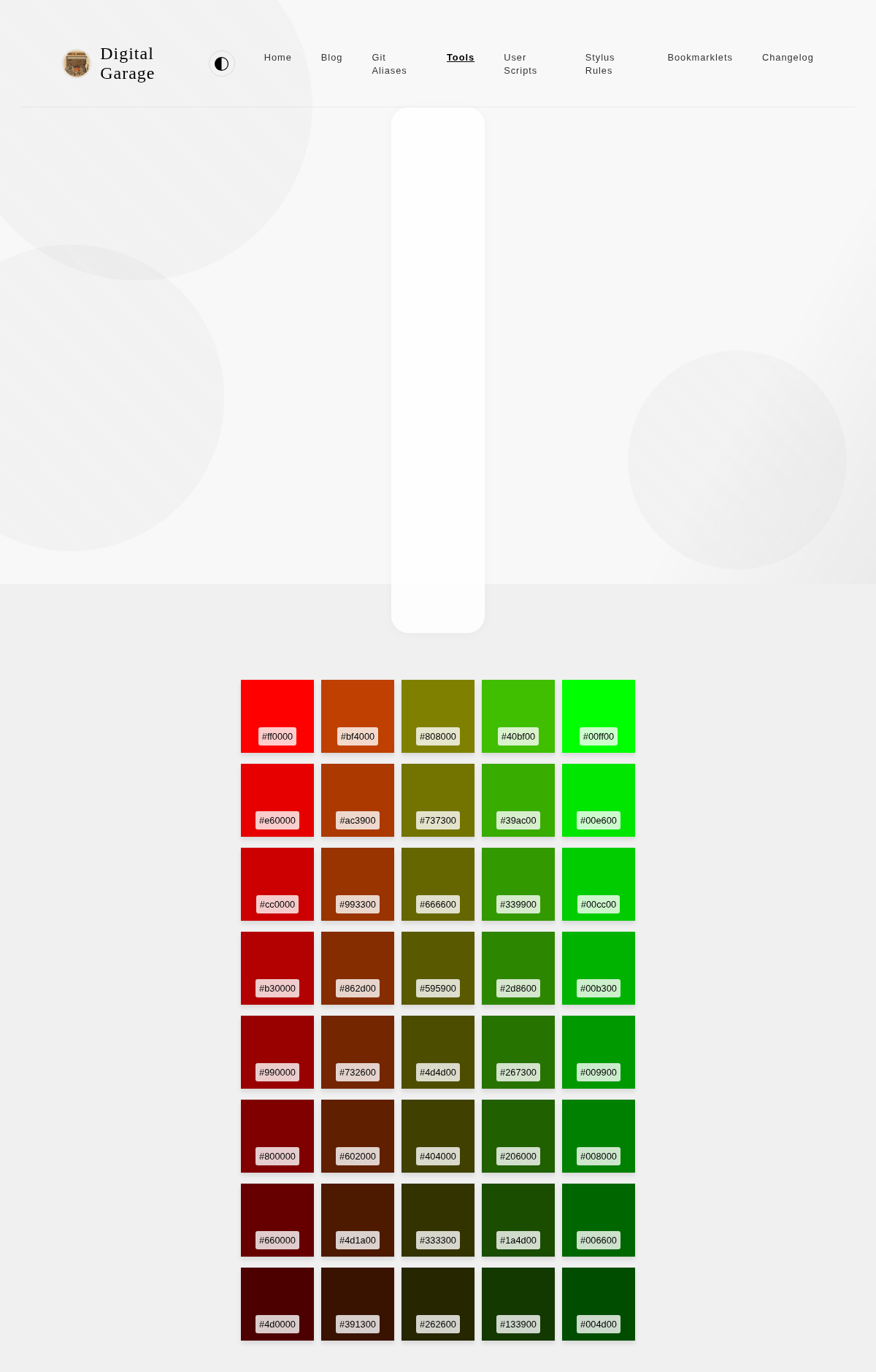
A while ago I wrote a simple application which involved picking a number from 1-5, where 1 is bad and 5 is good. I used CSS to select colours on a gradient between the CSS red and green values, but I was never very happy with how it looked. Only the 5 felt green to me, whereas 1-3 all seemed fairly red, so visually it felt skewed towards the bad.
I used Claude to generate different sequences of colours, all ranging from some sort of red to some sort of green. Once I was able to visualise the intermediate colours, I was easily able to pick 5 colours that I was happy with.